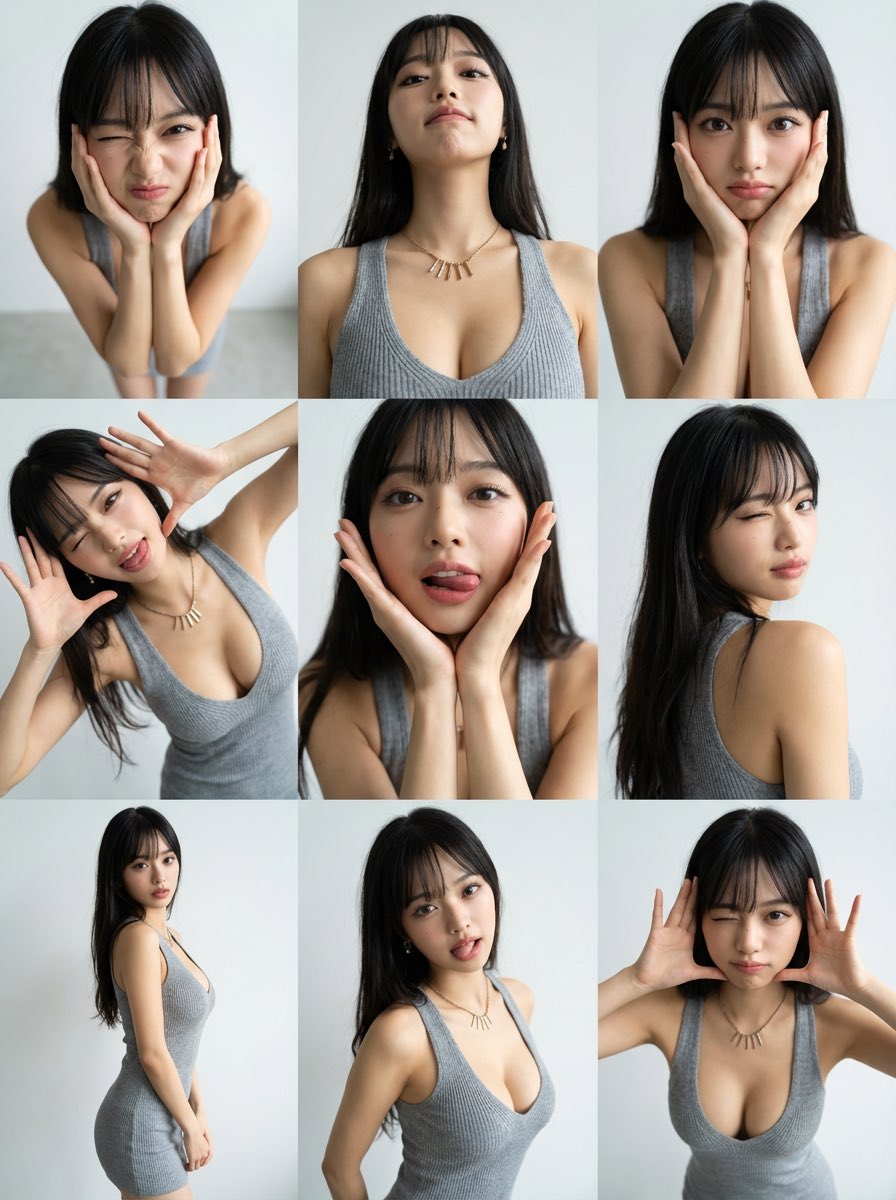
生成3×3照片网格照片
来源: @iX00AI
这条提示词生成的画面:生成3×3照片网格照片。
可以从提示词确定的画面信息:high angle。
可以改的一个变量:写实 look。
如何使用这条提示词
- 画面主体:生成3×3照片网格照片。
- 改一个变量:写实 look。
3 浏览 · 0 复制 · 0 收藏 · 0 讨论
0提示词
今日剩余 1 / 1 次免费复制
Generate a 3×3 photo grid.
Fully preserve the face, hairstyle, and outfit from the uploaded image in all panels.

The person should make a cute, funny, and slightly weird expression and pose, and the same expression & pose must be consistent across all 9 panels.

Each panel should use a different camera angle.
Use the following angles, in varied composition and framing:
1. High angle (top-down)
2. Low angle (from below)
3. Eye-level straight-on
4. Dutch angle (slightly tilted)
5. Close-up low angle
6. Over-the-shoulder angle
7. Wide shot from the side
8. 45-degree angle from the front
9. Slight bird’s-eye angle

Style Requirements:
•Photorealistic, clean lighting
•Real camera lens rendering
•No illustration or cartoon look
•Same outfit, face, and hairstyle across all images
•The pose and expression stay identical across the grid
•Modern, minimal aesthetic
相似提示词

Illustration Art Style Creation
{ "type": "2x2 grid of banner advertisements", "theme": "{argument name=\"main theme\" default=\"SNSスクール\"} for {argument name=\"target
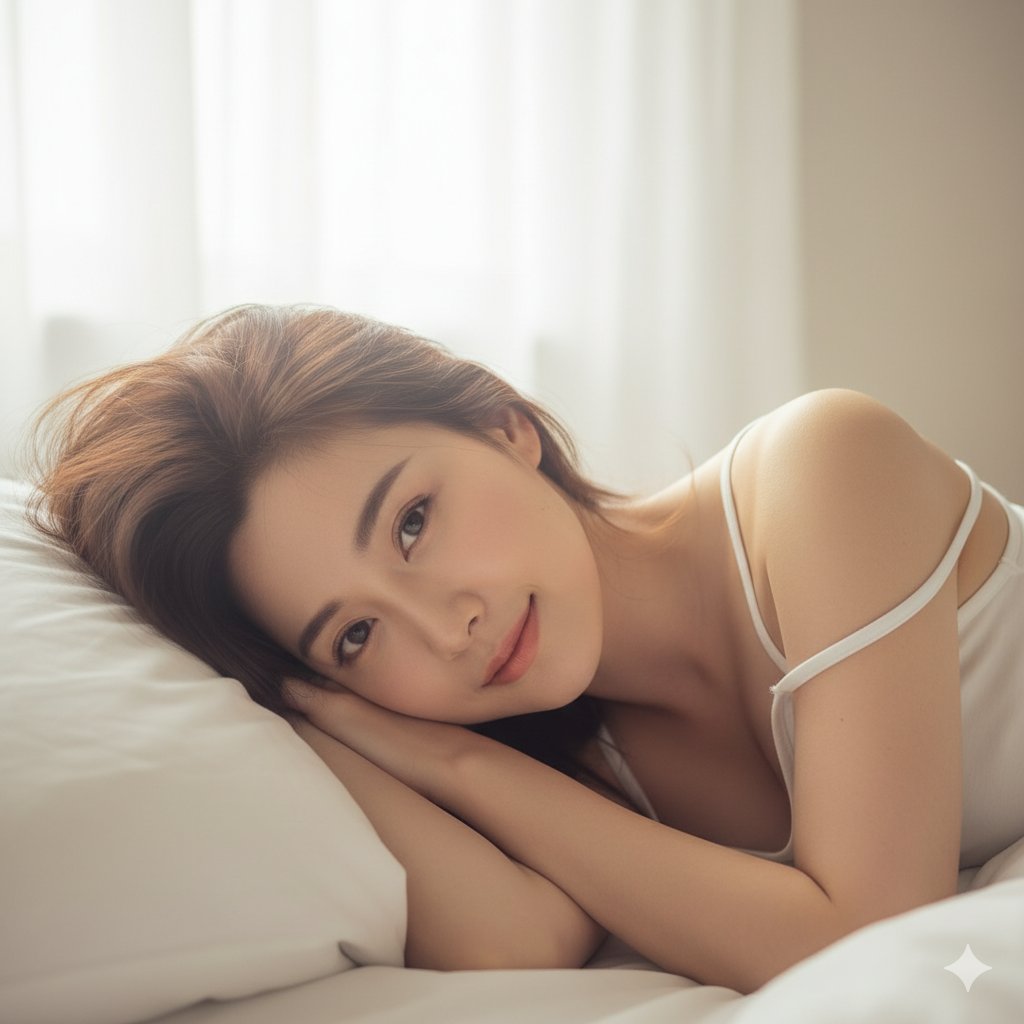
Sleepy Girl on a White Pillow
{ "scene": { "location": "Bedroom, in bed", "background": "White pillows and soft, rumpled bedsheets, soft morning light" }, "subject": {
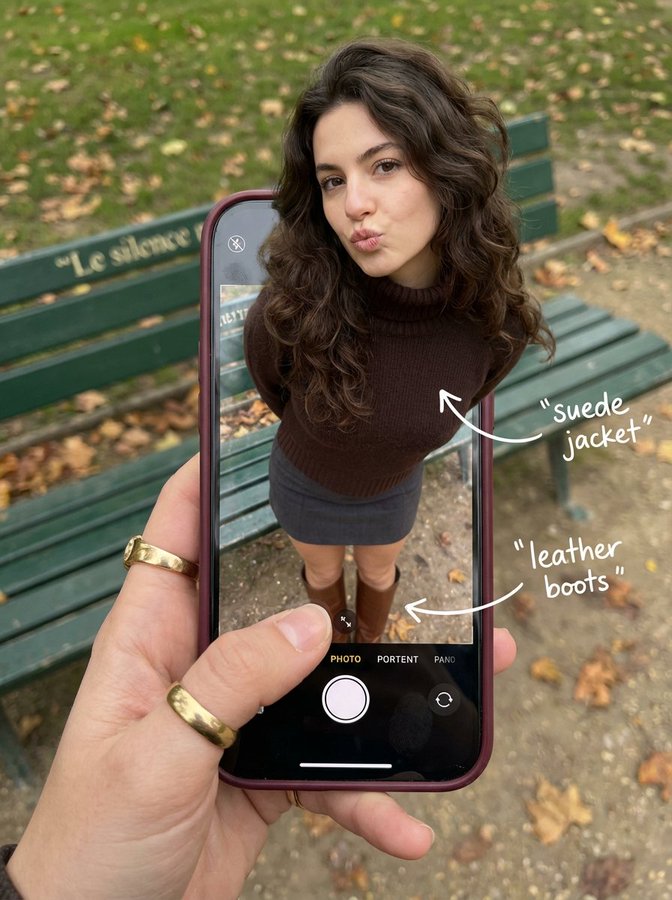
A Woman is Walking Out of Her Phone Screen
{ "subject": { "description": "A hyper-realistic optical illusion photograph.
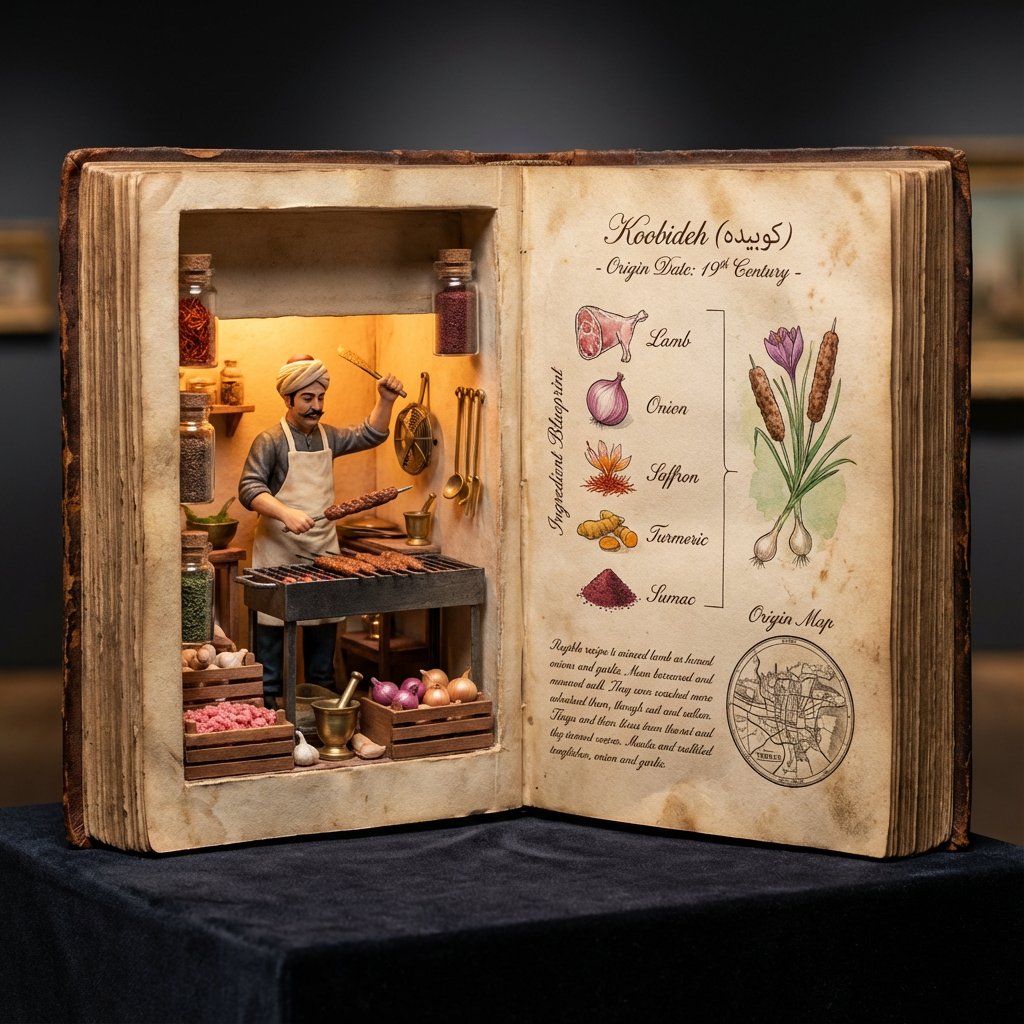
Museum Specimen Photography
<指令> 输入A:用户上传图片或分享菜品名称。 逻辑推理:确定历史上的发明者(例如,拉斐尔·埃斯波西托或亨利·夏庞蒂埃)以及确切的发明年份。 任务:拍摄一张超写实的 4:5 微距照片,照片内容为一本超大尺寸的、打开的古董烹饪手抄本,放置在深色天鹅绒博物馆底座上。
![An expert architectural illustrator's presentation board for a [STYLE] residence featuring [KEY ARCHITECTURAL ELEMENTS].](https://pub-b989f47f555e445089c453fa46311edf.r2.dev/prompts/2026/08/d5d9f541-3904-4012-898b-b9d40b663c20.webp)
Presentation Board Made for a Residence by an Architectural Illustrator
An expert architectural illustrator's presentation board for a [STYLE] residence featuring [KEY ARCHITECTURAL ELEMENTS].

AI Photo Generation Guide
1. Open Gemini / Grok / GPT Image 2.0 2. Upload your photo 3. Copy the prompt 4. Generate 5. Prompt ⤵️ https://t.co/ufvHABxbuM

Depth in Image Generation
🤯 Images 2.5 is so good at building depth!

AI Sticker-Cutout Photo Effect
How to get this viral sticker-cutout photo effect with AI GPT image 2 on chatgpt Prompt👇 https://t.co/Re6oPaU3zv

Photo made of words
Your photo, but made entirely from words 🤯👇 ① Open Gemini / Grok / GPT Image 2.0 ② Add your photo ③ Paste the prompt ④ Generate.

Photo to Hand-Drawn Art
Turn your photo into a hand-drawn masterpiece ✍️🖤 ① Upload your photo ② Copy this prompt ③ Generate ④ Done.

Rubber Stamp Travel Field Notes Poster
GPT image 2 on chatgpt Prompt👇 Please create a separate "Rubber Stamp Travel Field Notes Poster" for each photo I upload, outputting each

Event Photo Synthesis Illustration
Generate a single illustration based on the school trip photos.