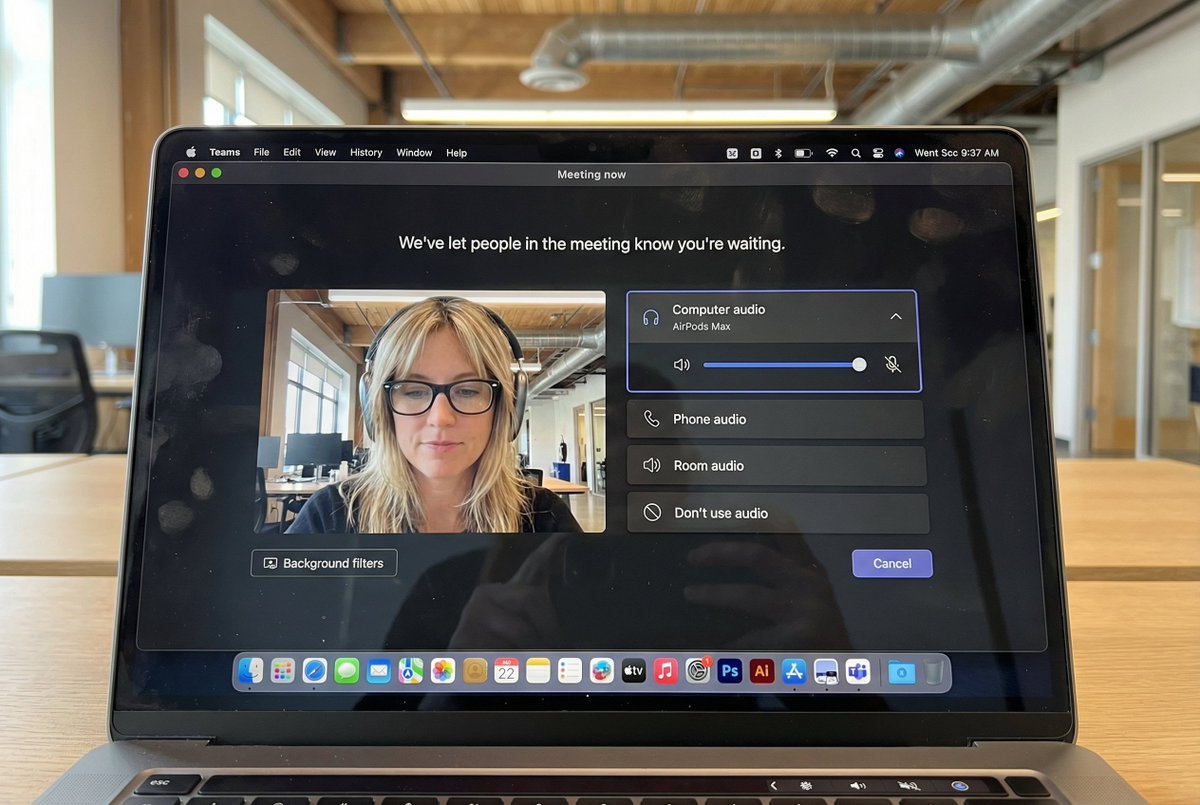
超逼真的Macbook屏幕视频会议图
来源: @egeberkina
这条提示词生成的画面:超逼真的Macbook屏幕视频会议图。
可以改的一个变量:写实 look。
如何使用这条提示词
- 画面主体:超逼真的Macbook屏幕视频会议图。
- 改一个变量:写实 look。
0 浏览 · 0 复制 · 0 收藏 · 0 讨论
0提示词
今日剩余 1 / 1 次免费复制
{
  "task": "hyper_realistic_macbook_screen_photography",
  "reference_logic": "exact_microsoft_teams_waiting_room_ui_macos",
  "output": {
    "type": "single_image",
    "resolution": "ultra_high_resolution_8k",
    "realism": "indistinguishable_from_real_laptop_photo",
    "capture_style": "iphone_photo_of_macbook_screen",
    "post_processing": "none"
  },
  "scene": {
    "application": "Microsoft Teams",
    "platform": "macOS",
    "ui_state": "meeting_waiting_room",
    "top_status_text": "Meeting now",
    "center_message": "We've let people in the meeting know you're waiting.",
    "background": "pure_black_dark_mode"
  },
  "ui_layout": {
    "left_panel": {
      "video_preview": {
        "position": "bottom_left",
        "aspect_ratio": "landscape",
        "camera_toggle": "on",
        "background_filters_button": "visible_below_preview"
      }
    },
    "right_panel": {
      "audio_section": {
        "title": "Computer audio",
        "selected_device": "AirPods Max",
        "volume_slider": "horizontal_blue_indicator",
        "mute_toggle": "off"
      },
      "audio_options": [
        "Phone audio",
        "Room audio",
        "Don't use audio"
      ],
      "cancel_button": {
        "label": "Cancel",
        "position": "bottom_right",
        "style": "rounded_rectangle"
      }
    }
  },
  "subject": {
    "gender": "female",
    "hair": {
      "color": "natural_blonde",
      "style": "soft_bangs_with_loose_layers",
      "texture": "individual_strands_visible"
    },
    "face": {
      "skin": "true_human_skin_texture",
      "details": "visible_pores_micro_imperfections",
      "retouching": "none"
    },
    "eyewear": {
      "brand": "Ray-Ban",
      "model": "Wayfarer",
      "type": "prescription_glasses",
      "frame_color": "black",
      "lens_reflection": "subtle_real_world_glare"
    },
    "headphones": {
      "model": "AirPods Max",
      "color": "space_gray",
      "fit": "natural_over_ear_position"
    },
    "clothing": {
      "top": "neutral_crop_top",
      "style": "casual_minimal"
    },
    "expression": "calm_focused_waiting",
    "gaze": "slightly_downward"
  },
  "environment": {
    "background": "modern_open_office",
    "ceiling": "exposed_industrial_ducts",
    "lighting": {
      "type": "soft_natural_daylight",
      "mixed_with": "indoor_office_lighting",
      "temperature": "5200K"
    }
  },
  "screen_reflection": {
    "enabled": true,
    "source": "same_subject_as_video_preview",
    "reflection_type": "soft_glass_reflection",
    "intensity": "very_subtle",
    "opacity": 0.05,
    "sharpness": "low",
    "distortion": "slight_glass_warp",
    "positioning": "offset_not_centered",
    "visibility_rules": {
      "ui_text": "fully_readable",
      "icons": "unobstructed",
      "reflection_never_overpowers_ui": true
    },
    "realism_notes": [
      "not_mirror_like",
      "not_double_face",
      "no_symmetry",
      "appears_only_on_dark_areas"
    ]
  },
  "macos_elements": {
    "dock": {
      "visible": true,
      "style": "macos_default_big_sur_or_later",
      "reflection": "subtle",
      "indicator_dot": "visible_under_active_apps",
      "icons": [
        "Finder",
        "Mail",
        "Calendar",
        "Microsoft Teams",
        "Adobe Illustrator",
        "Adobe InDesign",
        "Adobe After Effects",
        "Adobe Lightroom",
        "Adobe Photoshop",
        "Adobe Premiere Pro",
        "App Store",
        "System Settings"
      ]
    },
    "menu_bar": {
      "visibility": "partial_top_edge",
      "elements": [
        "WiFi",
        "Battery",
        "Time",
        "macOS_control_icons"
      ]
    }
  },
  "camera": {
    "device": "iPhone",
    "angle": "slightly_off_axis",
    "handheld": true,
    "screen_artifacts": [
      "soft_glass_reflection",
      "minor_glare",
      "fingerprint_smudges",
      "dust_particles",
      "moire_pattern"
    ]
  },
  "color_profile": {
    "contrast": "natural_display_contrast",
    "saturation": "neutral_realistic",
    "white_balance": "accurate_screen_calibrated"
  },
  "negative_prompt": [
    "generic_video_call_ui",
    "zoom_interface",
    "google_meet_ui",
    "fake_buttons",
    "wrong_fonts",
    "misaligned_panels",
    "ai_generated_ui",
    "blurred_text",
    "plastic_skin",
    "over_sharpening",
    "mirror_reflection",
    "double_face",
    "incorrect_dock_icons"
  ]
相似提示词

3D Pop-up Parents Day Card
3D 노트 위 꽃이 입체적으로 피어나는 장면, 첨부된 사진의 미니 캐릭터들이 물주고 가꾸는 모습, {argument name="날씨" default="따뜻한 5월 햇살"}, 캐리커처 스타일, 밝고 사랑스러운 분위기, 실제 꽃처럼 디테일하게,

Chibi Scrapbook Photo Transformation
remove the people around the main character, Add multiple small, cute chibi-style “mini versions” of her around the image.

Illustration Art Style Creation
{ "type": "2x2 grid of banner advertisements", "theme": "{argument name=\"main theme\" default=\"SNSスクール\"} for {argument name=\"target

Sleepy Girl on a White Pillow
{ "scene": { "location": "Bedroom, in bed", "background": "White pillows and soft, rumpled bedsheets, soft morning light" }, "subject": {
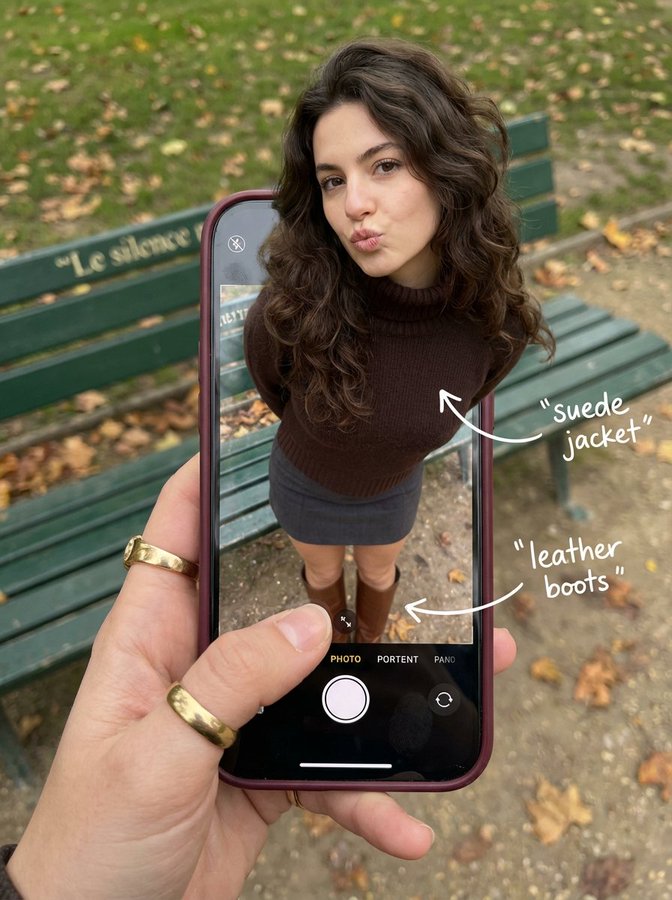
A Woman is Walking Out of Her Phone Screen
{ "subject": { "description": "A hyper-realistic optical illusion photograph.
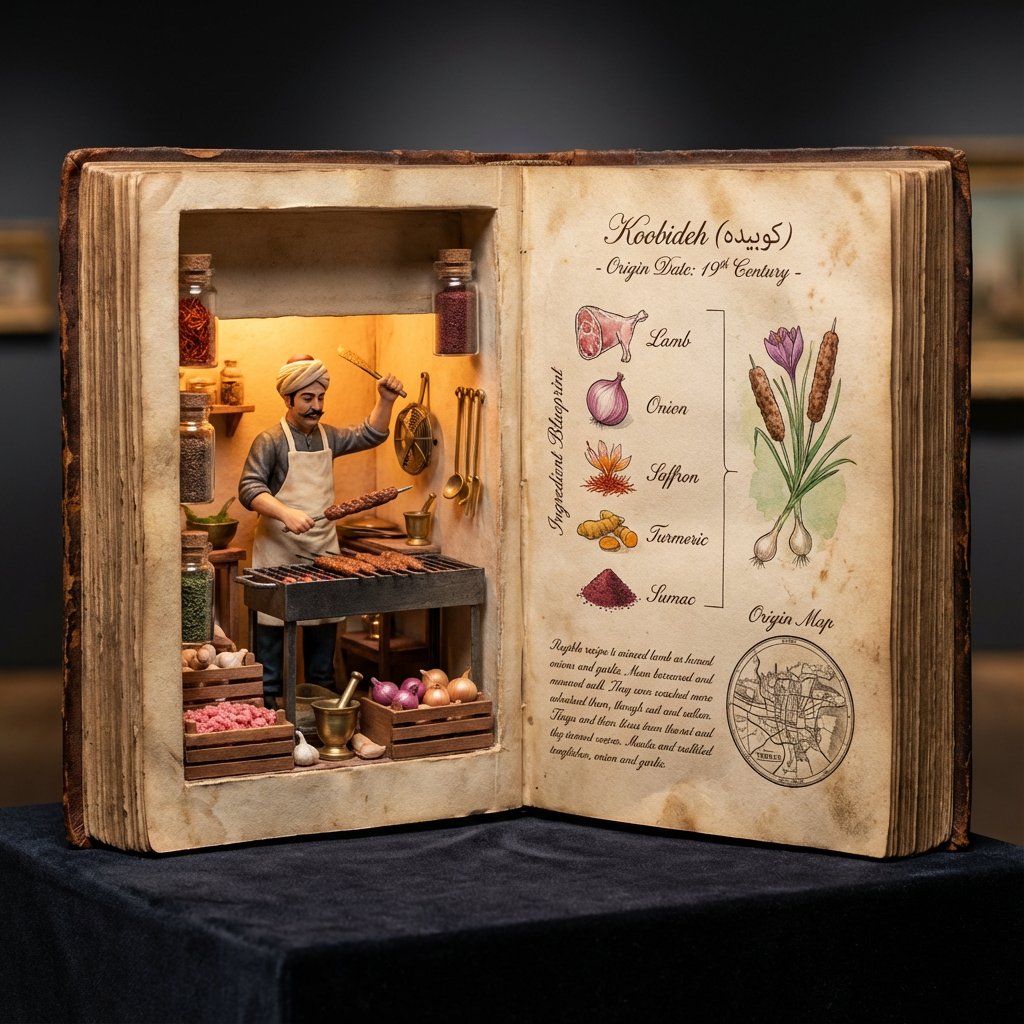
Museum Specimen Photography
<指令> 输入A:用户上传图片或分享菜品名称。 逻辑推理:确定历史上的发明者(例如,拉斐尔·埃斯波西托或亨利·夏庞蒂埃)以及确切的发明年份。 任务:拍摄一张超写实的 4:5 微距照片,照片内容为一本超大尺寸的、打开的古董烹饪手抄本,放置在深色天鹅绒博物馆底座上。
![An expert architectural illustrator's presentation board for a [STYLE] residence featuring [KEY ARCHITECTURAL ELEMENTS].](https://pub-b989f47f555e445089c453fa46311edf.r2.dev/prompts/2026/08/d5d9f541-3904-4012-898b-b9d40b663c20.webp)
Presentation Board Made for a Residence by an Architectural Illustrator
An expert architectural illustrator's presentation board for a [STYLE] residence featuring [KEY ARCHITECTURAL ELEMENTS].
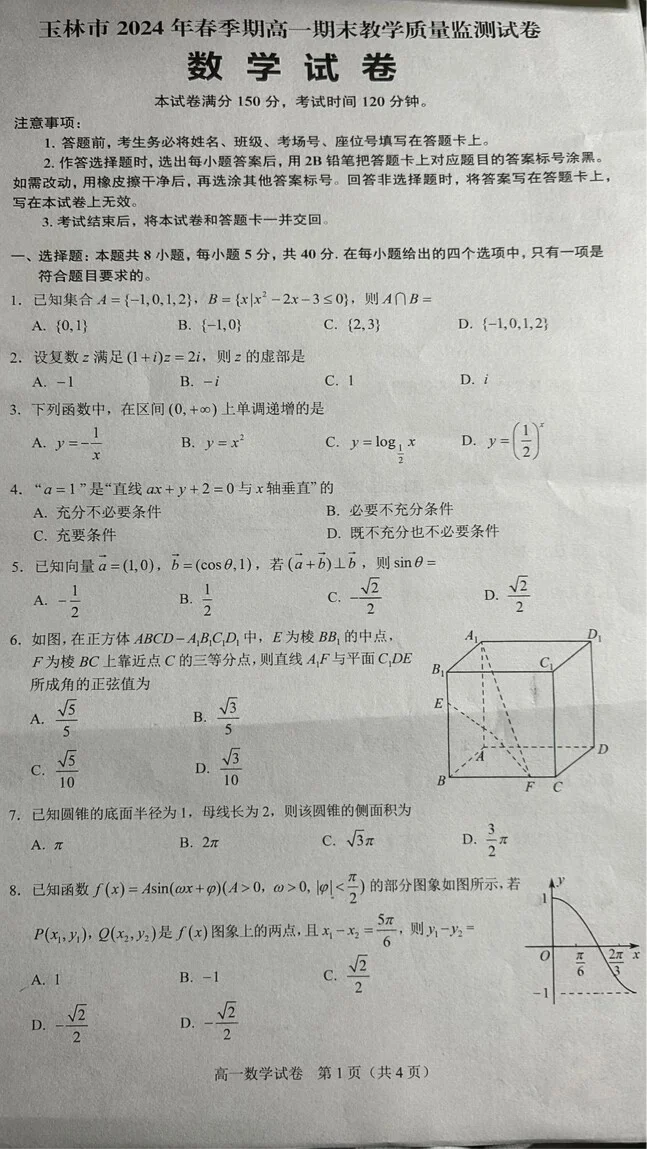
Infographic Visualization Design
A realistic photo of a Chinese high school math exam paper, printed inblack and white on slightly gray paper, titled “数学试卷”, with
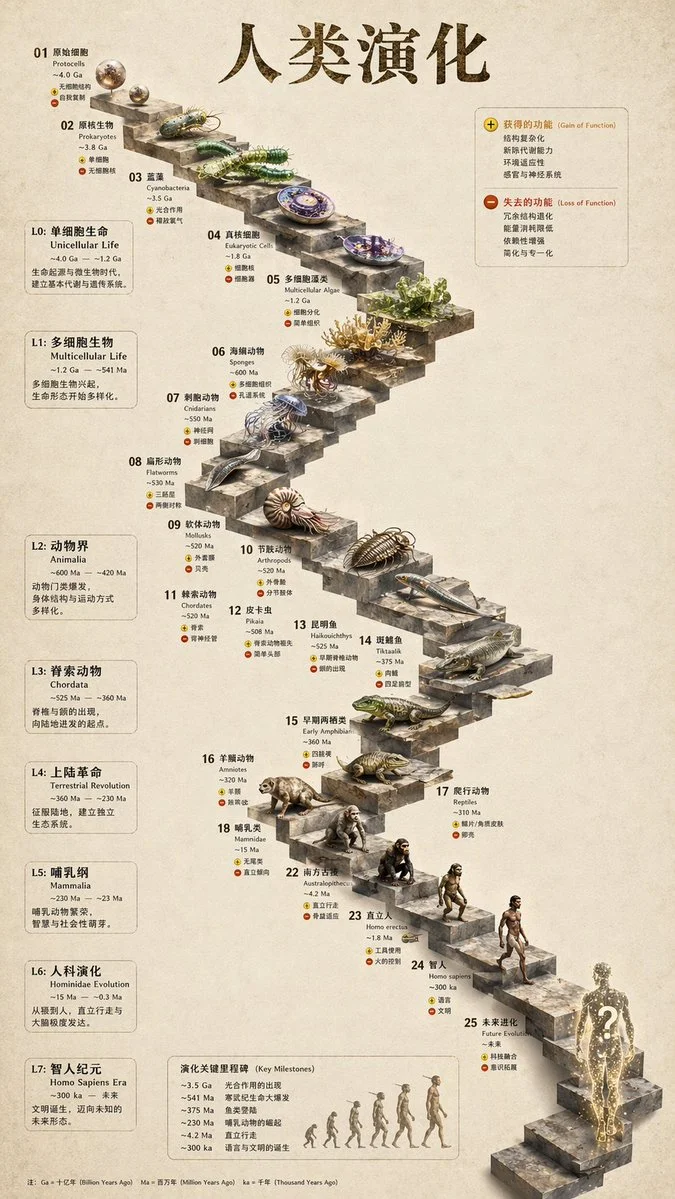
Infographic Visualization Design
{ "type": "evolutionary timeline infographic", "instruction": "Using REFERENCE_0 as a structural base, transform the flat vector design
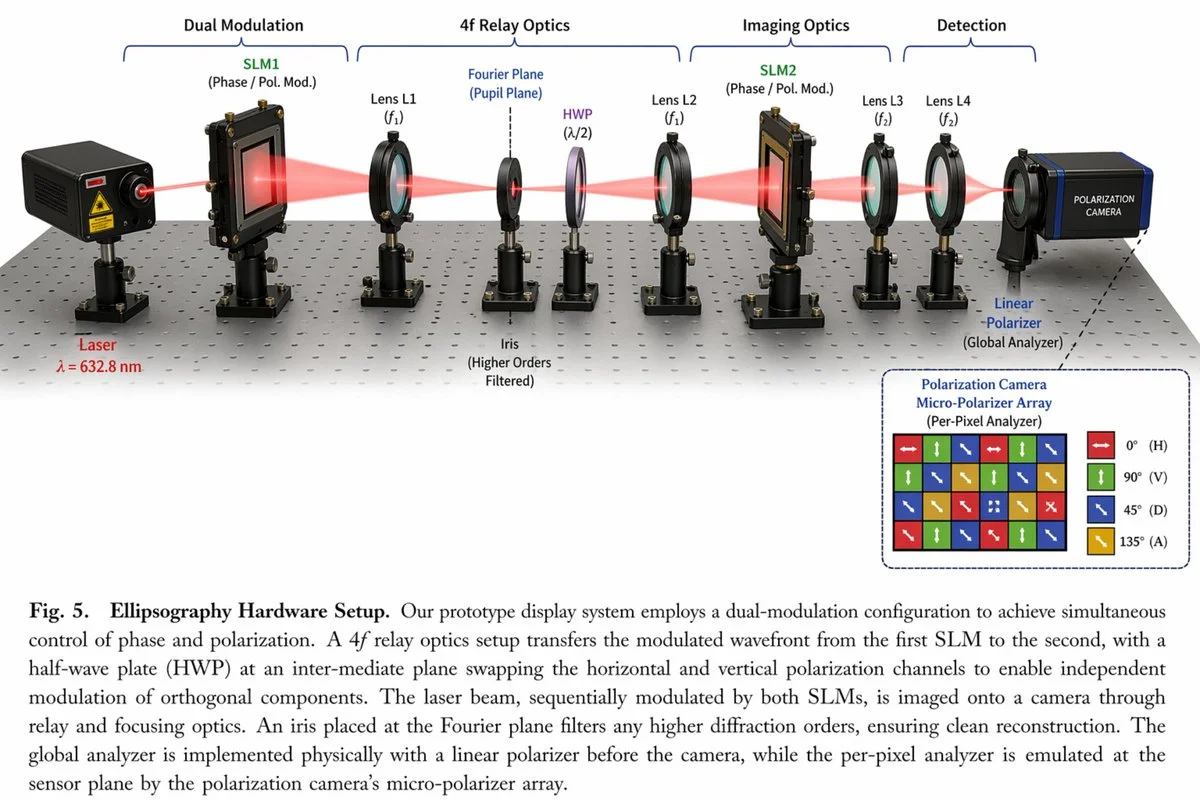
Realistic Photography Style Image
{ "type": "scientific hardware diagram", "layout": { "main_scene": "3D render of an optical table with a red laser beam passing through 11
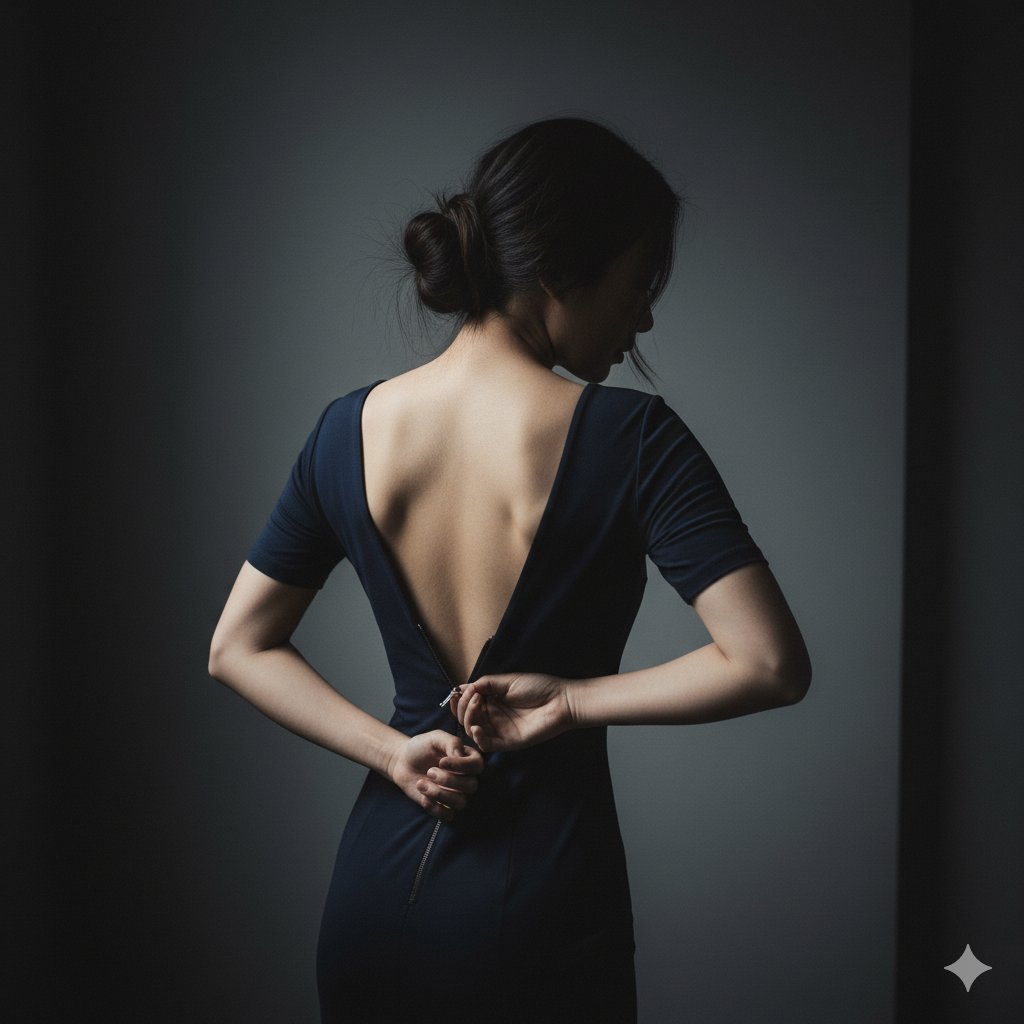
Girl Changing Clothes
{ "scene": { "location": "A minimalist, dark bedroom or dressing room", "background": "A simple, dark grey wall, out of focus" },
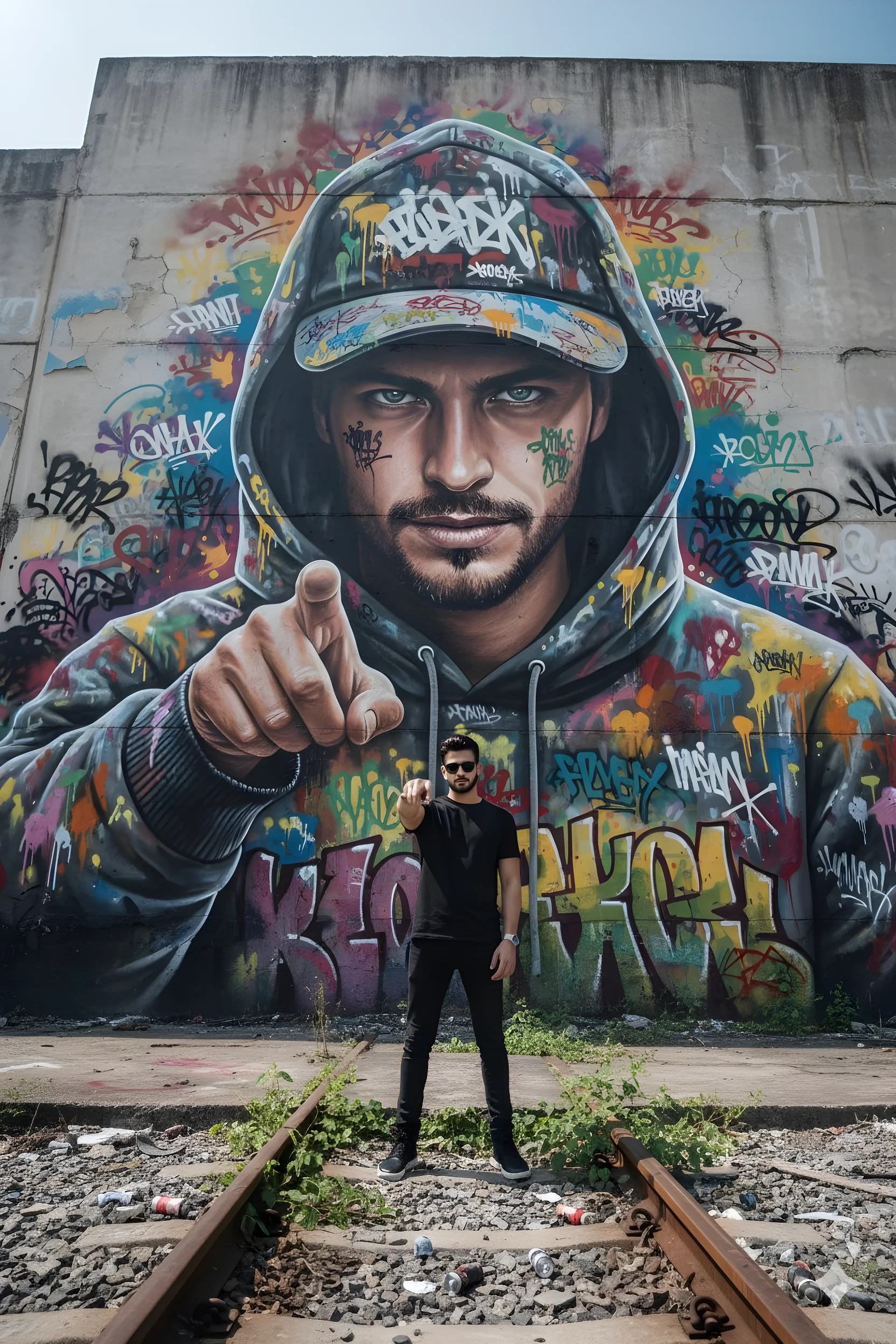
Hyper-Realistic Graffiti Breakthrough
hyper-realistic photo, 8k, low-angle wide lens, looking up at massive concrete graffiti wall, derelict train yard, urban Surabaya