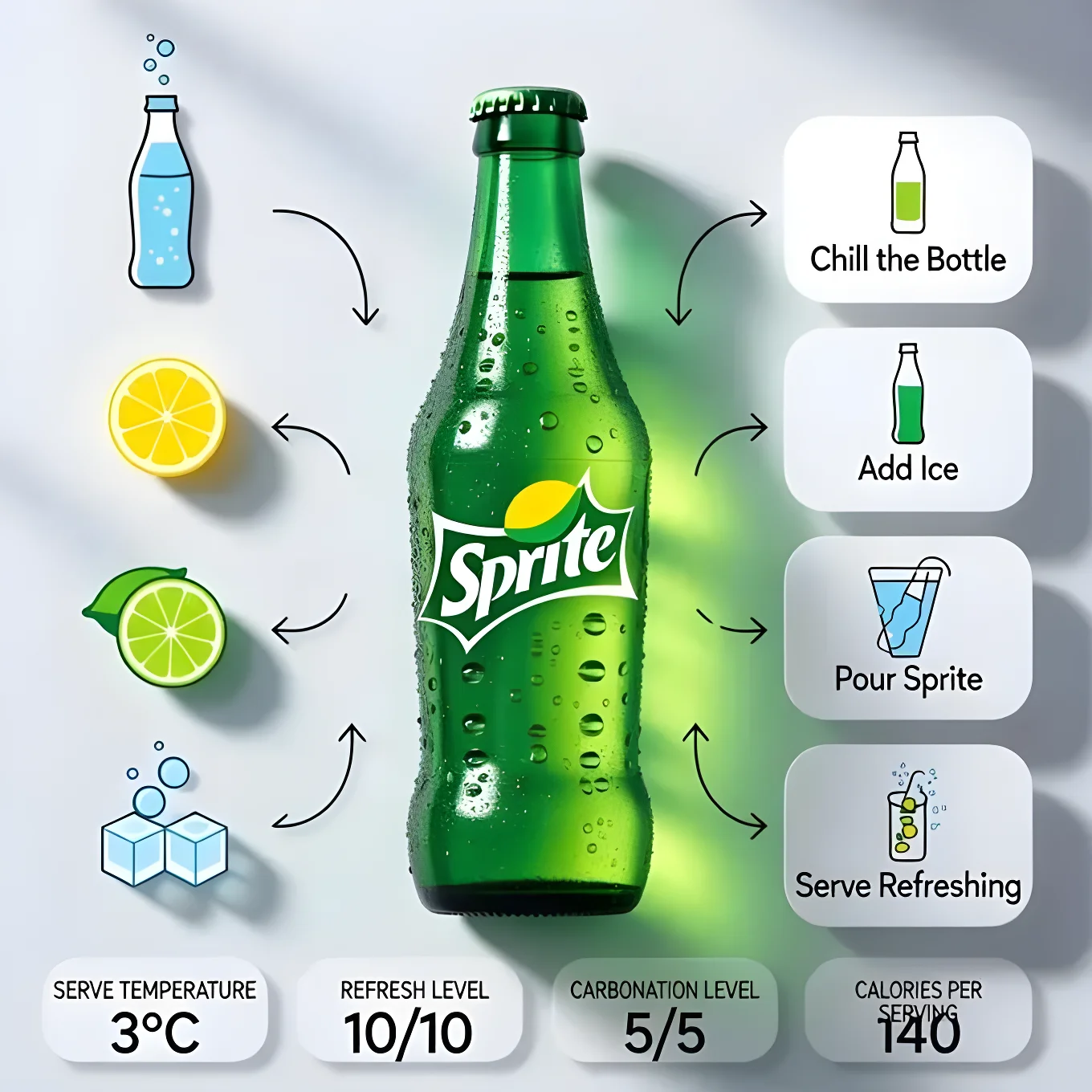
Chilled Sprite Infographic
Source: @Strength04_X
This prompt generates Chilled Sprite Infographic.
The prompt specifies soft light.
One variable you can change is soft light.
How to use this prompt
- Subject: Product.
- Change soft light.
0 views · 0 copies · 0 favorites · 0 discussing
0Prompt
1 of 1 free copies left today
A modern, clean product infographic featuring a chilled Sprite bottle at the center of the composition. The bottle stands upright on a minimal surface, covered with icy condensation droplets and light frost. The iconic green Sprite label is bright, fresh, and vibrant. Crisp lemon-lime tones dominate the scene. Background is soft light grey with subtle gradients and soft shadows, giving a refreshing, premium commercial look. Surrounding the central Sprite bottle are neatly arranged ingredient and element icons in a minimal flat-illustration style: carbonated water, lemon slice, lime slice, ice cubes, bubbles, and glass bottle icon. Thin curved arrows flow from each icon toward the bottle. On the right side, rounded white step cards with soft shadows display the process: 1. Chill the Bottle 2. Add Ice 3. Pour Sprite 4. Serve Refreshing. At the bottom corner, minimal infographic badges show: serve temperature, refresh level, carbonation level, calories per serving, and serving size. Minimal UI design, modern typography, balanced spacing, high-end beverage advertising style, photorealistic bottle texture, glossy highlights, ultra-high resolution, editorial soda infographic. Aspect Ratio: 1:1, Image Size: 1080 × 1080 pixels
Similar prompts
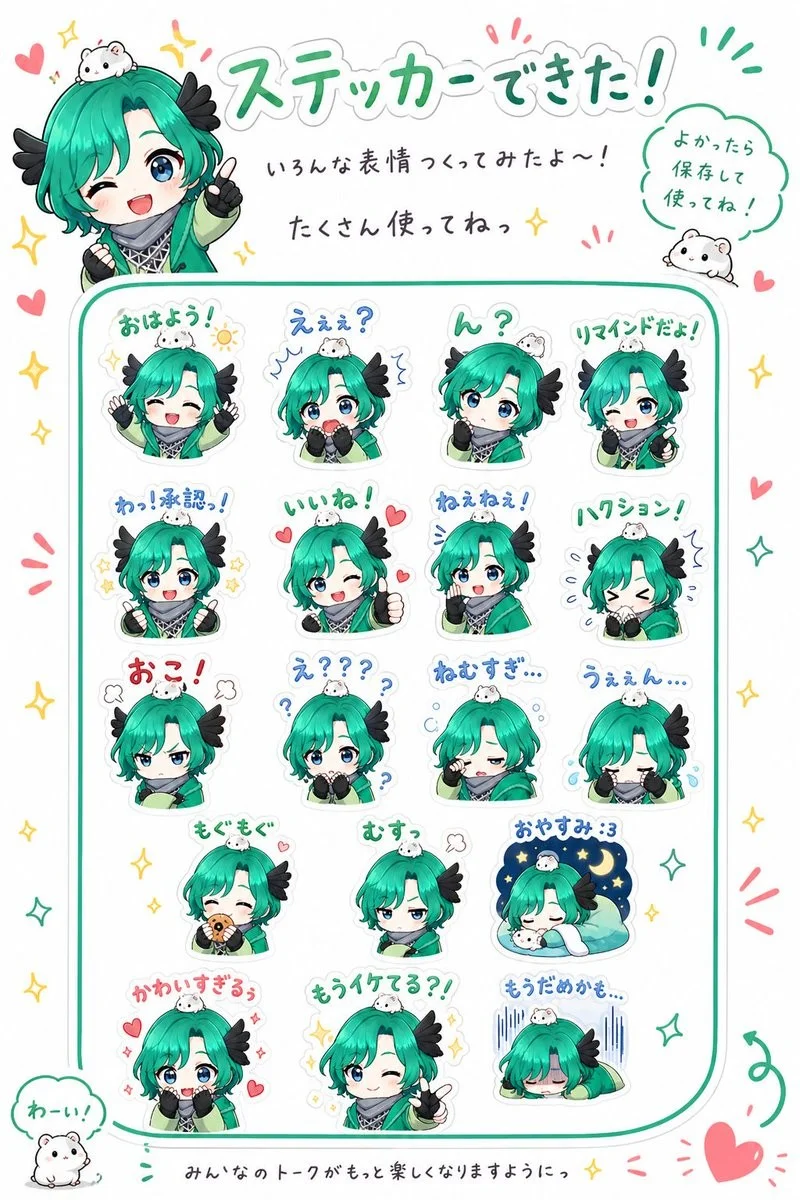
Chibi Character Sticker Sheet Ad
{"type":"promotional chibi sticker sheet poster","style":"cute Japanese LINE sticker advertisement, bright clean white background, soft
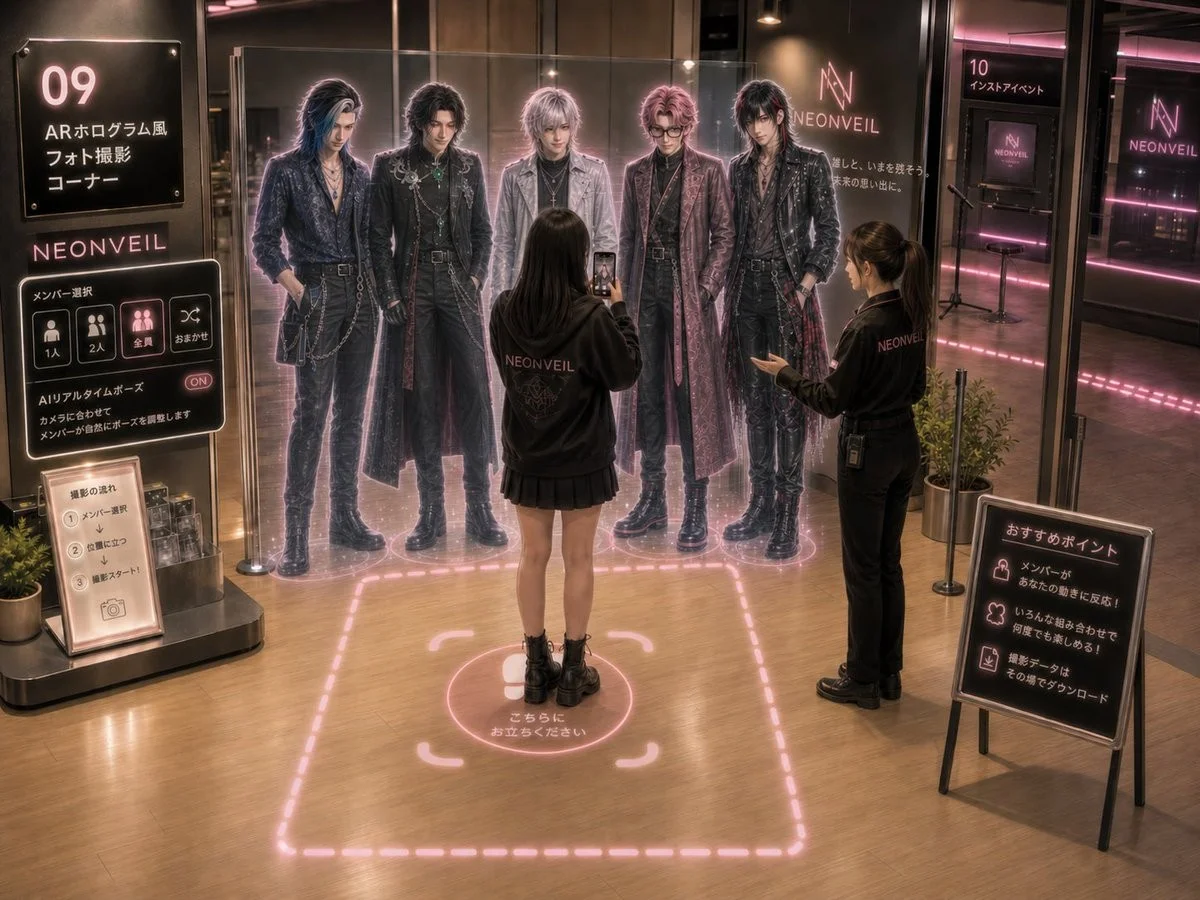
NEONVEIL AR Photo Zone
{"type":"cinematic concept art of a futuristic idol group AR photo zone inside a permanent pop-up shop","brand":"{argument name=\"brand
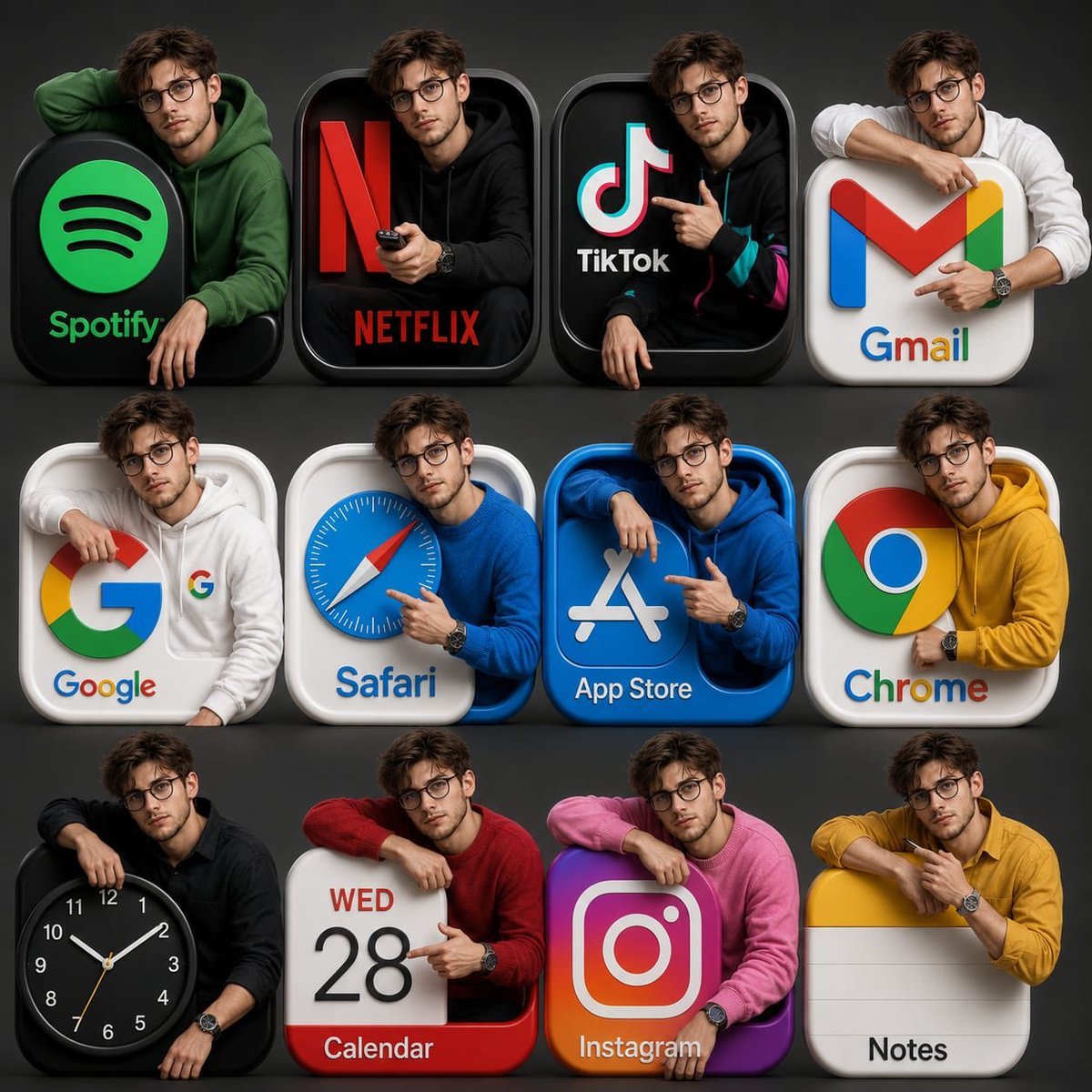
3D App Icon Collage
Gpt image 2.0 on chatGPT Prompt: > Ultra-realistic 3D app icon collage featuring the same handsome young South Asian man emerging from
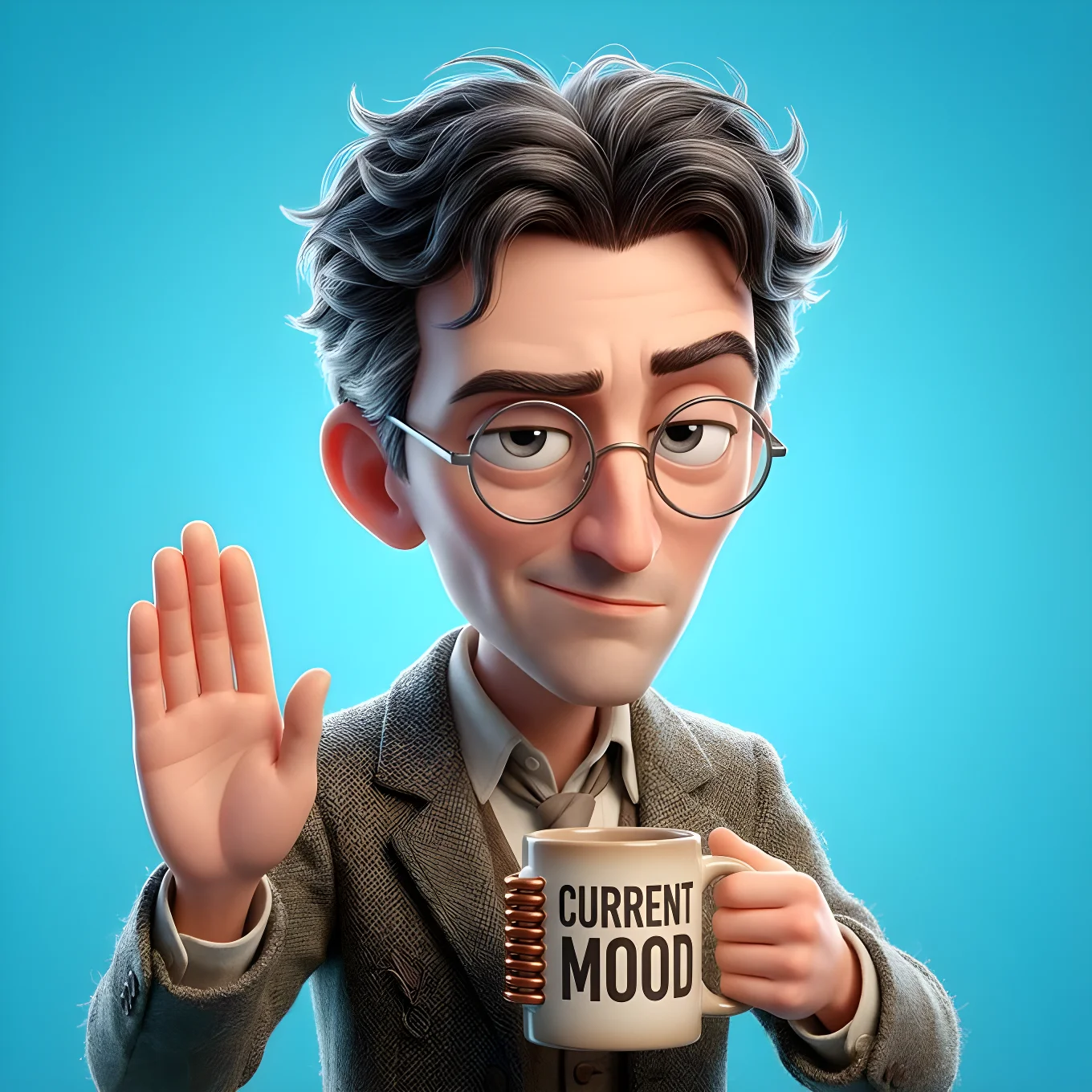
Hype Cute 3D Avatar
Input A is a Character Persona or Archetype (e.g., Tired Student, Sassy Influencer, Grumpy Dad, Cool Gamer).
![Tiny cute isometric [CHARACTER or PRODUCT], soft lighting, soft pastel colors, 3d icon clay render, substance 3d, pastel background](https://pub-b989f47f555e445089c453fa46311edf.r2.dev/prompts/2026/08/1a9c3040-d24e-4ab8-87ca-7fa6c0347aec.webp)
Small and cute isometric view
Tiny cute isometric [CHARACTER or PRODUCT], soft lighting, soft pastel colors, 3d icon clay render, substance 3d, pastel background
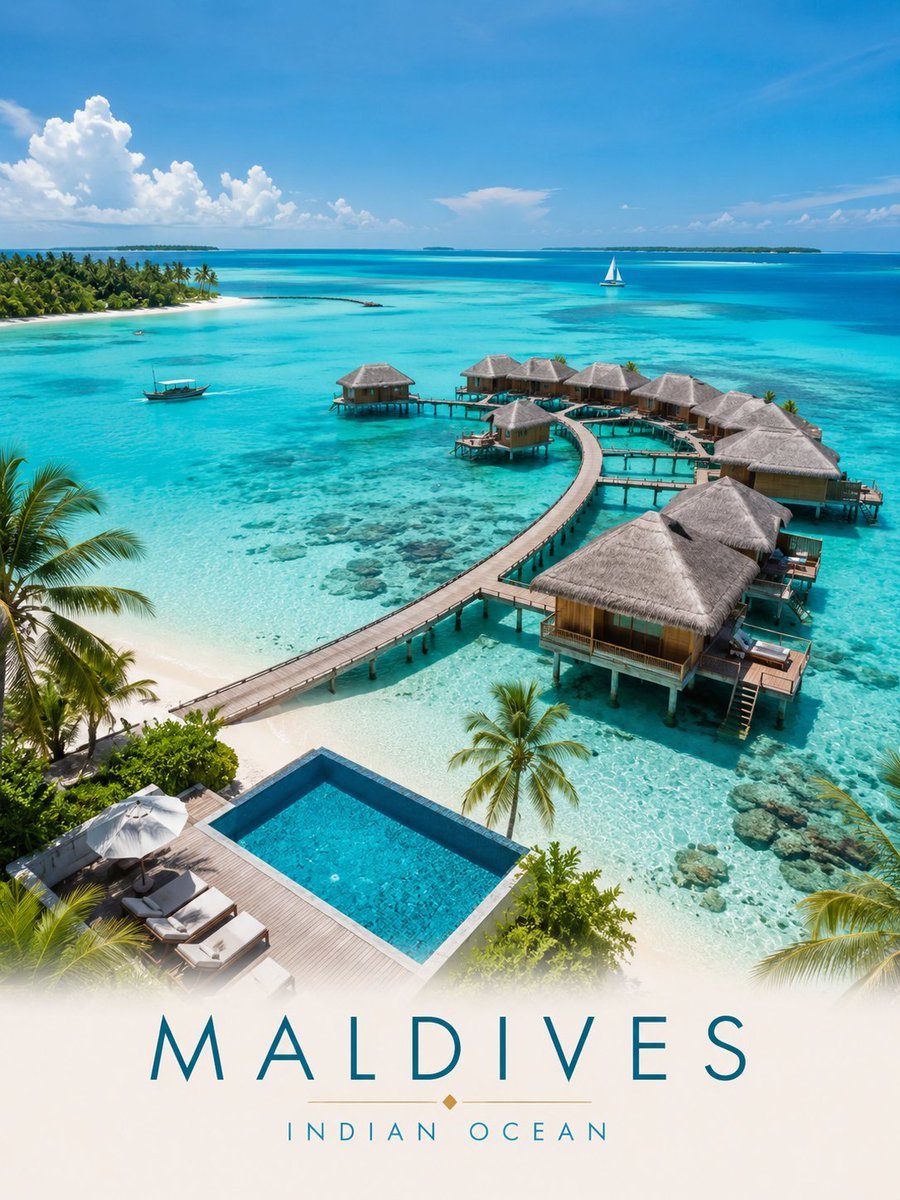
Maldives Luxury Travel Poster
Created with GPT Image 2.0 on ChatGPT Prompt: Ultra-detailed luxury travel poster of the Maldives, captured from a breathtaking aerial
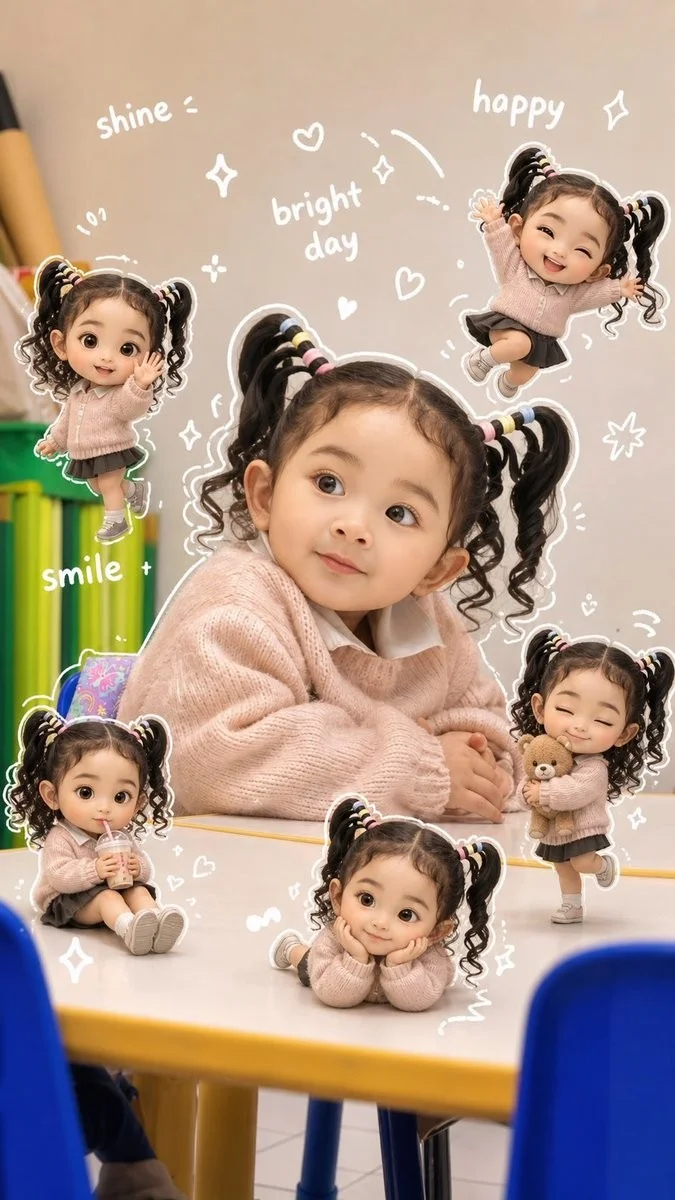
3D Chibi Doodle Portrait
Use the original face from the reference photo.
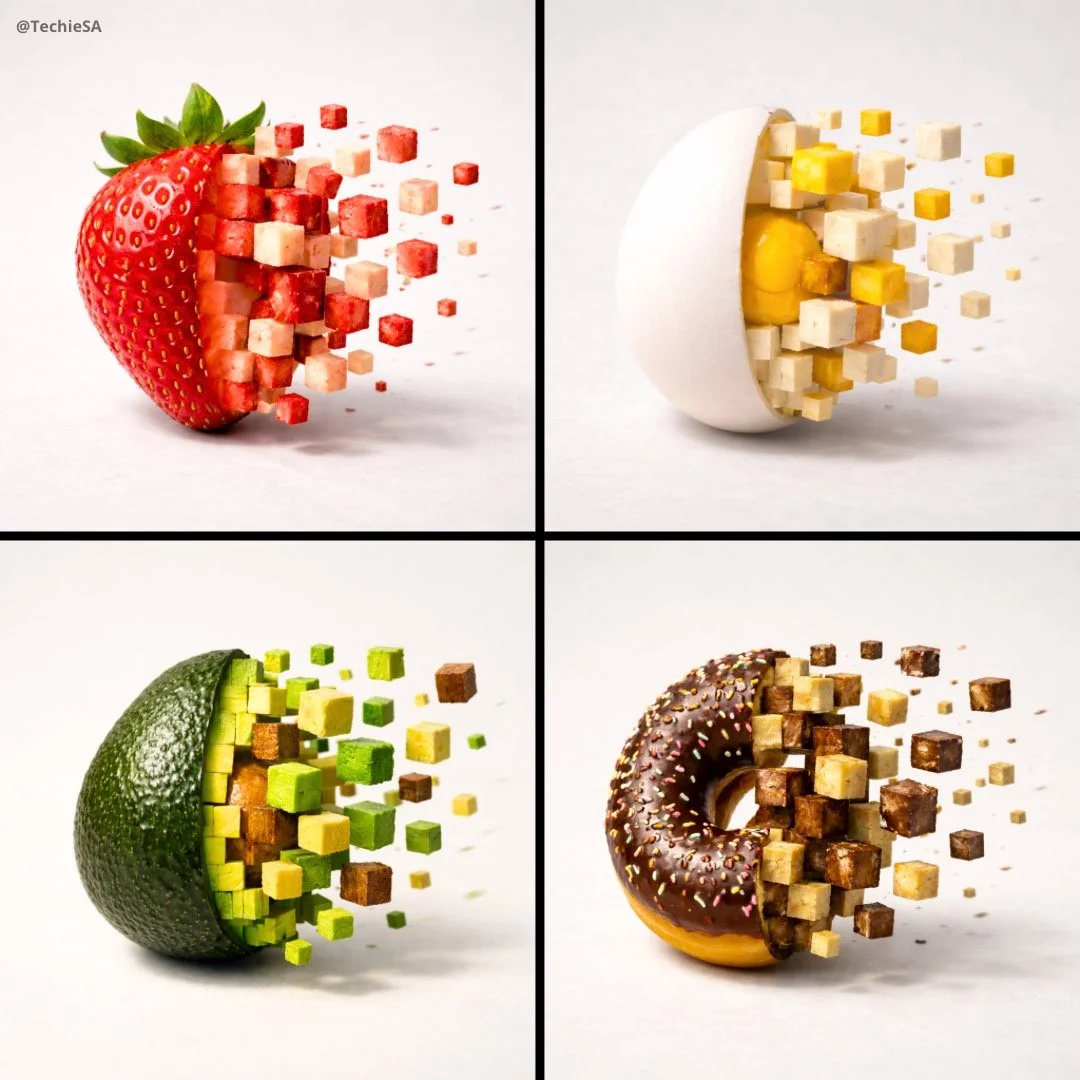
E-commerce Main Image - 3D Pixel Food Disintegration
A minimalist food photograph featuring a single apple on a clean matte white surface, caught mid-transformation into a 3D pixel art style.
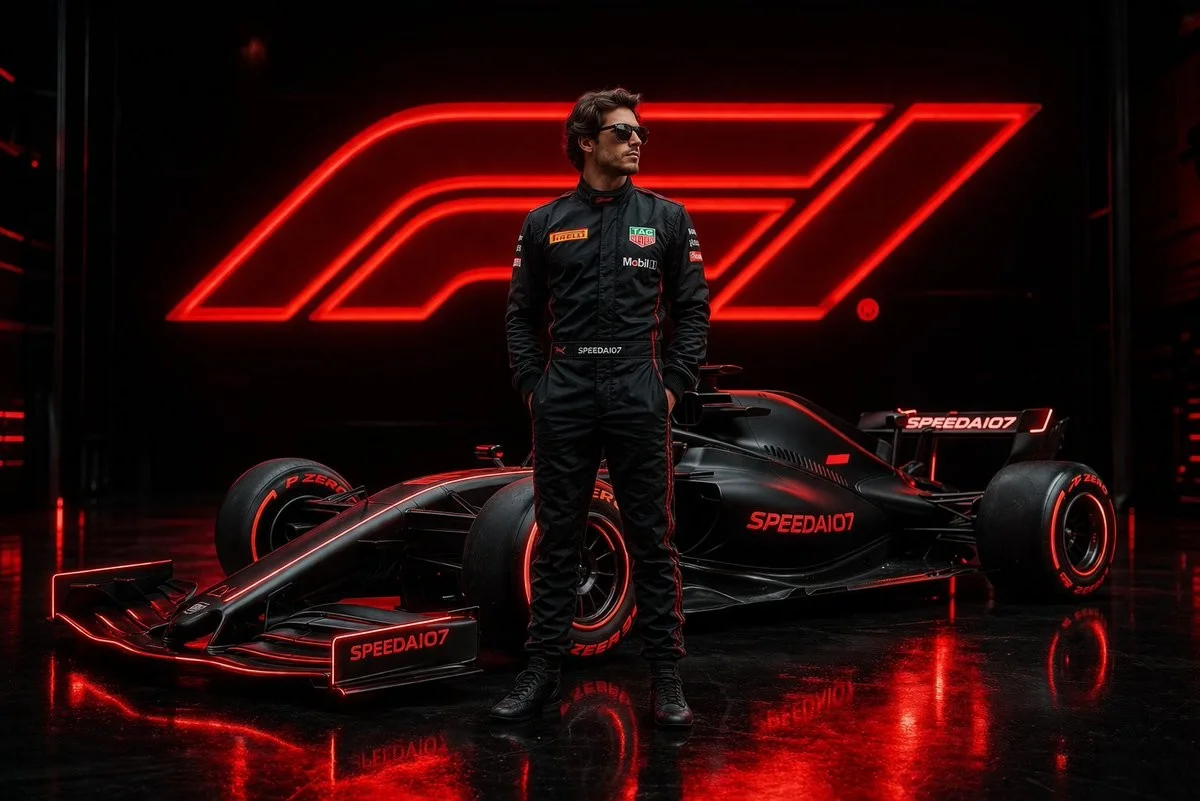
Cinematic Formula 1 Driver Poster
Ultra-realistic cinematic motorsport poster of a professional {argument name="driver type" default="Formula 1 driver"} standing confidently
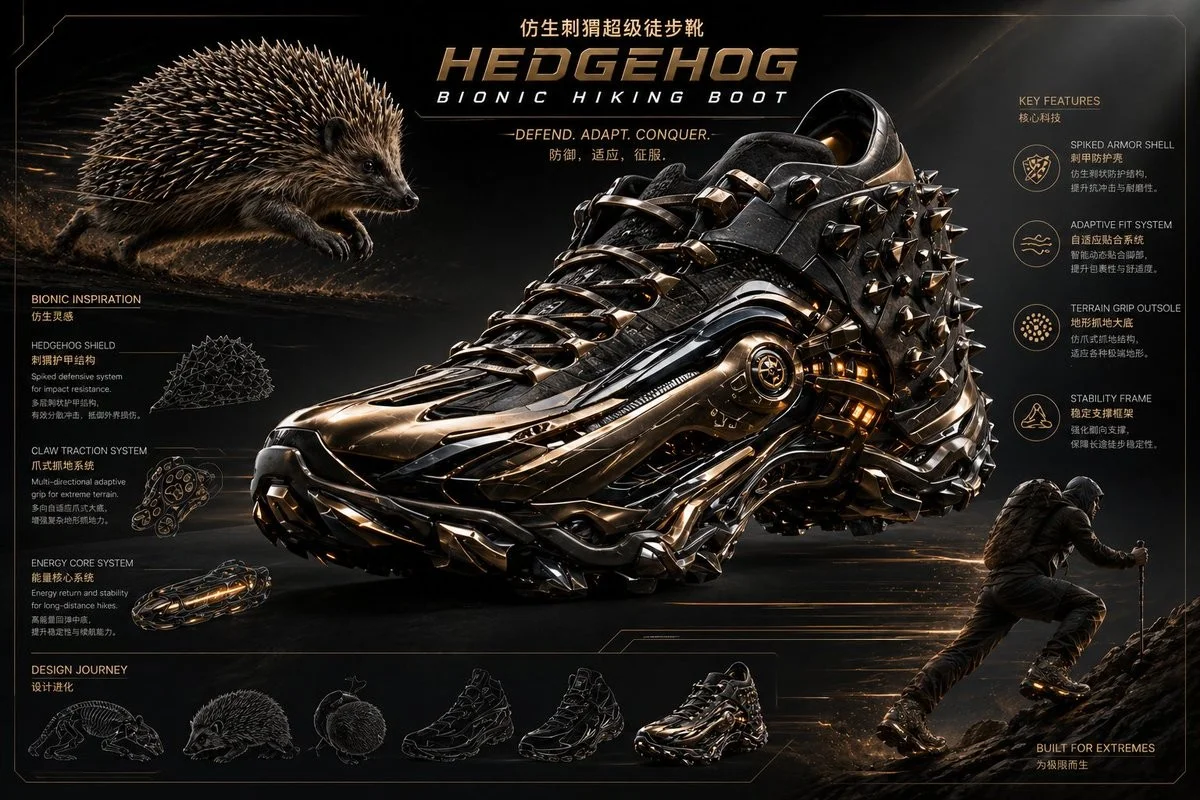
Bionic Hiking Boot
Extreme futuristic {argument name="inspiration" default="hedgehog-inspired"} bionic {argument name="item" default="hiking boot"}, fusion of
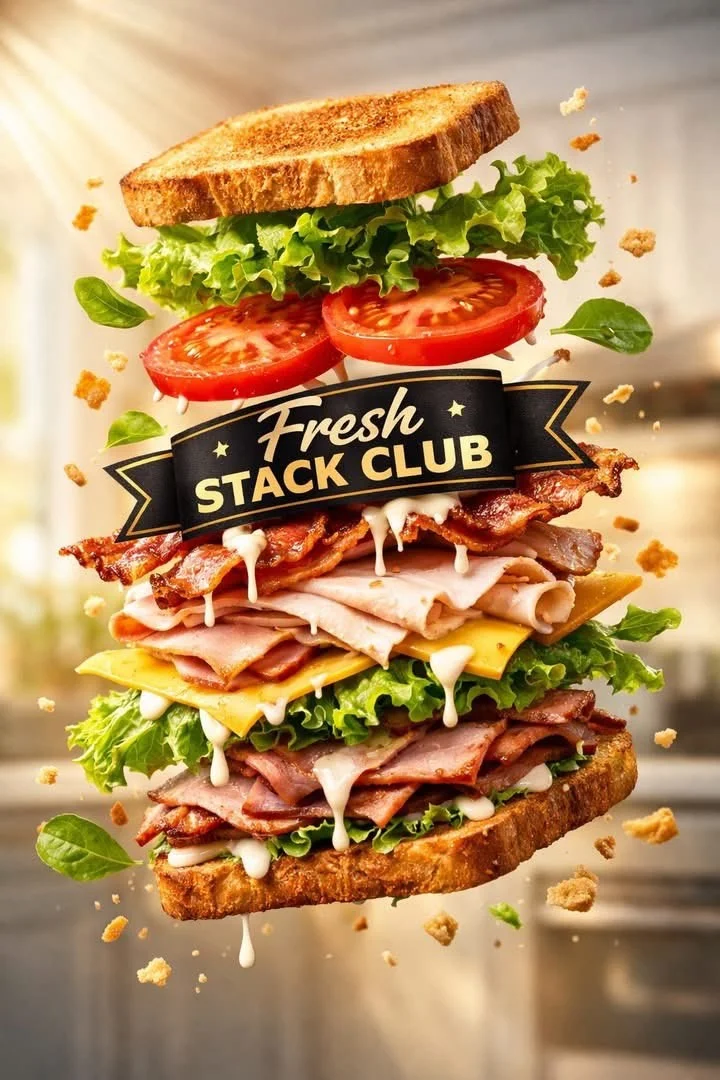
Floating Layered Sandwich Commercial Photography
High-end commercial product photography of a sandwich labeled "Fresh Stack Club", floating mid-air in a layered exploded tilt view, vibrant
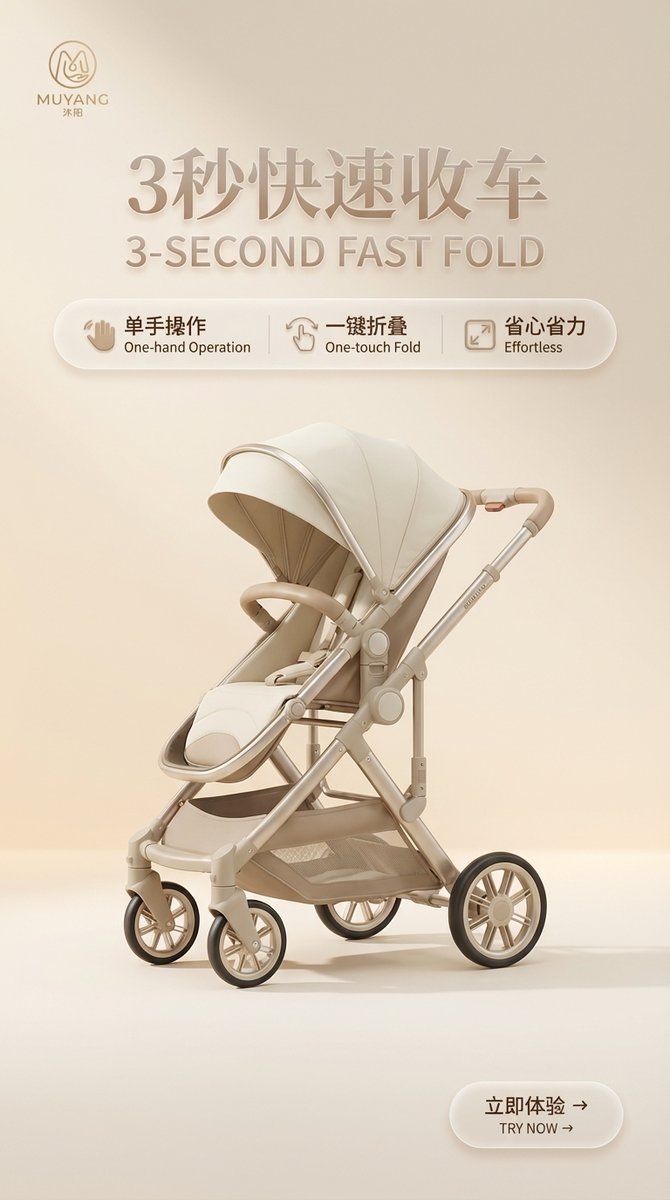
E-commerce Product KV Image
基于我给的产品图,梳理产品卖点/参数要点,然后给我输出一套统一旗舰店极简KV系统(9:16),最后生成10张详情页的完整提示词(中英双语、干净大气、至少5张细节特写),先单独生成Logo,用于后续每张海报左上角,其中文字排版风格需要统一,比如玻璃效果、3d浮雕效果,或者其他效果,