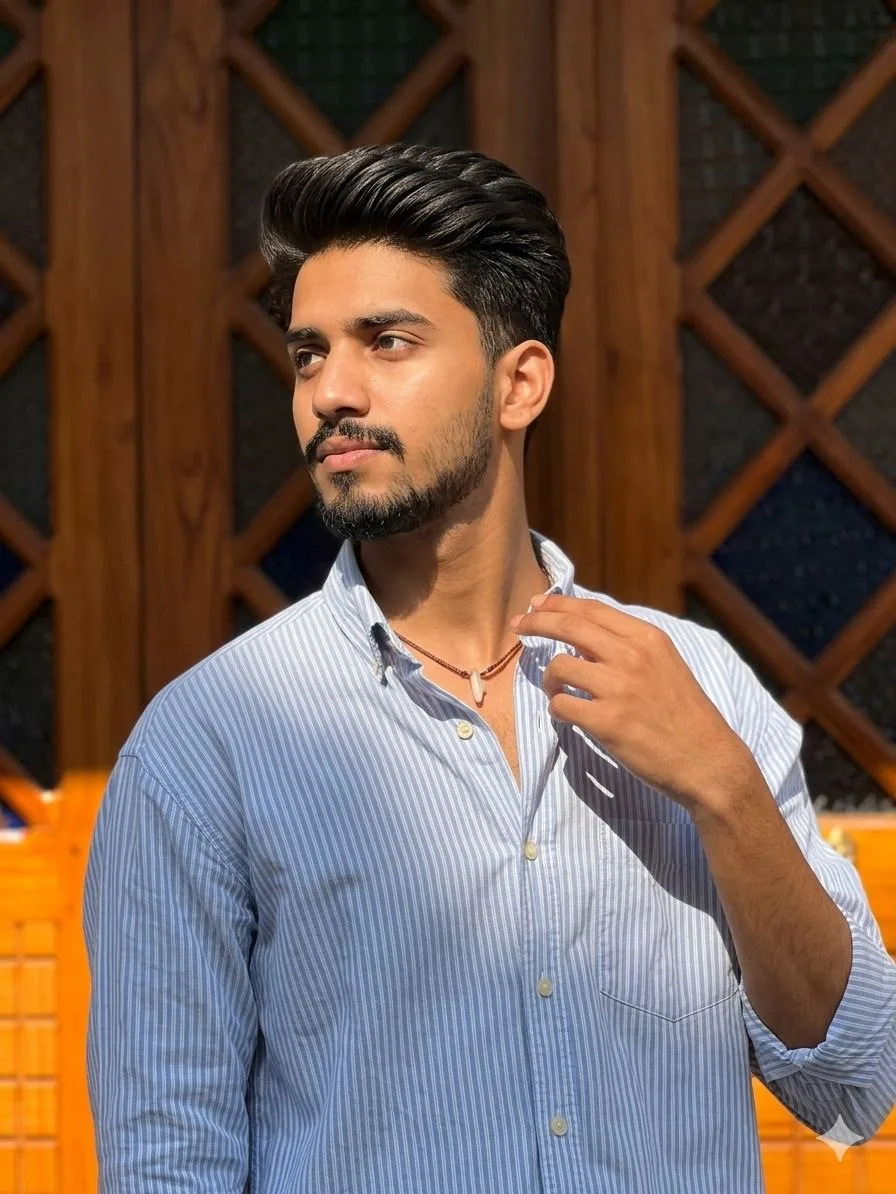
Golden Hour Aesthetic Portrait
Source: @hackn_ai
This prompt generates Golden Hour Aesthetic Portrait.
The prompt specifies 85mm.
One variable you can change is Photorealistic look.
How to use this prompt
- Subject: Golden Hour Aesthetic Portrait.
- Change Photorealistic look.
0 views · 0 copies · 0 favorites · 0 discussing
0Prompt
1 of 1 free copies left today
Use the uploaded image as a strict facial identity and hairstyle reference. Preserve the exact same face, facial structure, skin tone, hairstyle, hair volume, hairline, curl pattern, texture, and overall identity. Hair must match the uploaded image exactly.
Ultra-realistic fashion portrait of uploaded pic young man standing outdoors in direct natural sunlight in front of a luxury wooden door. Wearing an oversized light blue striped Oxford shirt with open collar, natural wrinkles, and a thin pendant necklace visible around the neck. Subject turning head toward the left side while eyes glance upward. One hand lightly touching the collar area. Warm sunlight creating realistic highlights on skin and hair with strong natural shadows. Genuine candid expression, natural skin pores, realistic facial details, editorial lifestyle photography.

Sony A7 IV, 85mm portrait lens, f/2.0, ISO 100, RAW image, shallow depth of field, realistic lens compression, authentic daylight photography, high-detail skin texture, luxury fashion portrait.

Negative prompt: AI-generated appearance, facial changes, altered hairstyle, different hair volume, smooth plastic skin, fake shadows, excessive HDR, illustration, anime, low detail, unrealistic eyes.
Similar prompts

3D Pop-up Parents Day Card
3D 노트 위 꽃이 입체적으로 피어나는 장면, 첨부된 사진의 미니 캐릭터들이 물주고 가꾸는 모습, {argument name="날씨" default="따뜻한 5월 햇살"}, 캐리커처 스타일, 밝고 사랑스러운 분위기, 실제 꽃처럼 디테일하게,

Chibi Scrapbook Photo Transformation
remove the people around the main character, Add multiple small, cute chibi-style “mini versions” of her around the image.

Illustration Art Style Creation
{ "type": "2x2 grid of banner advertisements", "theme": "{argument name=\"main theme\" default=\"SNSスクール\"} for {argument name=\"target
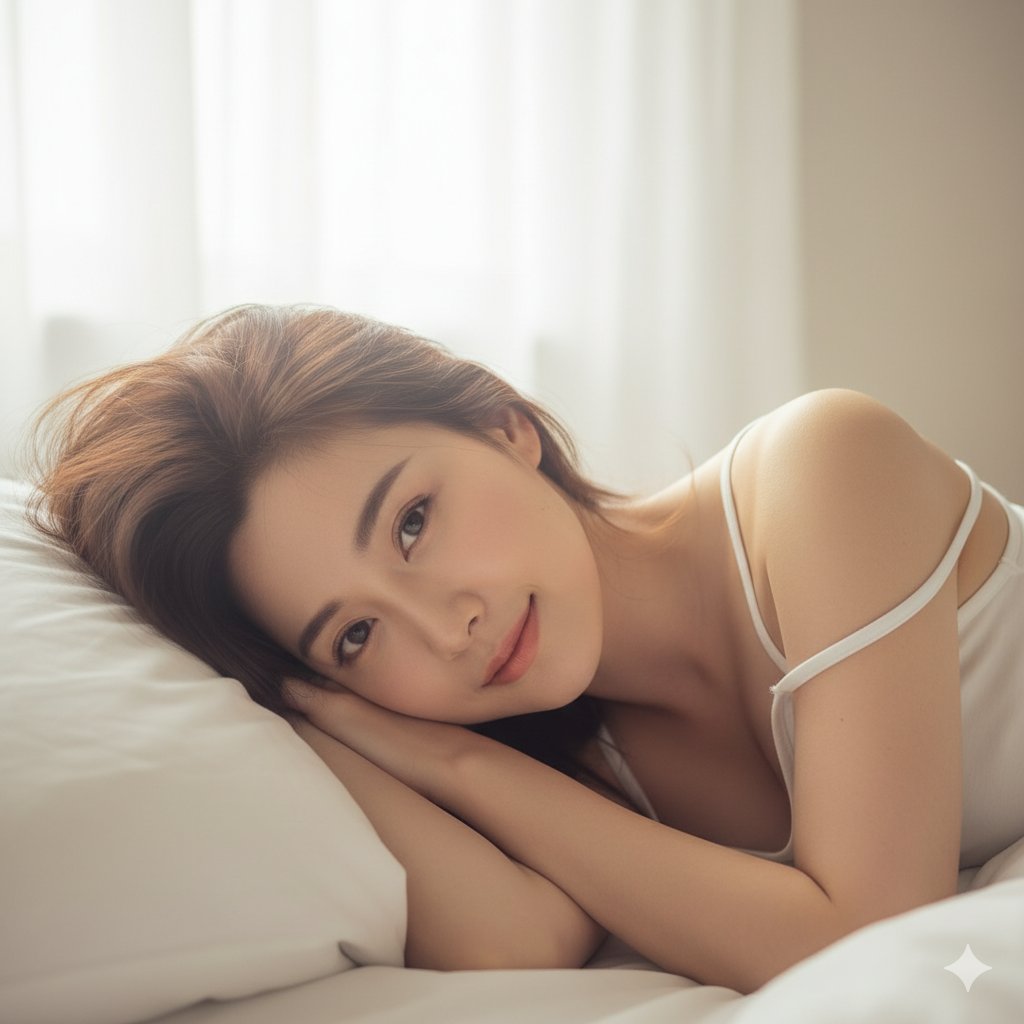
Sleepy Girl on a White Pillow
{ "scene": { "location": "Bedroom, in bed", "background": "White pillows and soft, rumpled bedsheets, soft morning light" }, "subject": {
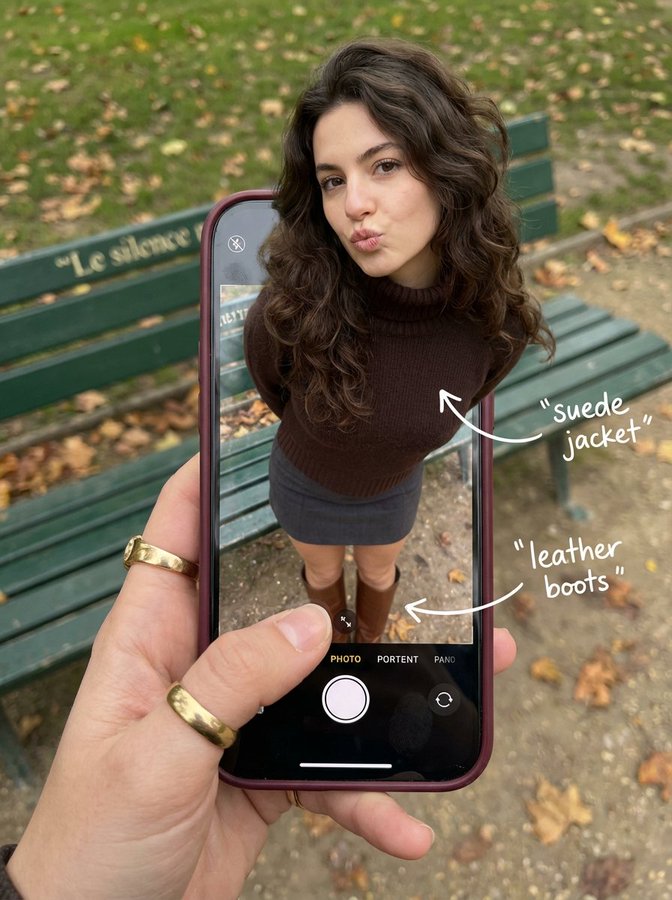
A Woman is Walking Out of Her Phone Screen
{ "subject": { "description": "A hyper-realistic optical illusion photograph.
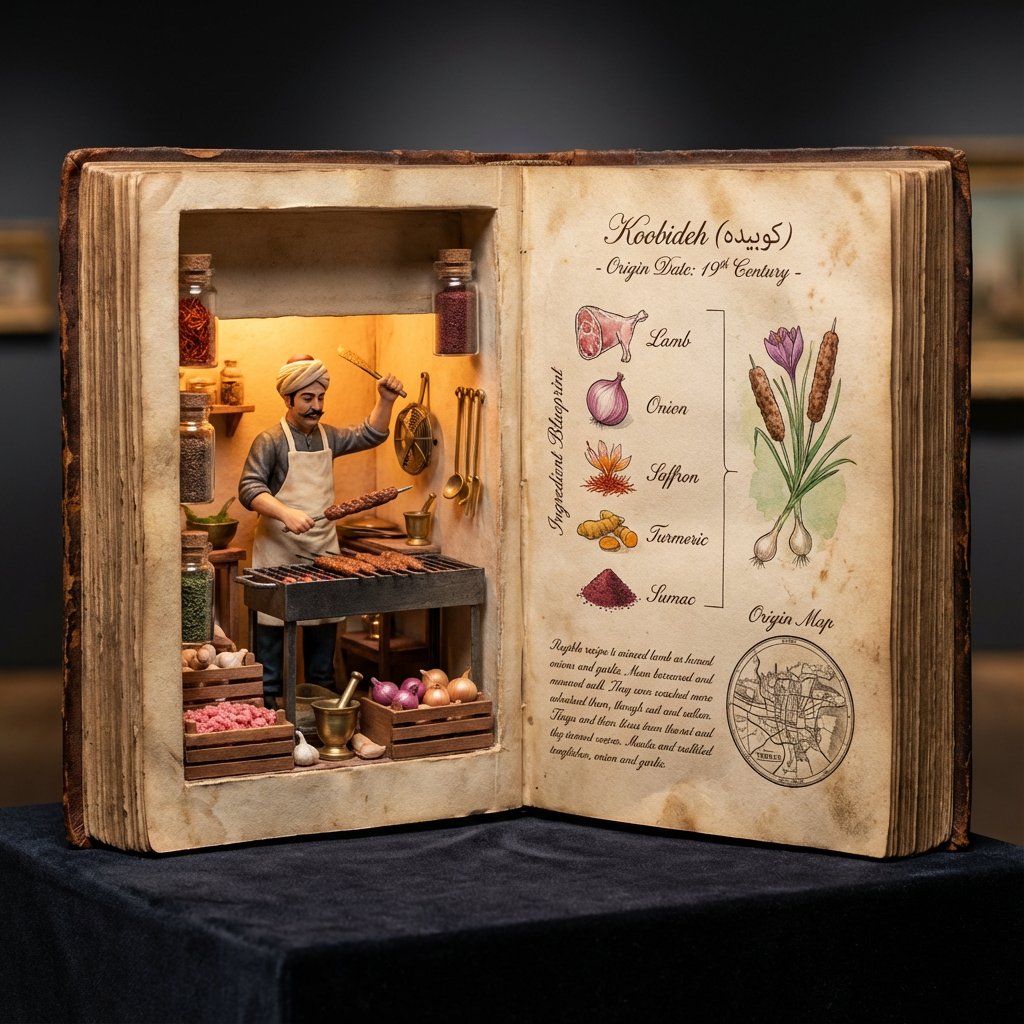
Museum Specimen Photography
<指令> 输入A:用户上传图片或分享菜品名称。 逻辑推理:确定历史上的发明者(例如,拉斐尔·埃斯波西托或亨利·夏庞蒂埃)以及确切的发明年份。 任务:拍摄一张超写实的 4:5 微距照片,照片内容为一本超大尺寸的、打开的古董烹饪手抄本,放置在深色天鹅绒博物馆底座上。
![An expert architectural illustrator's presentation board for a [STYLE] residence featuring [KEY ARCHITECTURAL ELEMENTS].](https://pub-b989f47f555e445089c453fa46311edf.r2.dev/prompts/2026/08/d5d9f541-3904-4012-898b-b9d40b663c20.webp)
Presentation Board Made for a Residence by an Architectural Illustrator
An expert architectural illustrator's presentation board for a [STYLE] residence featuring [KEY ARCHITECTURAL ELEMENTS].
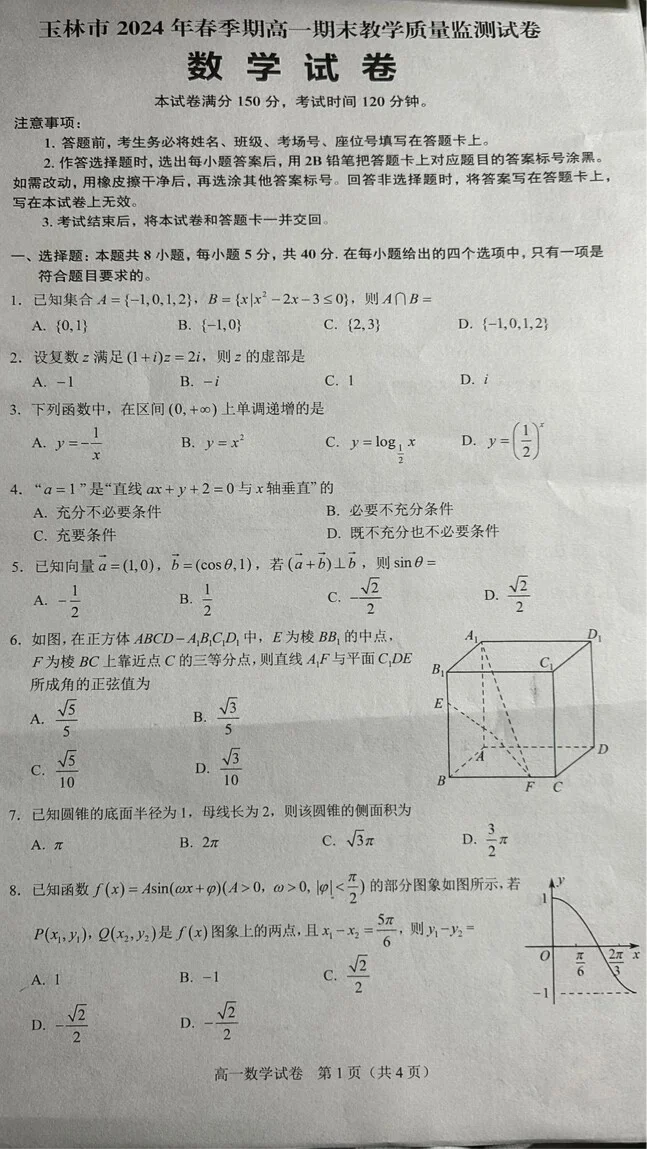
Infographic Visualization Design
A realistic photo of a Chinese high school math exam paper, printed inblack and white on slightly gray paper, titled “数学试卷”, with
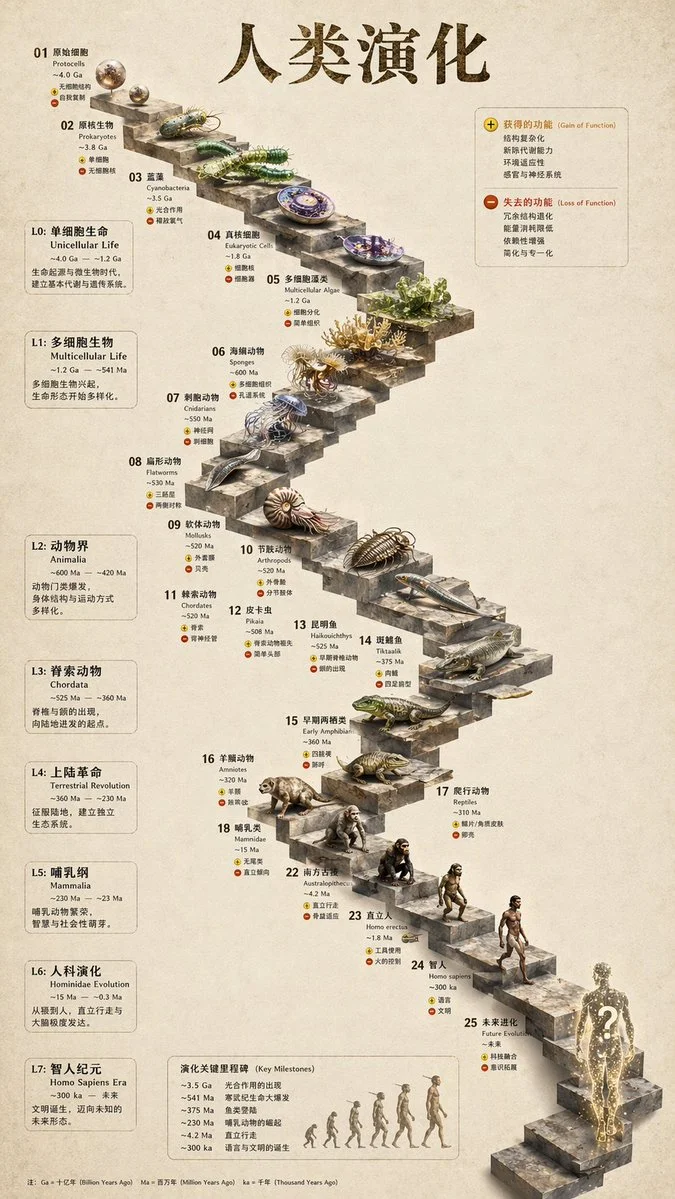
Infographic Visualization Design
{ "type": "evolutionary timeline infographic", "instruction": "Using REFERENCE_0 as a structural base, transform the flat vector design
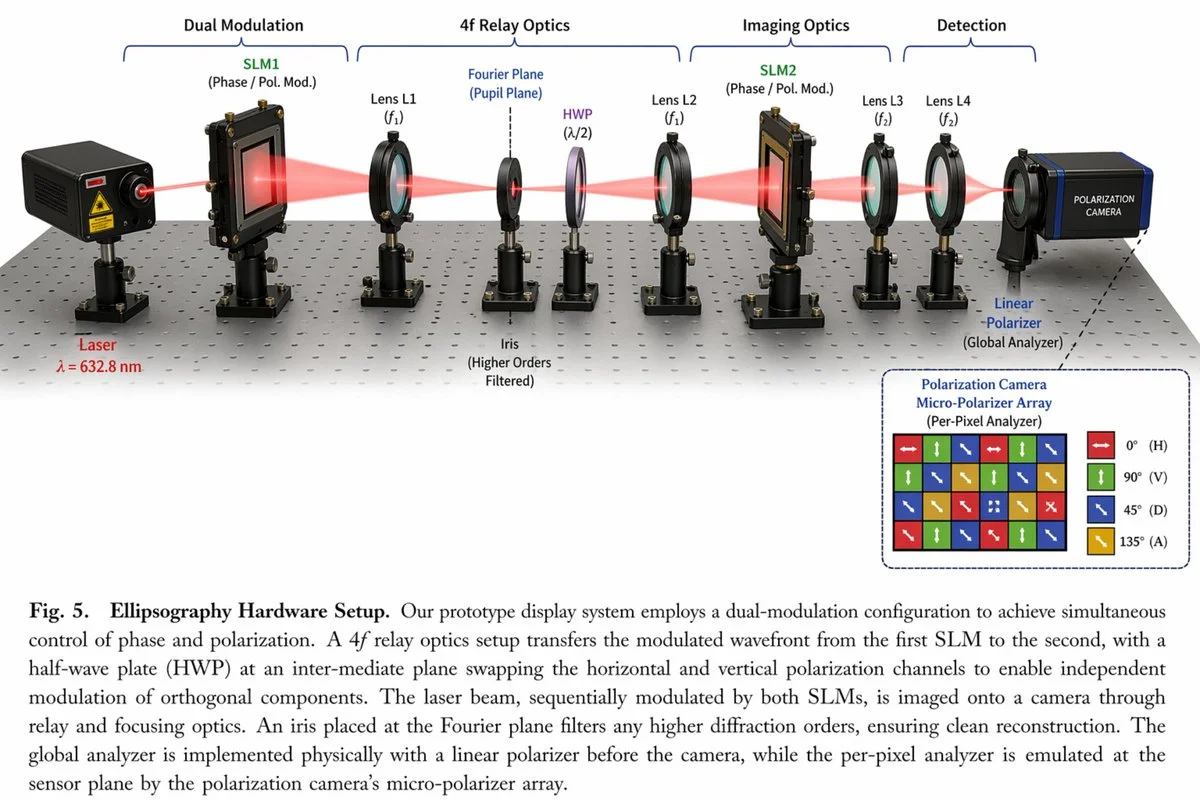
Realistic Photography Style Image
{ "type": "scientific hardware diagram", "layout": { "main_scene": "3D render of an optical table with a red laser beam passing through 11
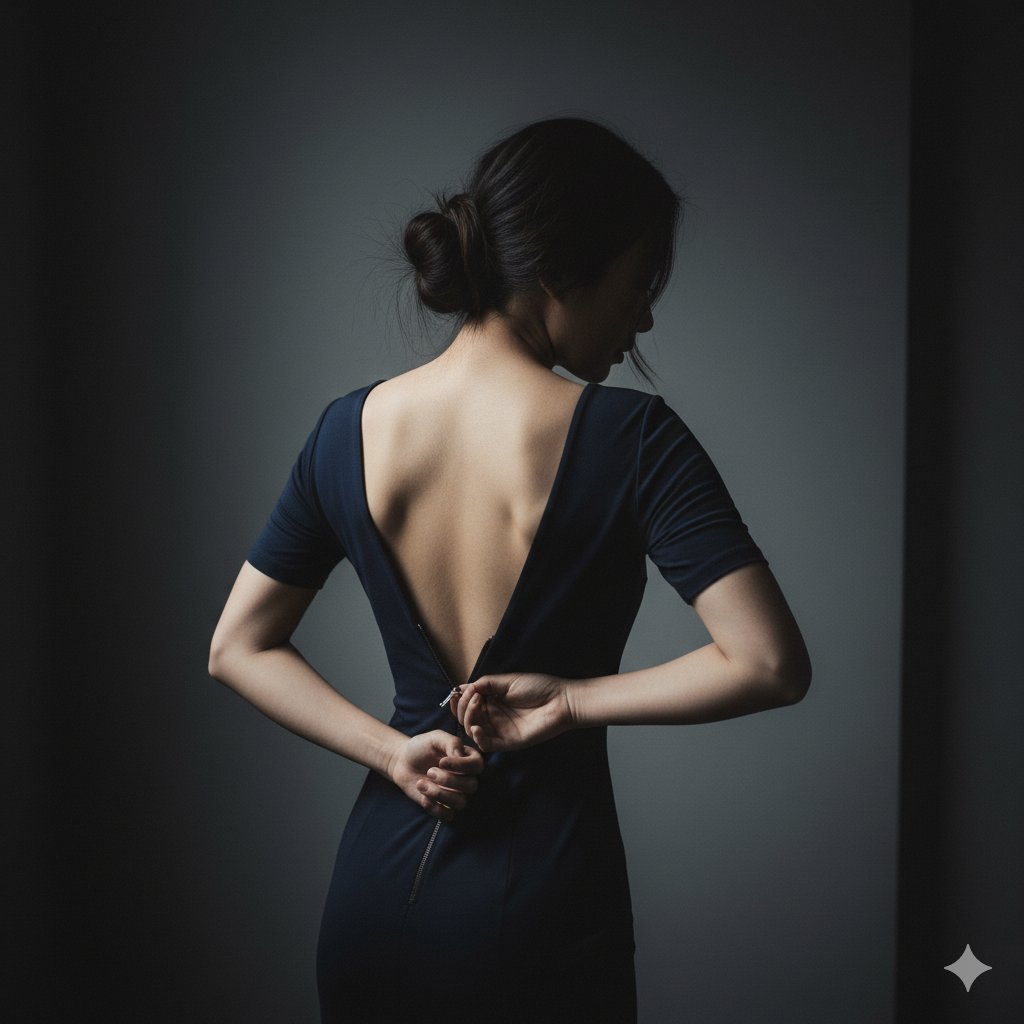
Girl Changing Clothes
{ "scene": { "location": "A minimalist, dark bedroom or dressing room", "background": "A simple, dark grey wall, out of focus" },
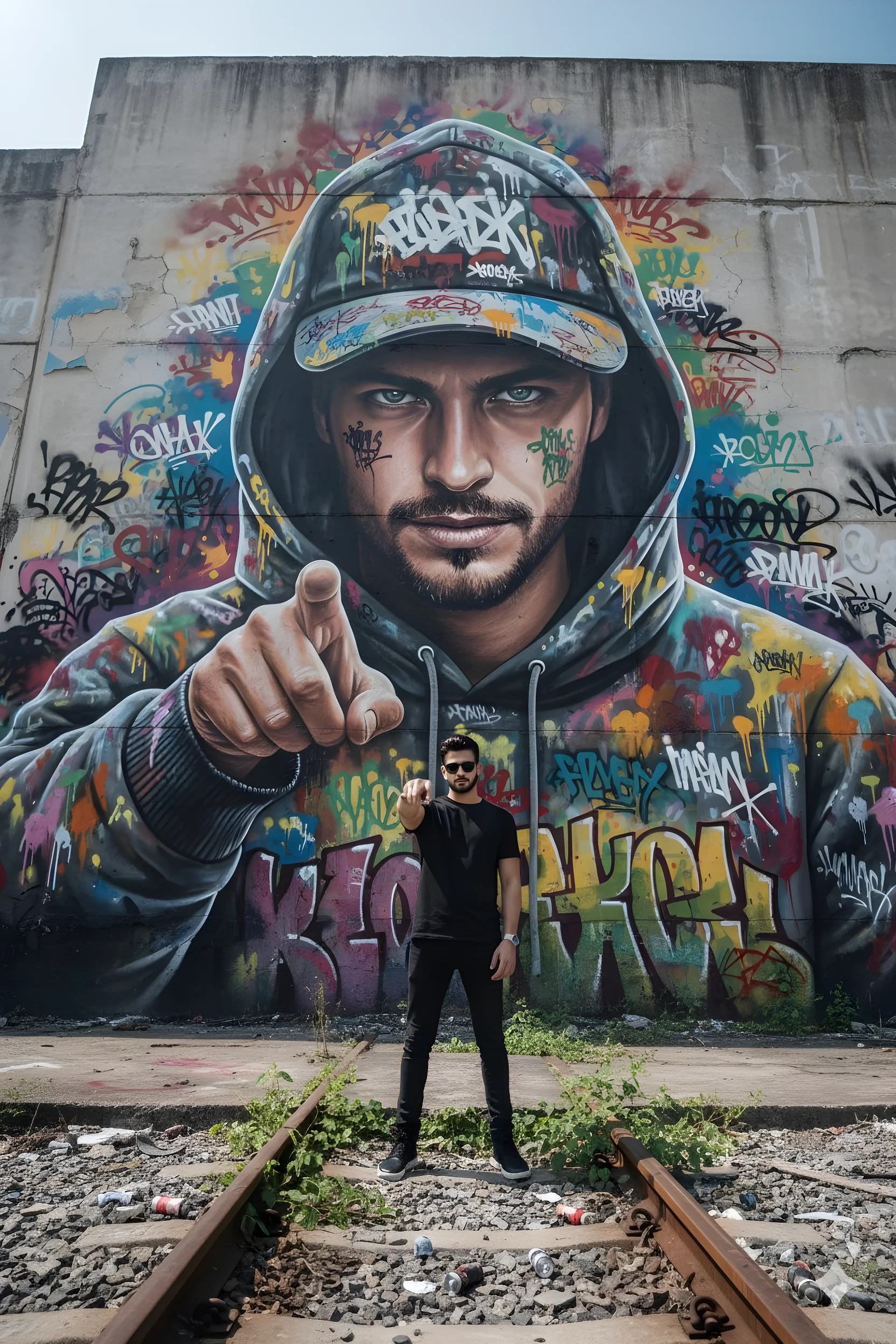
Hyper-Realistic Graffiti Breakthrough
hyper-realistic photo, 8k, low-angle wide lens, looking up at massive concrete graffiti wall, derelict train yard, urban Surabaya