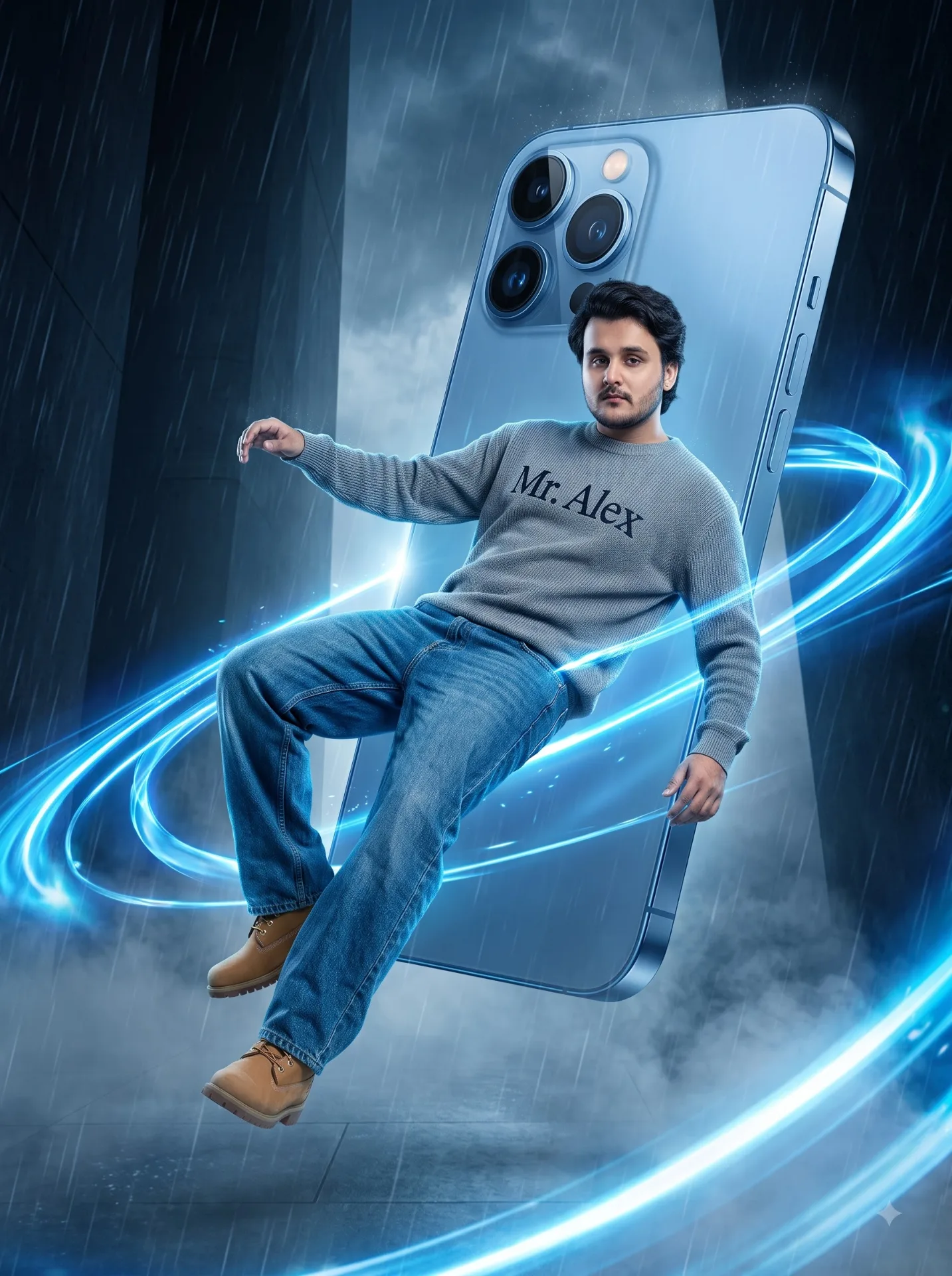
iPhone CGI image Prompt
Source: @ai_alex07
This prompt generates iPhone CGI image Prompt.
The prompt specifies backlight.
One variable you can change is 3D look.
How to use this prompt
- Subject: iPhone CGI image Prompt.
- Change 3D look.
0 views · 0 copies · 0 favorites · 0 discussing
0Prompt
1 of 1 free copies left today
Use the uploaded subject image as the primary identity reference.
01 ANALYSE THE REFERENCE

First, carefully analyse the uploaded subject image. Identify whether the subject is male or female, whether the subject wears a Sikh turban or not, facial hair, hairstyle, face shape, age appearance, skin tone, and overall style. Understand all key visual details before generating the image.
02 IDENTITY CONSISTENCY

Preserve the exact person’s identity, facial features, skin tone, eyes, nose, lips, beard/moustache (if present), hairstyle or turban style, and overall resemblance. If the uploaded subject is a Sikh man with a turban, keep the turban accurate. If the subject does not wear a turban, do not add one. If female, preserve feminine identity and styling naturally.
03 POSE

Recreate the dramatic floating pose from the reference image. The subject appears suspended diagonally in mid-air, body leaning slightly sideways, one arm extended outward, the other arm held behind him, legs naturally floating in front of a giant smartphone. The body should look weightless and dynamic, as if lifted by swirling energy.
04 WARDROBE

For a male subject, use a grey knitted sweatshirt with “Mr. Alex” printed on the front, loose blue denim jeans, and tan boots. Preserve the Sikh turban accurately if present. For a female subject, choose a stylish modest premium outfit to suit her identity while maintaining the same futuristic editorial vibe.
05 SCENE

Place a giant metallic blue smartphone behind the subject, towering vertically and dominating the composition. Surround the subject with glowing blue ribbons or light trails wrapping around the body and turban. Use a dark futuristic architecture environment with towering structures, rain, mist, floating debris, and a wet reflective ground.
06 CAMERA & COMPOSITION

3:4 portrait orientation. Subject centered and floating in the foreground. The giant phone fills much of the middle background. Use a cinematic perspective that emphasizes scale, depth, and drama. Keep the subject fully visible and recognizable.
07 LIGHTING

Use dramatic cool blue-white cinematic lighting, glowing highlights from the energy trails, moody atmospheric backlighting, subtle rim light around the subject, reflective wet-surface lighting, and sharp premium contrast.
08 STYLE

Ultra-photorealistic, surreal editorial, high-end commercial advertising style. Blend fashion photography with premium CGI realism. Sharp details, accurate anatomy, glowing energy effects, air atmosphere, and high-resolution 4K/8K quality.
09 AVOID

Identity drift, face changes, incorrect people, adding a turban when not present, removing a turban when present, extra turban, extra limbs, extra fingers, distorted hands, deformed phone geometry, generic faces, excessive blue, cartoon look, plastic skin, poor anatomy, random text, logos, or watermarks.
Similar prompts
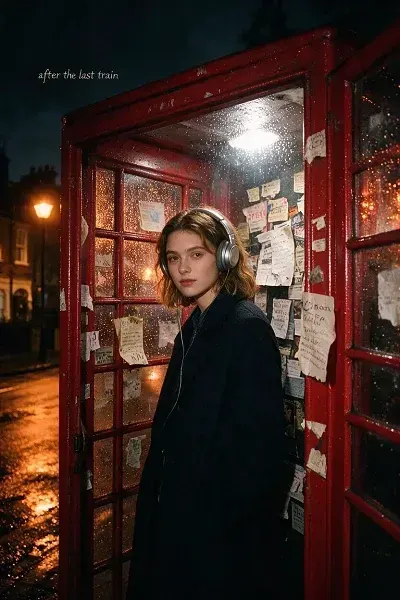
ndie-pop album cover
Create an indie-pop album cover using the reference subject inside a rain-speckled London phone booth at midnight.
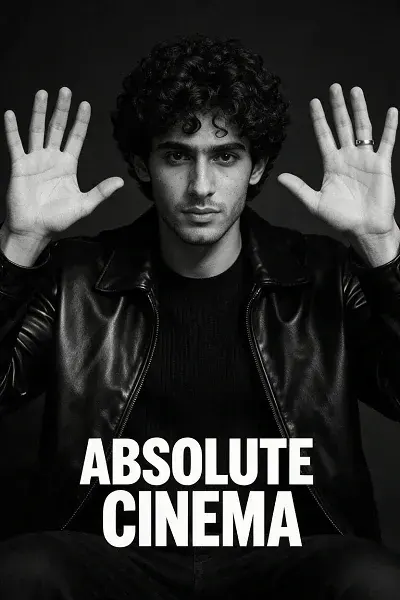
monochrome Absolute Cinema
Transform the reference image into a premium monochrome Absolute Cinema meme poster while preserving identity, hairstyle, outfit, and
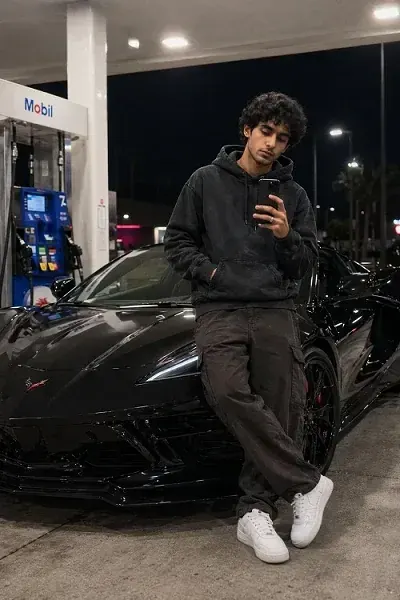
black La mborghini Urus
Use the uploaded selfie as the face reference.
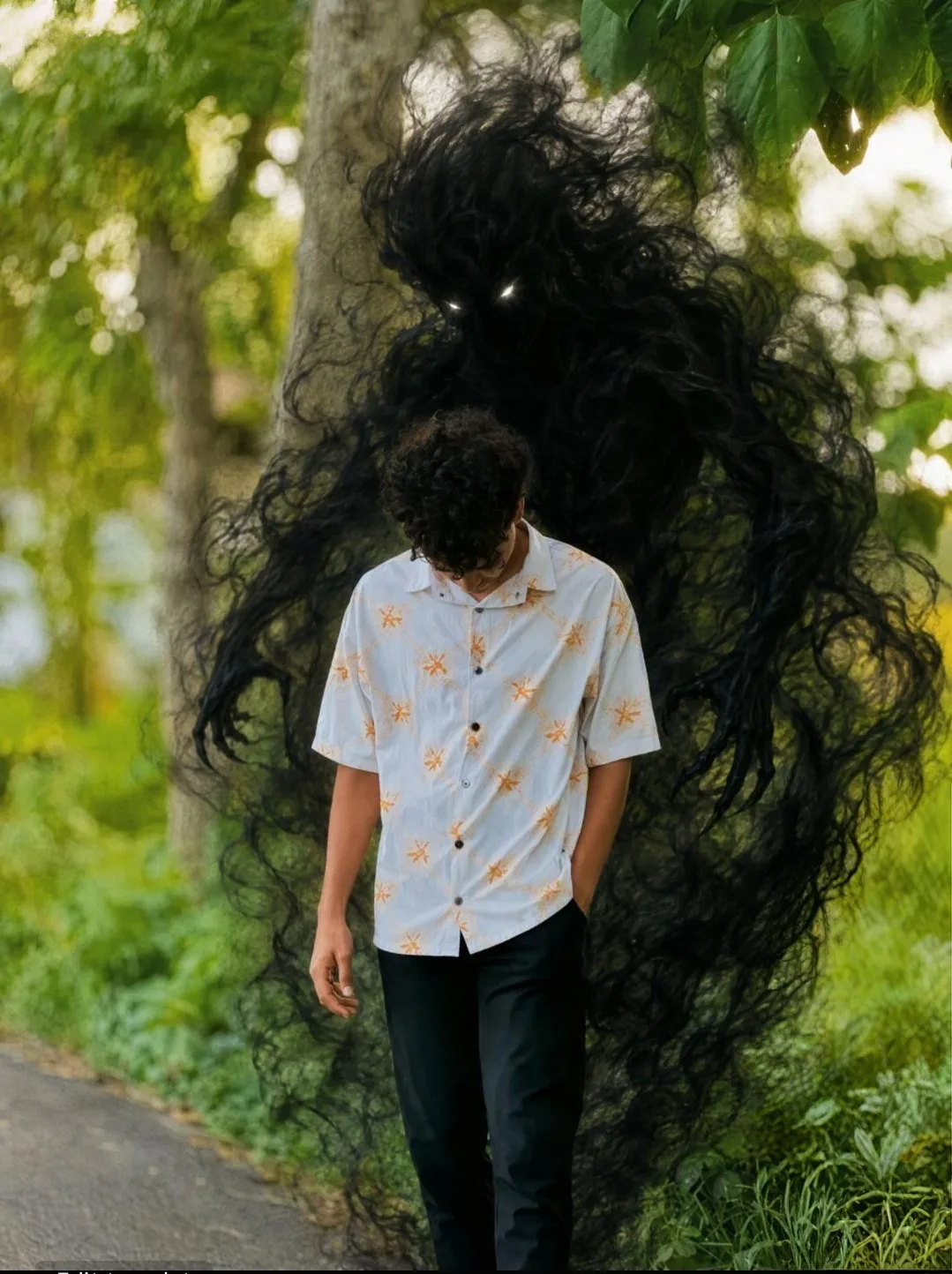
Dark Shadow Entity Looming Over Man on Forest Pathway
A photorealistic vertical photograph in exact 3:4 aspect ratio recreating the composition, scale, and framing of the reference image.
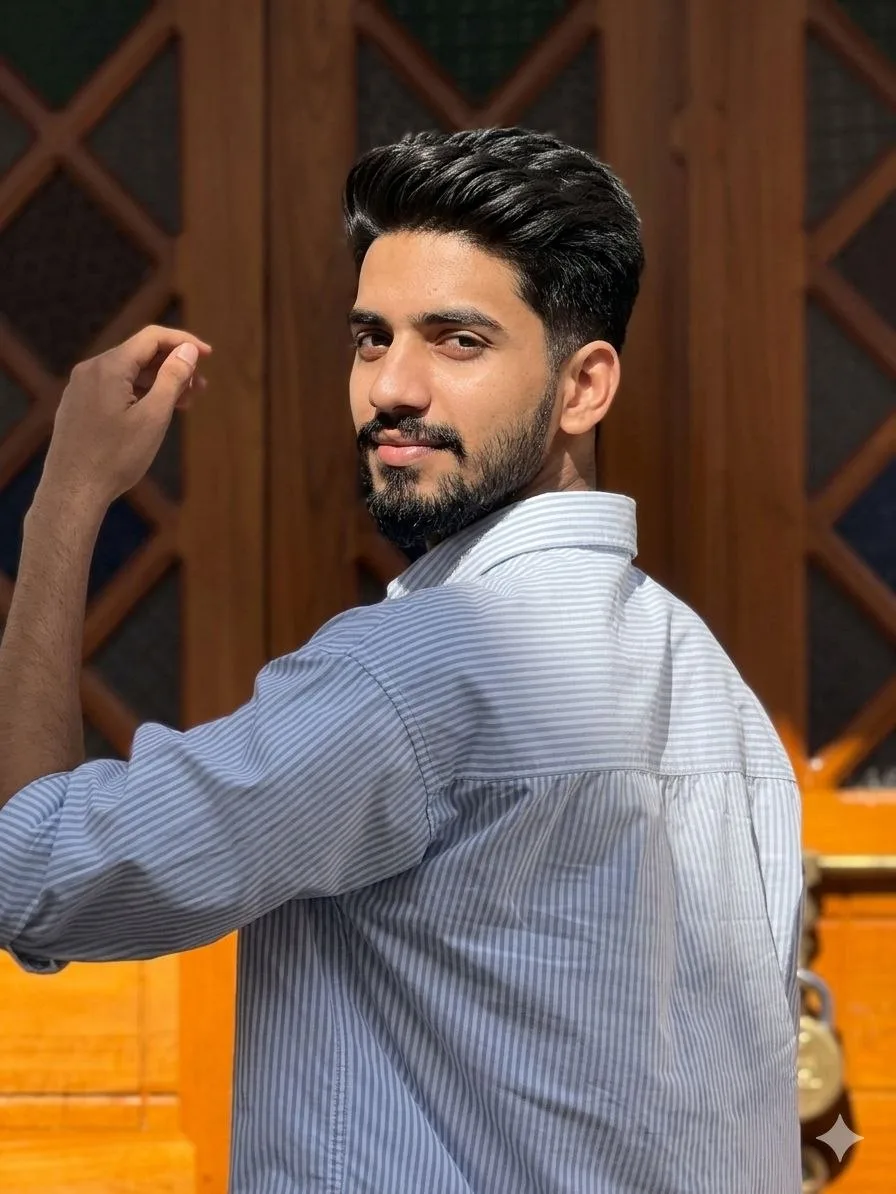
Golden Hour Aesthetic DSLR Portrait
Use the uploaded image as a strict facial identity and hairstyle reference.
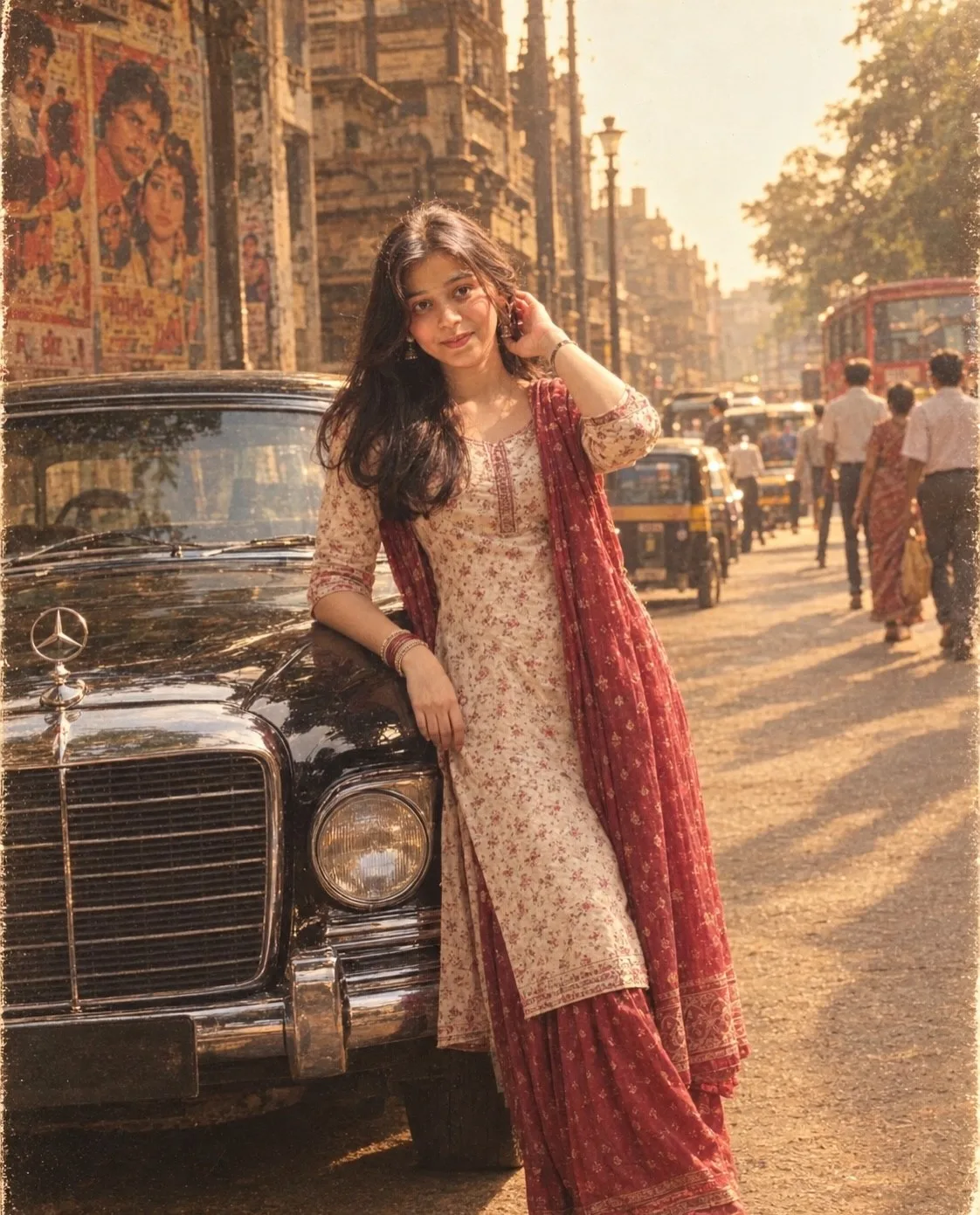
ultra-realistic 1990s Indian Bollywood retro.
Create an ultra-realistic 1990s Indian Bollywood retro cinematic photograph using my uploaded photo as the ONLY identity reference.

Ultra-Premium Cinematic Poster
Use the uploaded image as the sole identity reference.
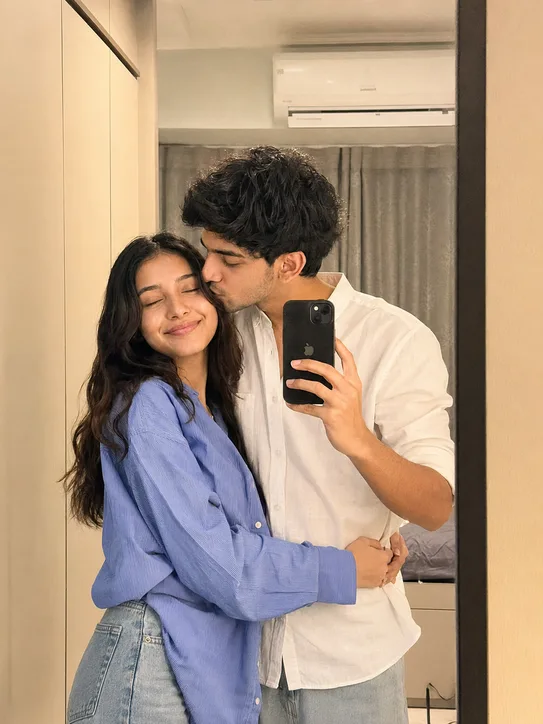
Romantic Mirror Selfie Photo Editing Prompt Gemini AI
Using the provided reference image of the couple, create a premium romantic lifestyle portrait while preserving the exact same facial
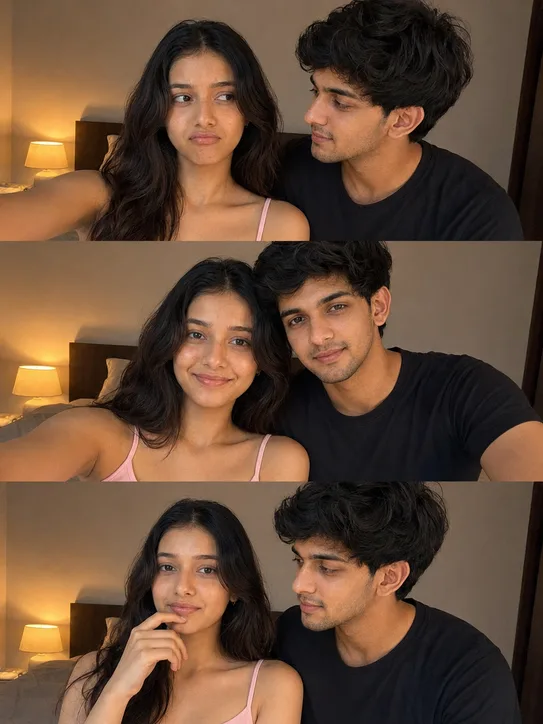
Romantic Bedroom 3-Photo Collage with Reference Image.
Using the provided reference image of the couple, create a premium 3-photo romantic collage while preserving the exact same facial
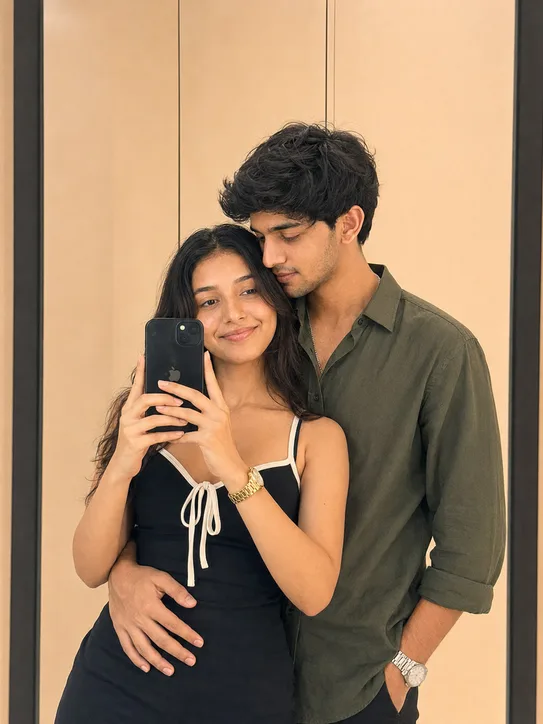
Mirror Selfie AI Photo Editing Prompt
Using the provided reference image of the couple, create a premium modern romantic mirror-selfie portrait while preserving the exact same
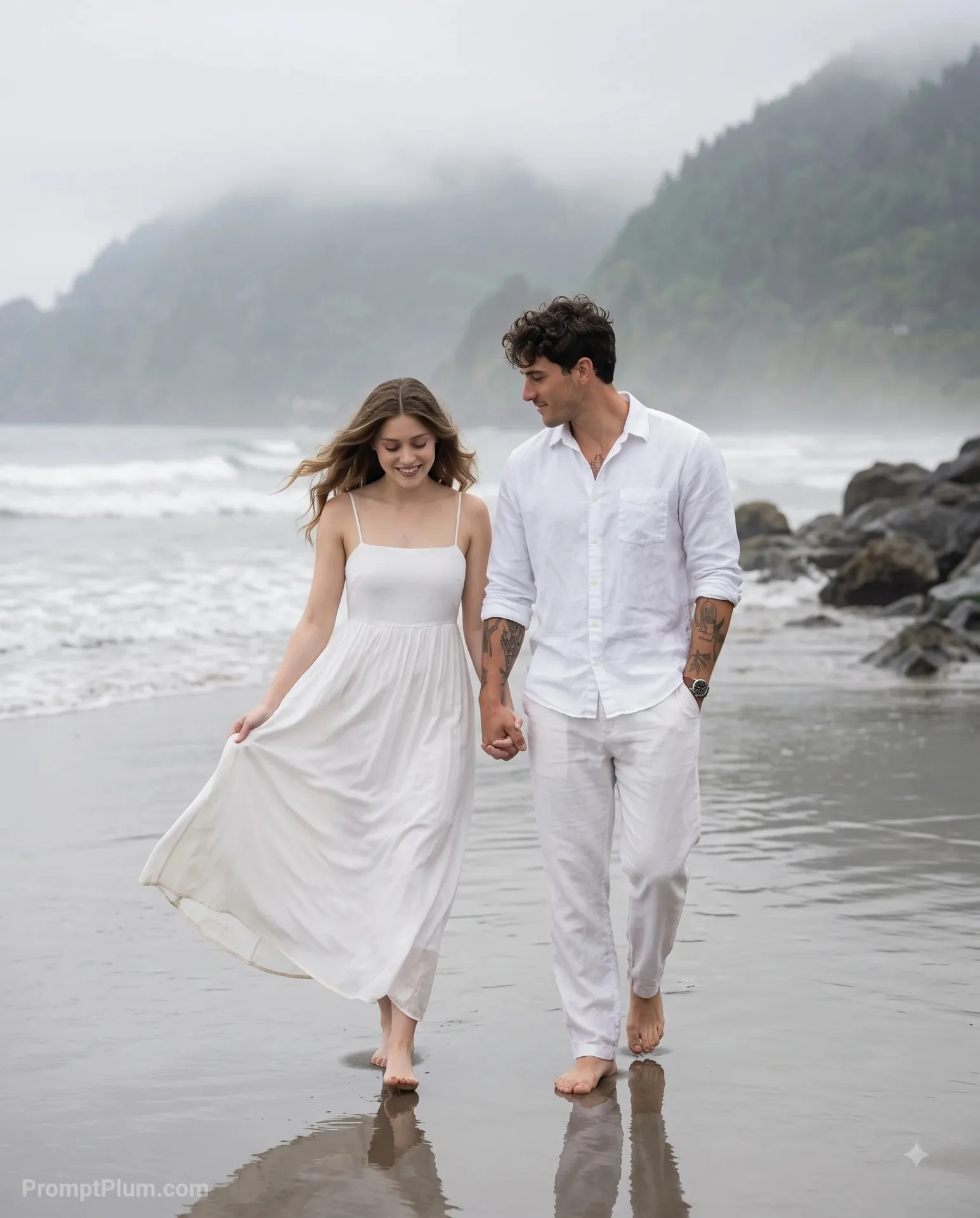
Romantic Couple Walking on Beach
A romantic couple photoshoot on an overcast, moody beach.
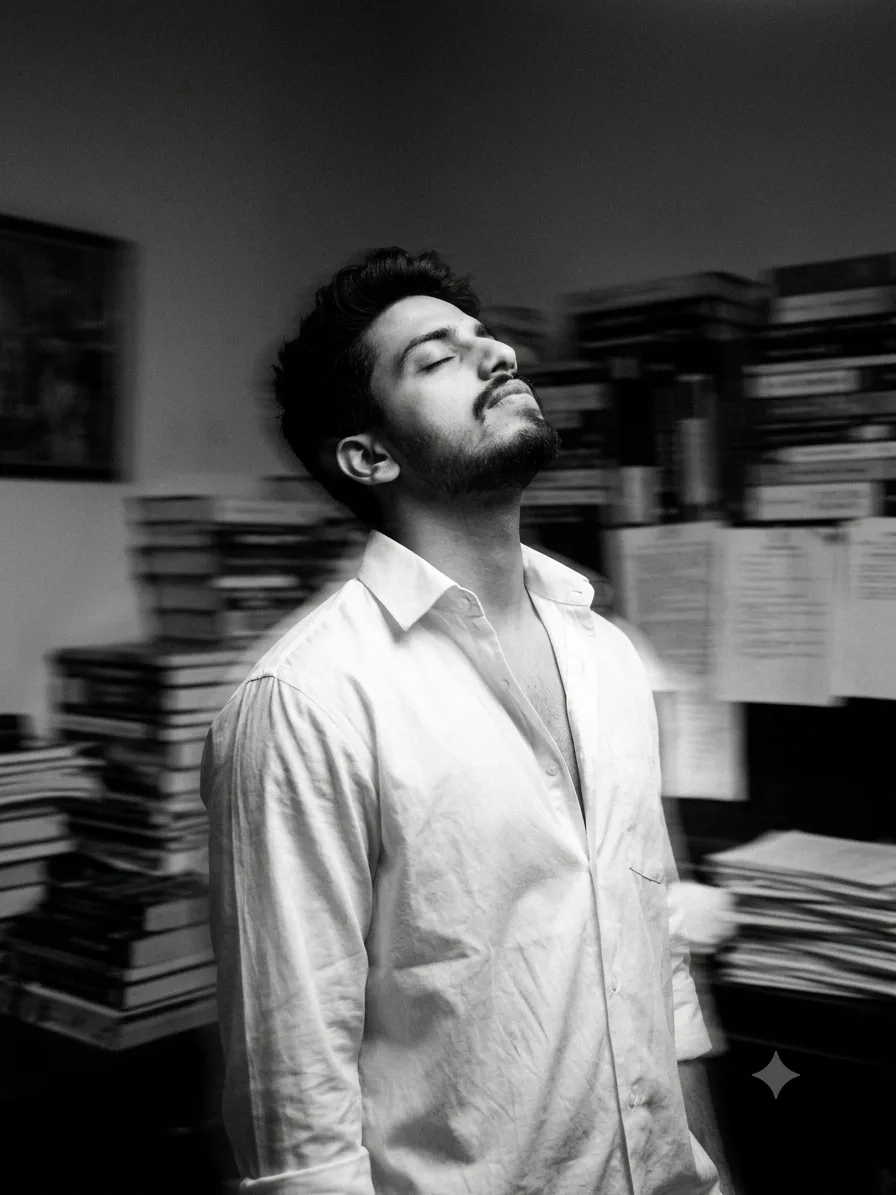
Black & White Lost Soul Portrait
Convert this image into a Fine black and white photography of a handsome young man (using uploaded image) with dark, his head tilted back