![Create a clear, 45° top-down isometric miniature 3D split diorama showing [SUBJECT] before and after [TRANSFORMATION].](https://pub-b989f47f555e445089c453fa46311edf.r2.dev/prompts/2026/08/24500cbd-48ec-4dea-b85b-ac9a3da7f54f.webp)
Miniature Before-After Diorama
Source: @aleenaamiir
This prompt generates Miniature Before-After Diorama.
One variable you can change is 3D look.
How to use this prompt
- Subject: Miniature Before-After Diorama.
- Change 3D look.
1 views · 0 copies · 0 favorites · 0 discussing
0Prompt
1 of 1 free copies left today
Create a clear, 45° top-down isometric miniature 3D split diorama showing [SUBJECT] before and after [TRANSFORMATION].

Use soft refined textures, realistic PBR materials, and balanced lighting across both sides.
Design a single raised base divided into two environments with contrasting details.

Include tiny stylized people to emphasize scale and change (no facial details).

Use a clean solid [BACKGROUND COLOR] background.

At the top-center, display [SUBJECT NAME] in large bold text, beneath it show 'Before & After' in medium text, and place a minimal transformation icon below.

All text must automatically match the background contrast (white or black).
Similar prompts
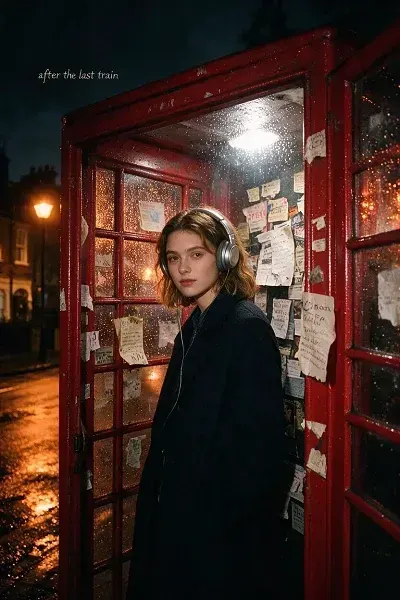
ndie-pop album cover
Create an indie-pop album cover using the reference subject inside a rain-speckled London phone booth at midnight.
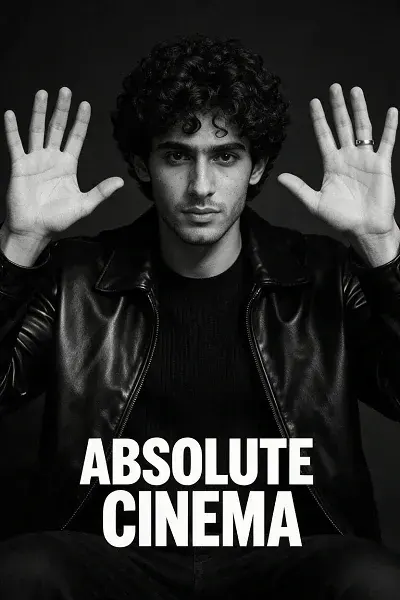
monochrome Absolute Cinema
Transform the reference image into a premium monochrome Absolute Cinema meme poster while preserving identity, hairstyle, outfit, and
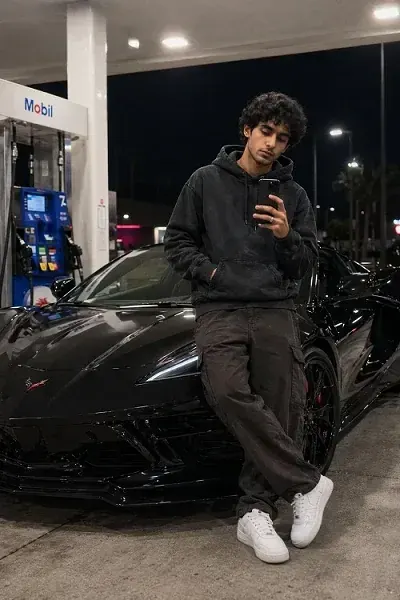
black La mborghini Urus
Use the uploaded selfie as the face reference.
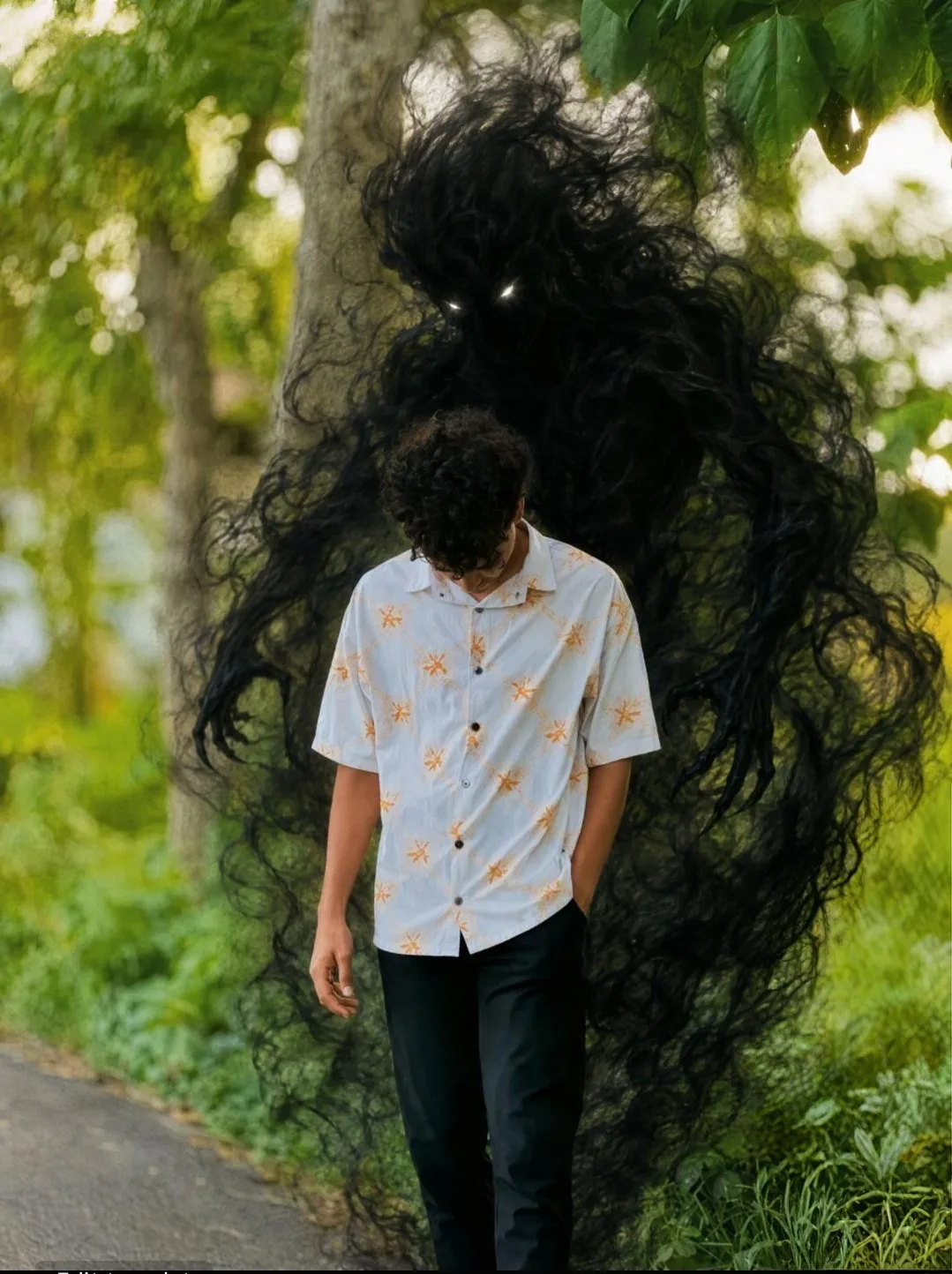
Dark Shadow Entity Looming Over Man on Forest Pathway
A photorealistic vertical photograph in exact 3:4 aspect ratio recreating the composition, scale, and framing of the reference image.
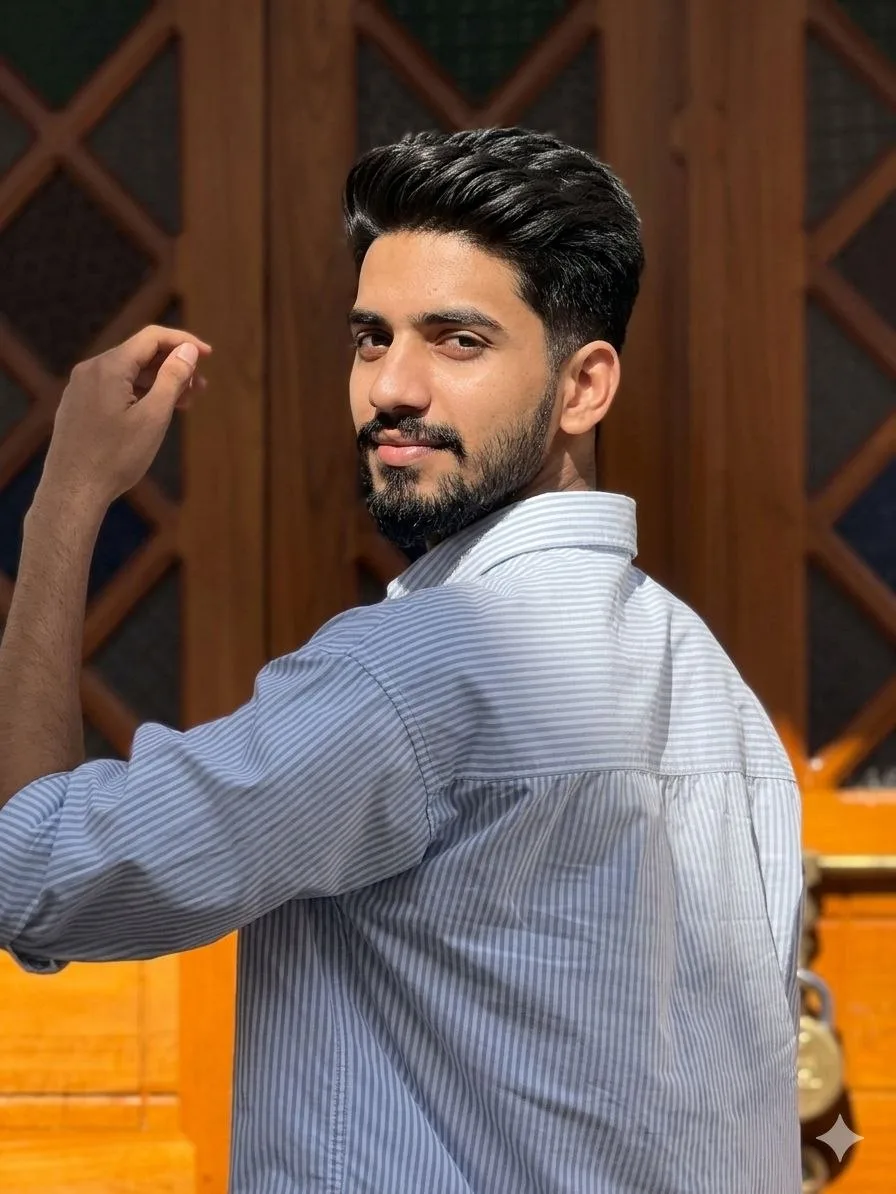
Golden Hour Aesthetic DSLR Portrait
Use the uploaded image as a strict facial identity and hairstyle reference.
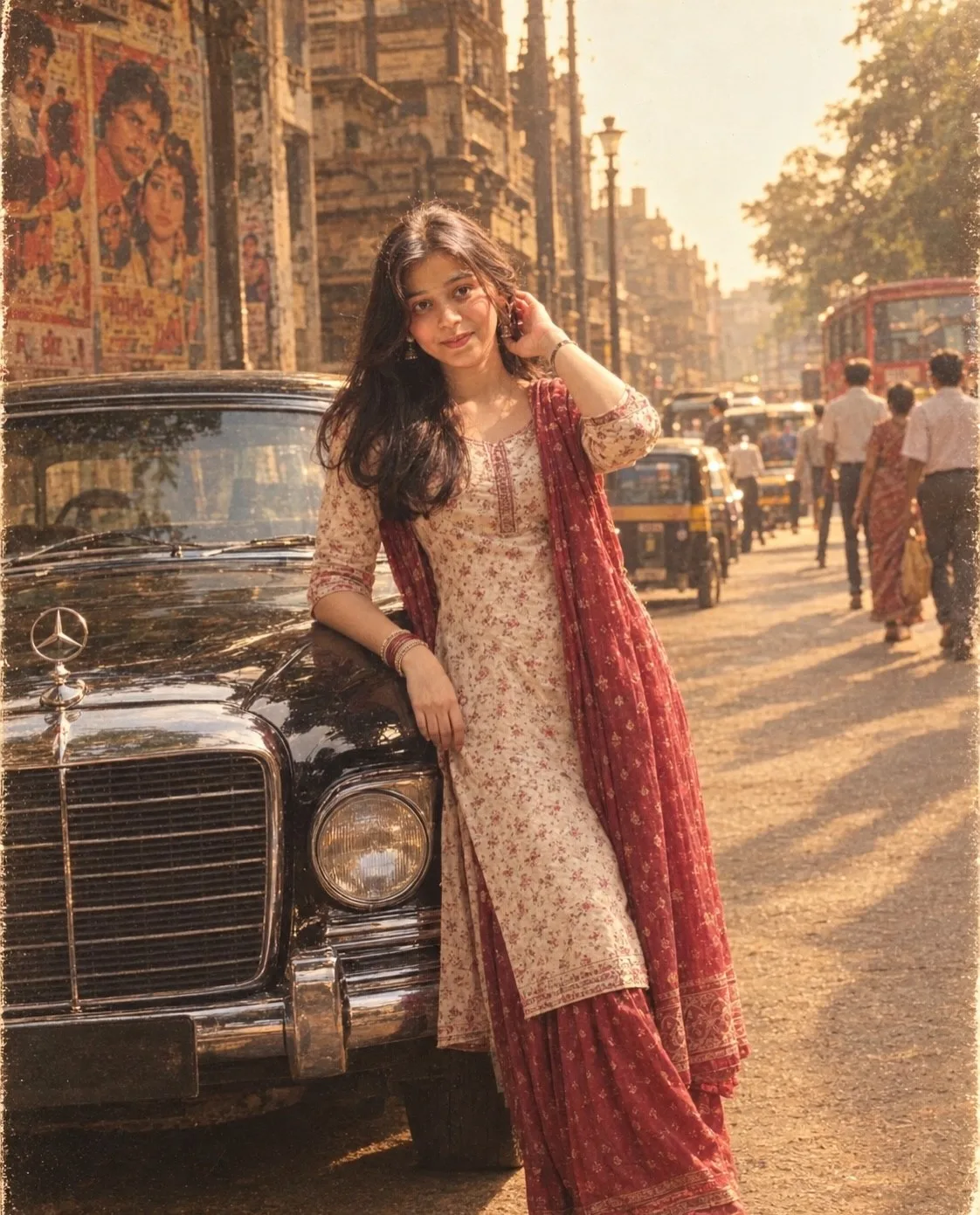
ultra-realistic 1990s Indian Bollywood retro.
Create an ultra-realistic 1990s Indian Bollywood retro cinematic photograph using my uploaded photo as the ONLY identity reference.
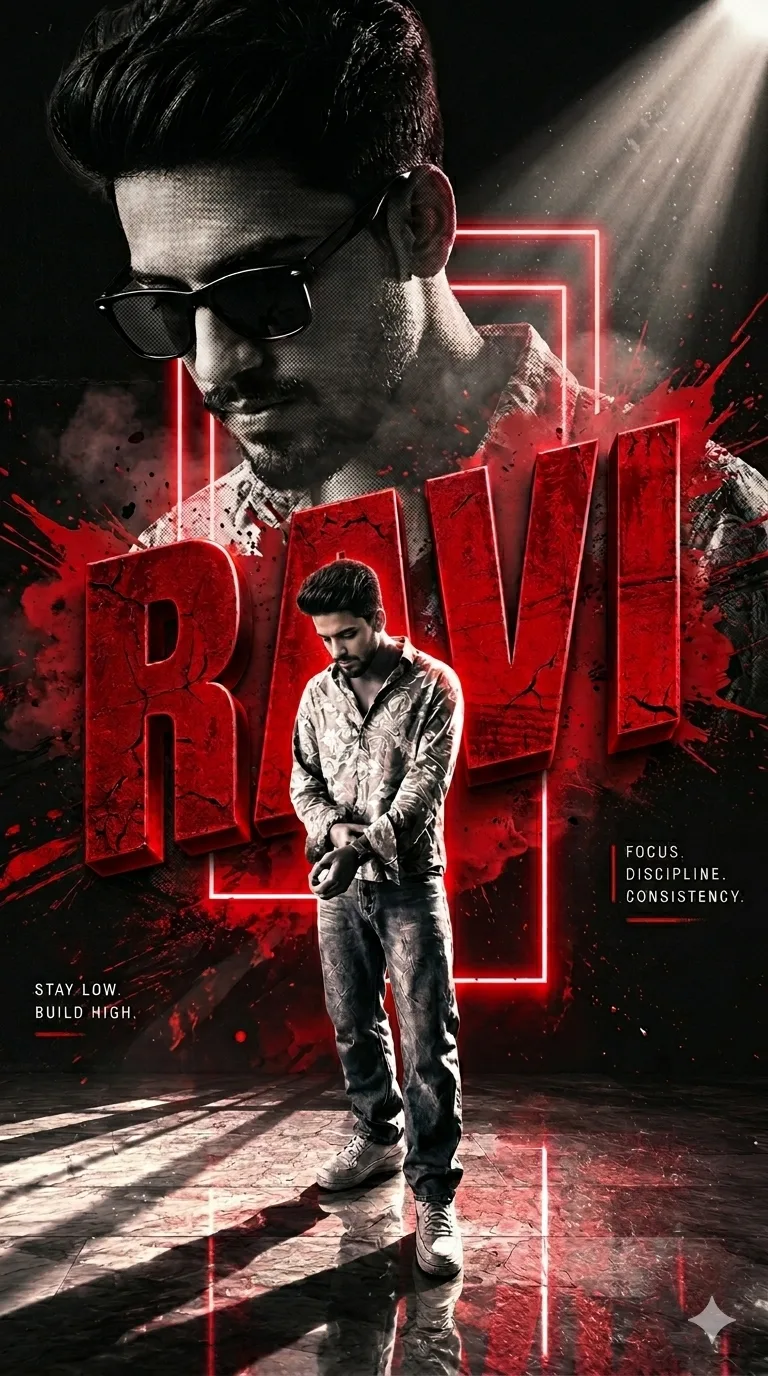
Ultra-Premium Cinematic Poster
Use the uploaded image as the sole identity reference.
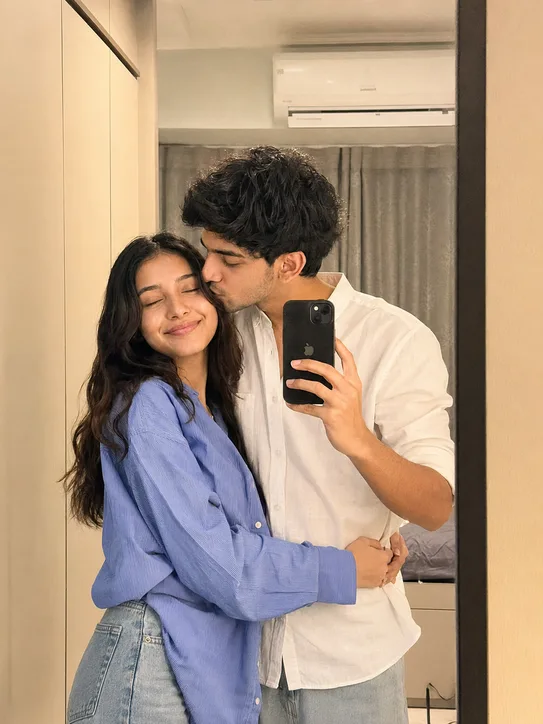
Romantic Mirror Selfie Photo Editing Prompt Gemini AI
Using the provided reference image of the couple, create a premium romantic lifestyle portrait while preserving the exact same facial
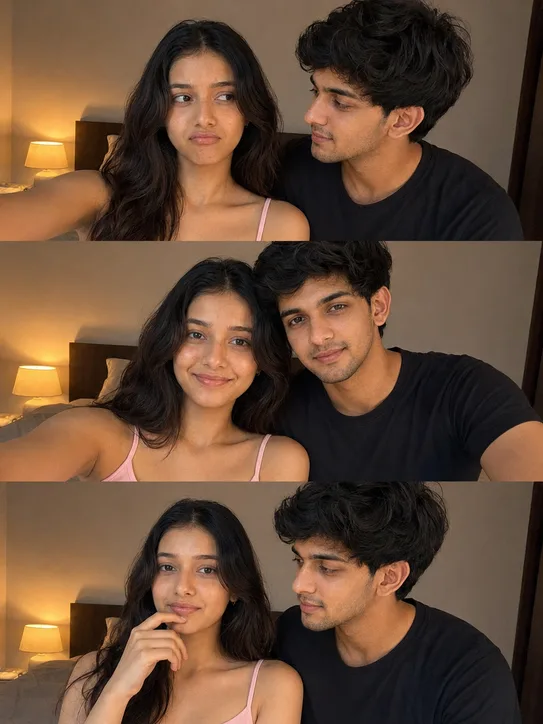
Romantic Bedroom 3-Photo Collage with Reference Image.
Using the provided reference image of the couple, create a premium 3-photo romantic collage while preserving the exact same facial
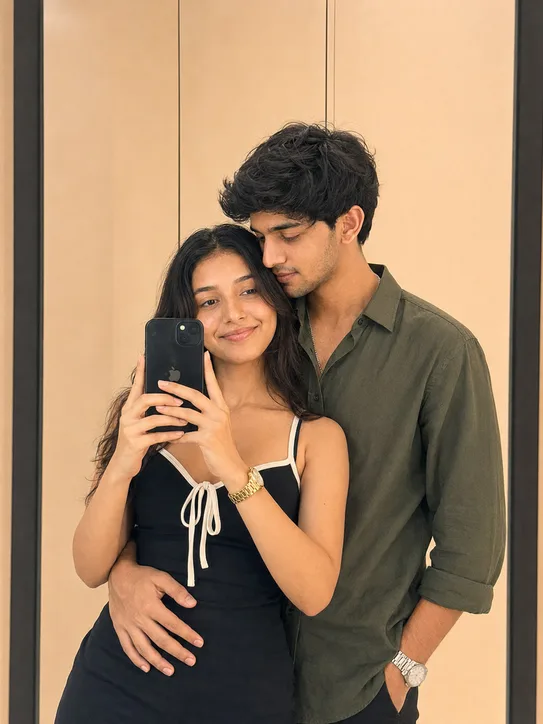
Mirror Selfie AI Photo Editing Prompt
Using the provided reference image of the couple, create a premium modern romantic mirror-selfie portrait while preserving the exact same
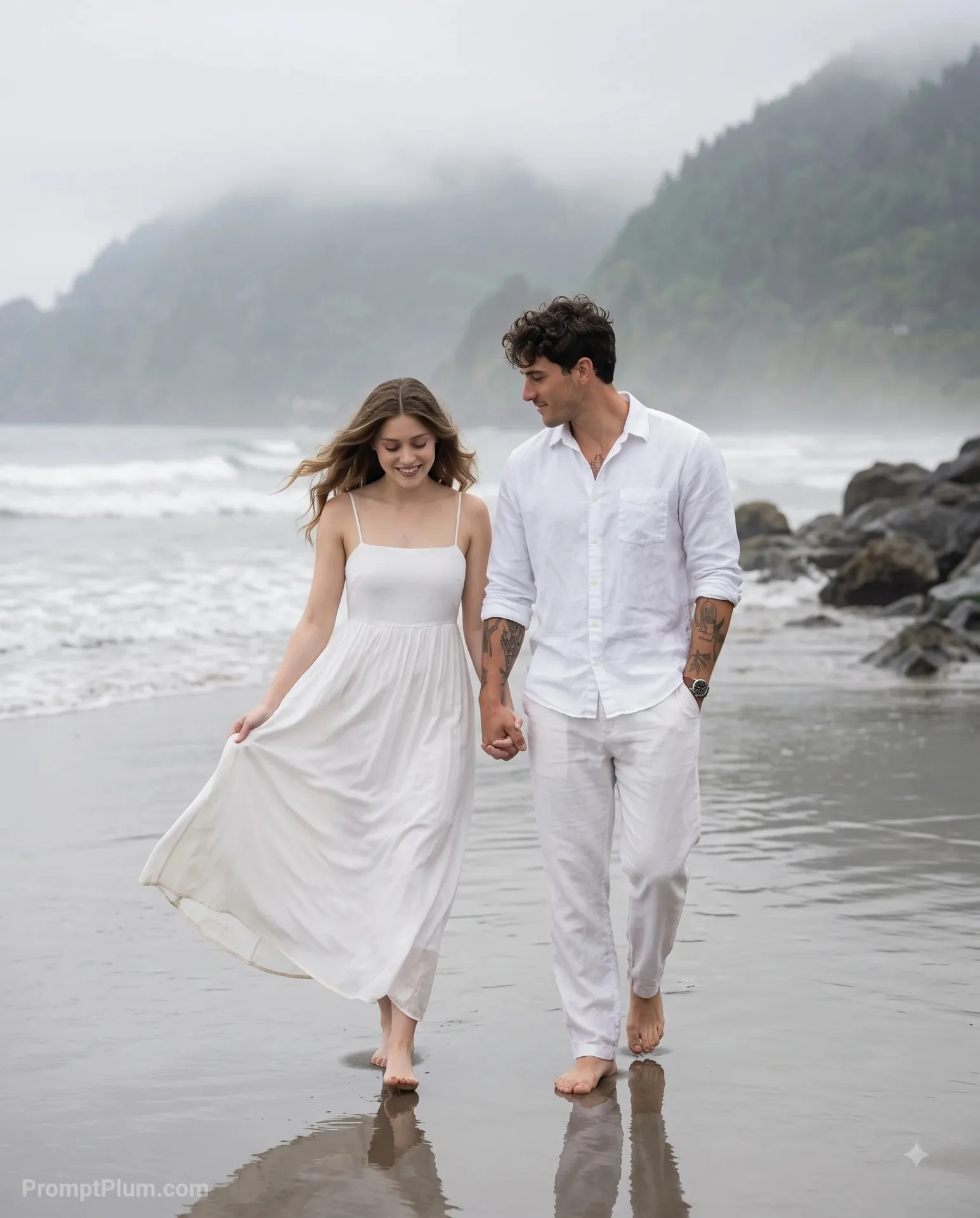
Romantic Couple Walking on Beach
A romantic couple photoshoot on an overcast, moody beach.
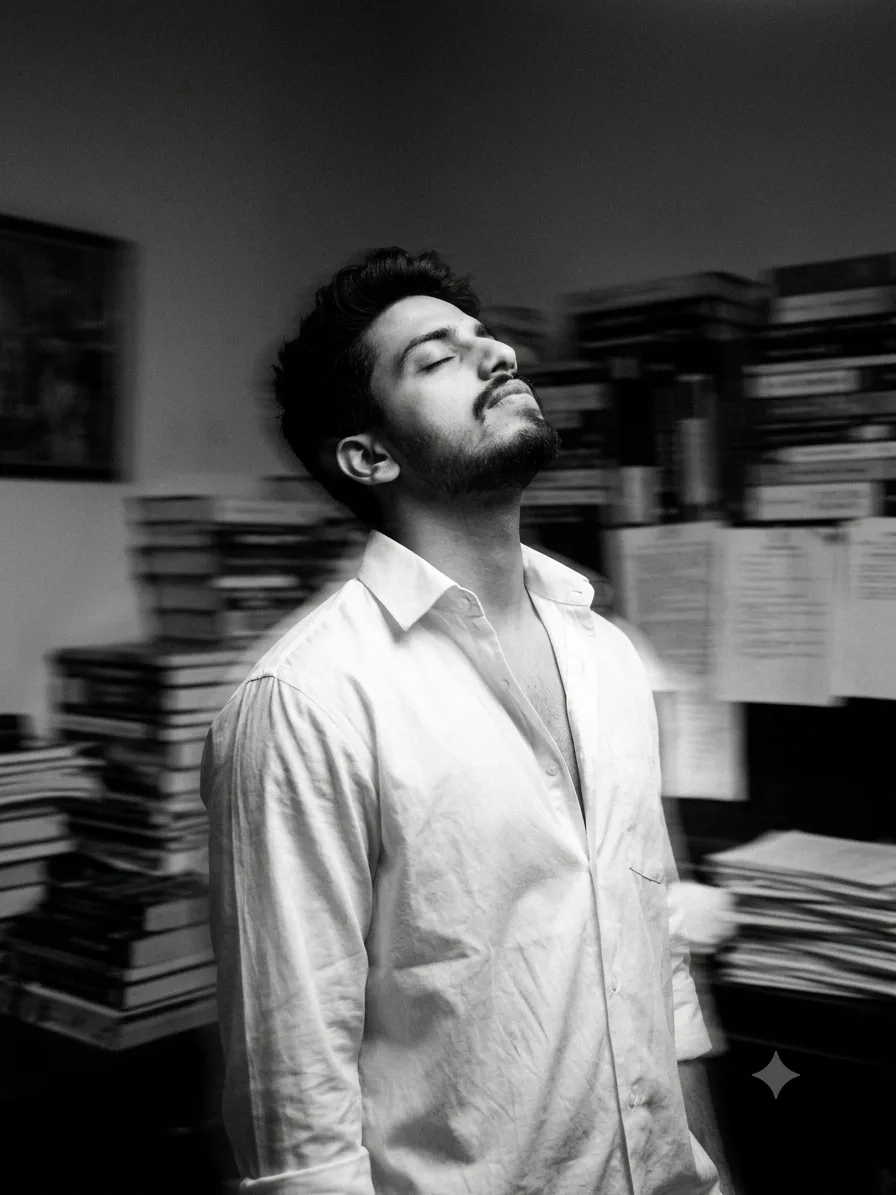
Black & White Lost Soul Portrait
Convert this image into a Fine black and white photography of a handsome young man (using uploaded image) with dark, his head tilted back