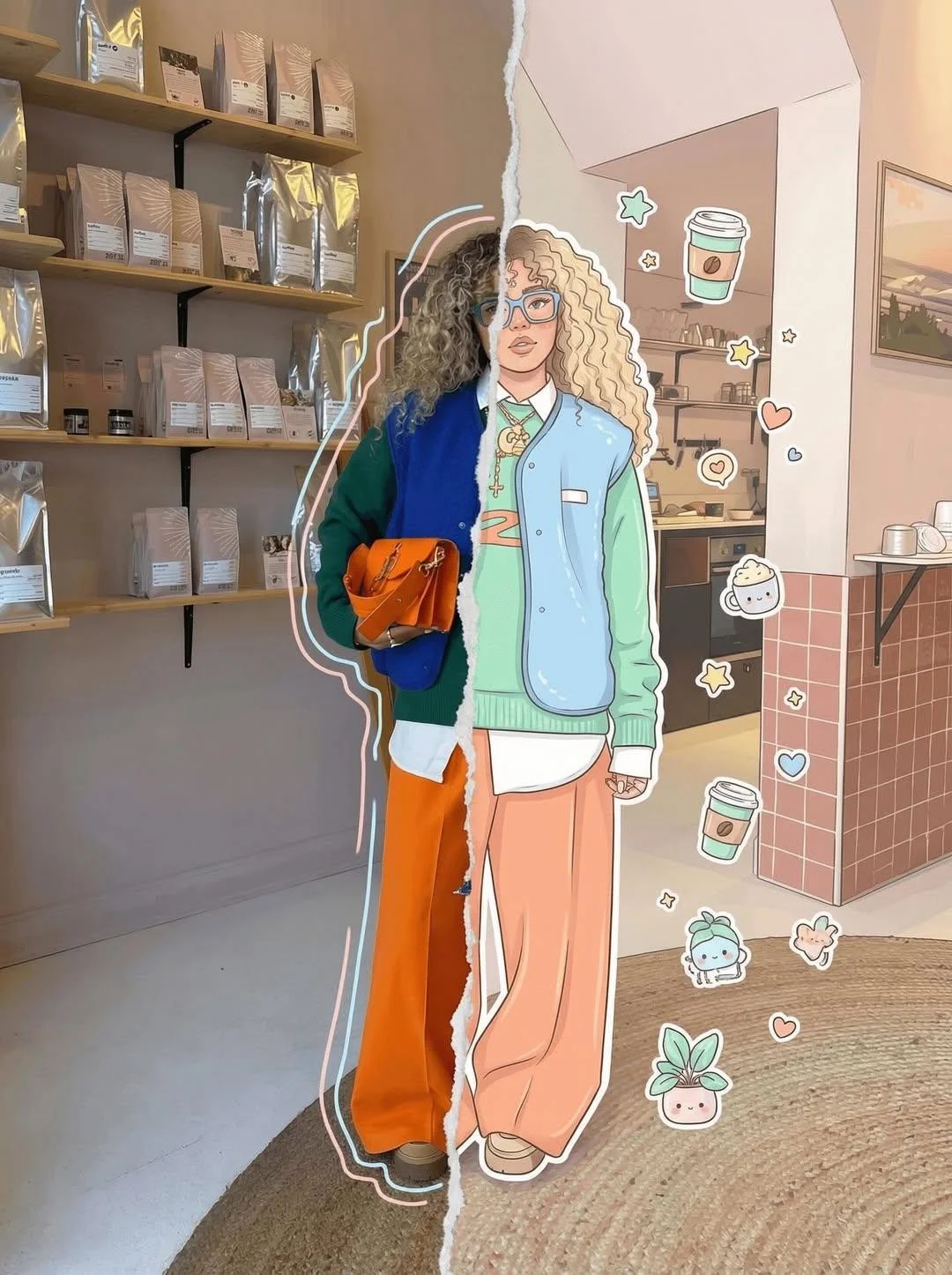
Real vs Cartoon Split-Style Creative Portrait
Source: @Ciri_ai
This prompt generates Real vs Cartoon Split-Style Creative Portrait.
The prompt specifies natural light.
One variable you can change is natural light.
How to use this prompt
- Subject: Portrait.
- Change natural light.
0 views · 0 copies · 0 favorites · 0 discussing
0Prompt
1 of 1 free copies left today
High-detail 8K split-style composition where the subject is divided vertically into two halves.
LEFT SIDE:
Keep the original photo fully realistic. Preserve natural lighting, textures, and fine details. Slightly enhance sharpness and clarity. Add subtle hand-drawn doodle outlines (soft pastel or neon lines) around the subject for a creative aura.
RIGHT SIDE:
Transform the same subject into a stylized cartoon/digital illustration. Maintain the exact same pose, angle, and facial expression. Use clean lineart, soft shading, and pastel or vibrant colors in a modern cute style (chibi / semi-realistic). Add small decorative elements like sticker-style doodles, cute icons, or mini characters floating around.
BACKGROUND (IMPORTANT):
Keep the ORIGINAL background unchanged on BOTH sides. Do not replace, redraw, or stylize the background. Maintain consistency across the entire image.
CENTER DIVISION:
Add a vertical torn-paper or glitch-style transition separating the realistic and illustrated halves.
STYLE:
modern digital art, clean composition, soft lighting, aesthetically pleasing, social media style
QUALITY: 8K resolution, ultra-detailed. --ar 3
Similar prompts
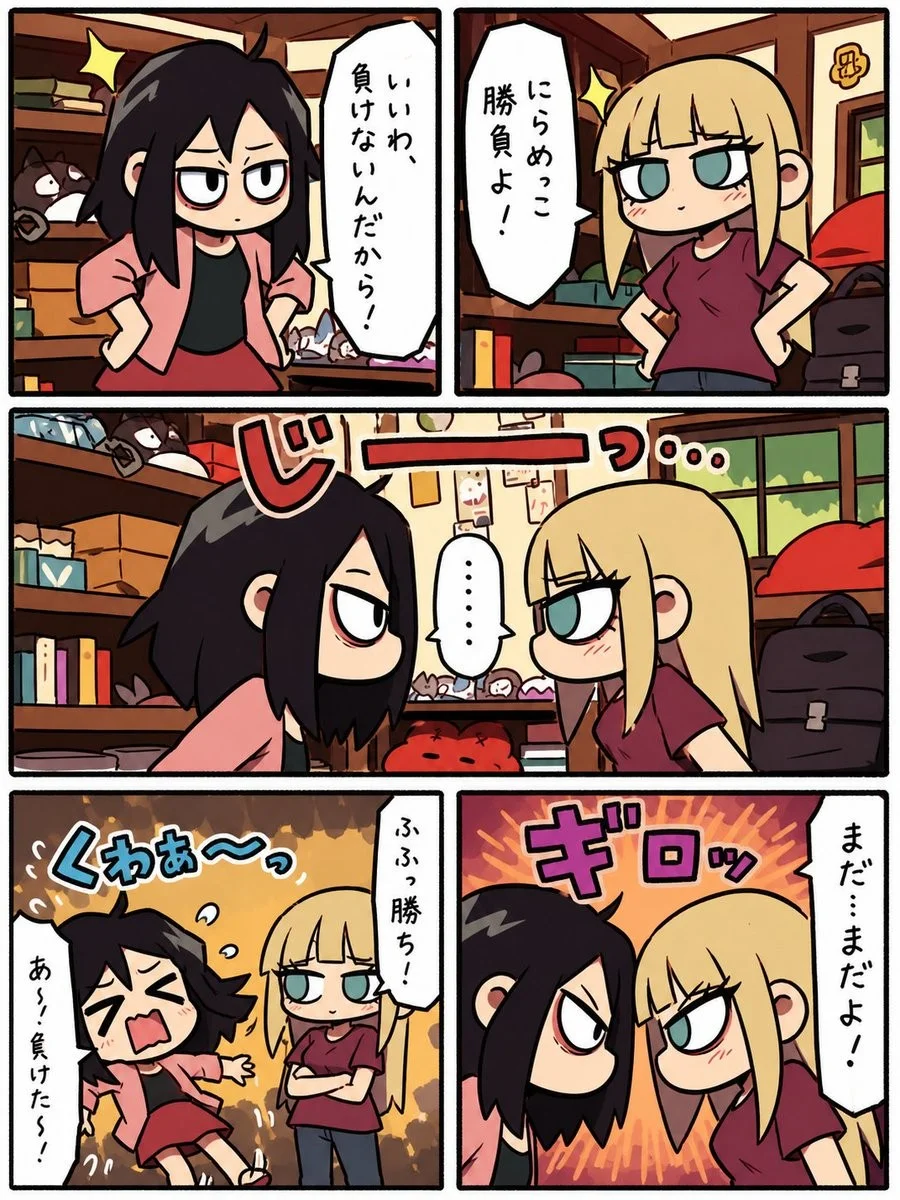
Chibi Erhu Street Performance Manga
{"type":"single-page vertical manga comic","style":"cute chibi Japanese manga, thick black panel borders, warm muted colors, hand-drawn ink
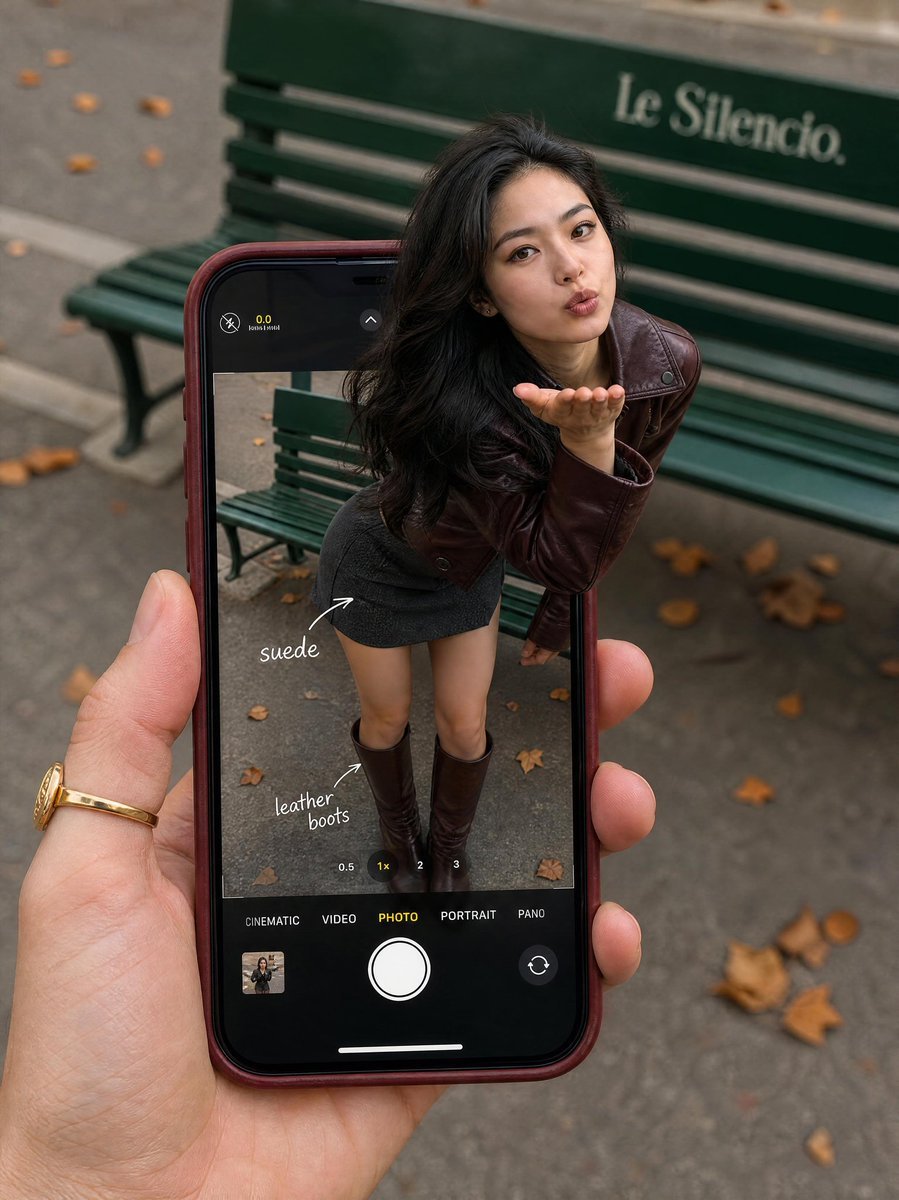
Parisian Street Fashion Photo
Created with GPT Image 2.0 on ChatGPT Prompt: Ultra-realistic lifestyle fashion photography featuring a stylish young woman leaning forward
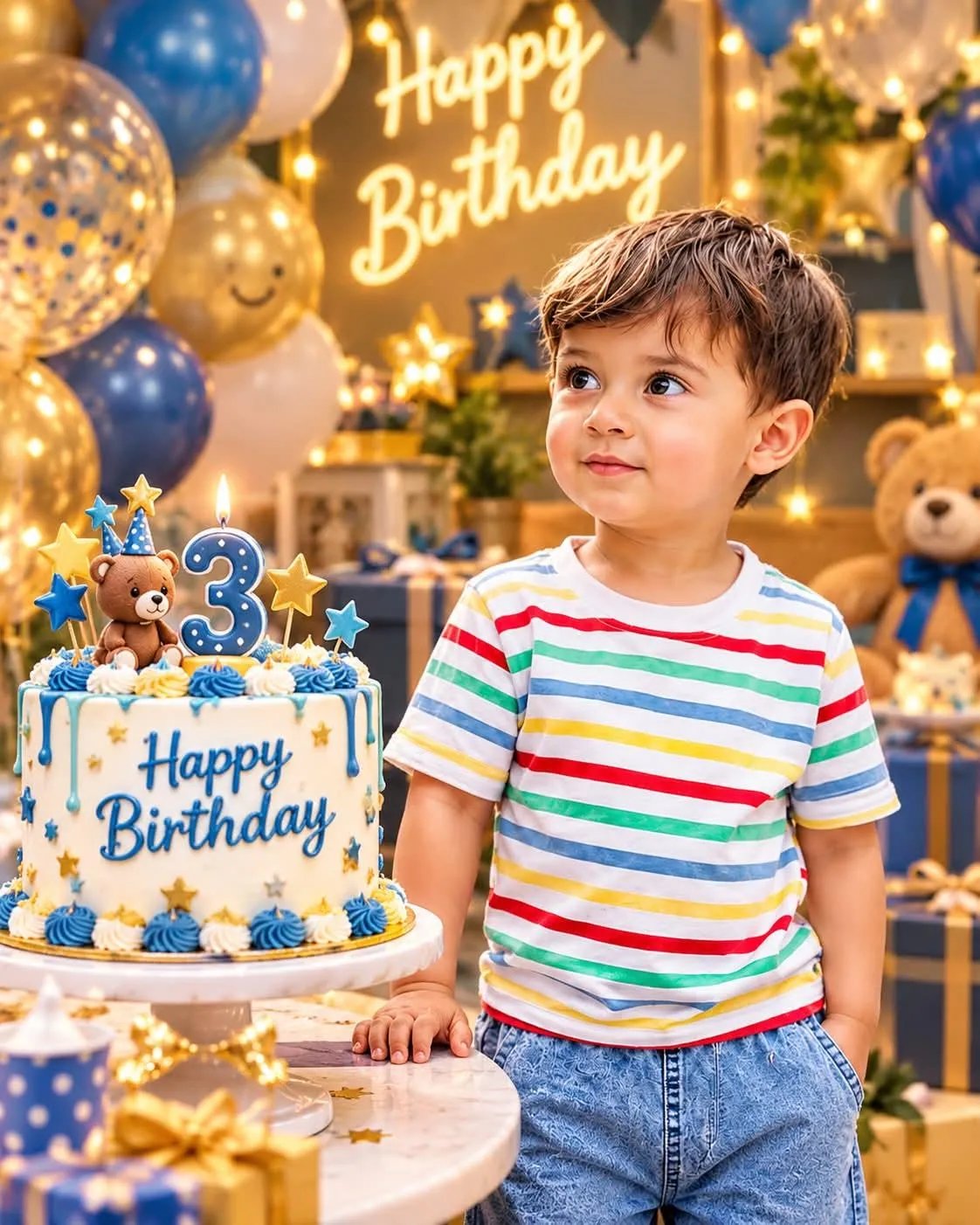
Child Birthday Cinematic Portrait
Turn the uploaded child photo into a beautiful cinematic 3D birthday portrait.
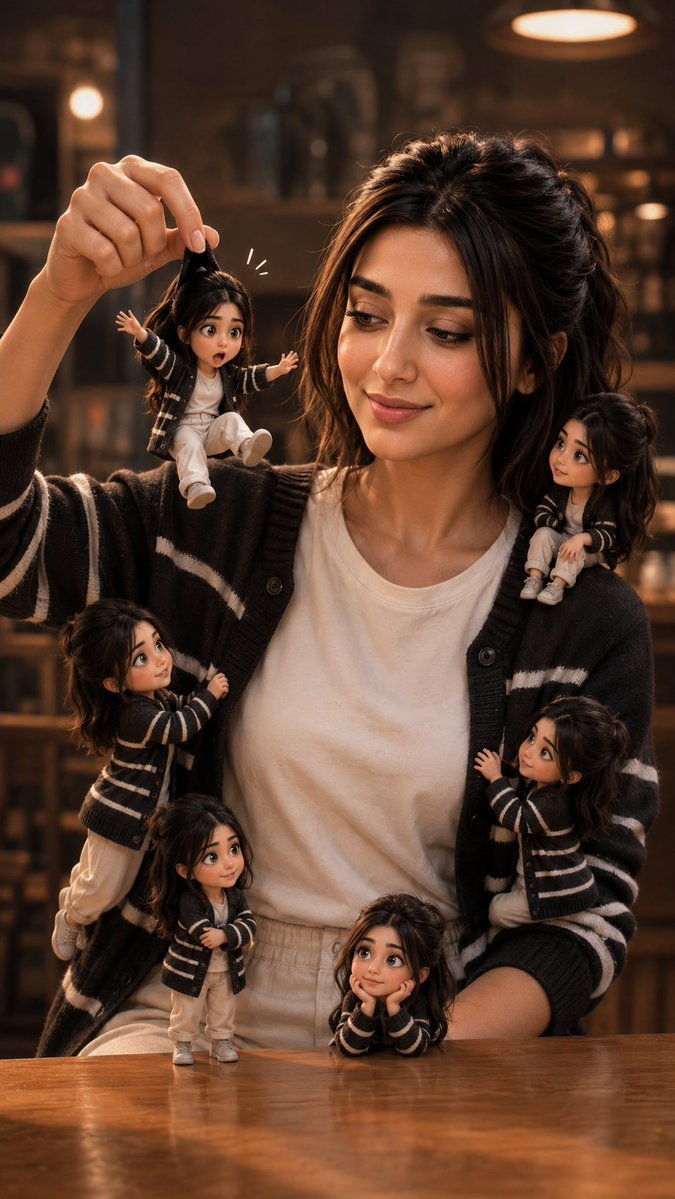
Cinematic 3D Mini-Me Scene
GPT image 2 on chatgpt Prompt Create a high-quality cinematic 3D mini-me scene featuring six versions of the same person: one normal-sized
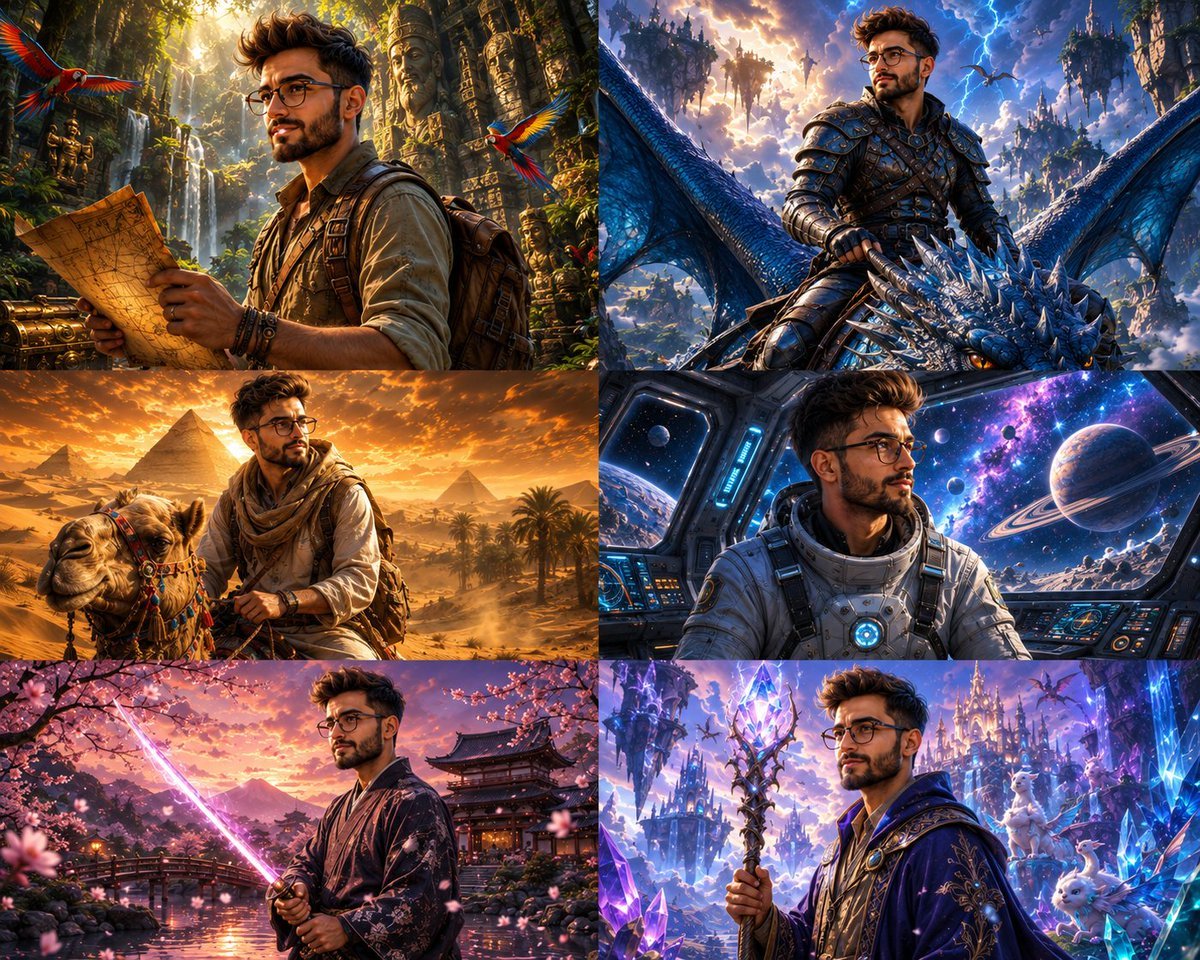
Multi-Scene Animated Collage
Image created on Gpt 2 Prompt: Ultra-detailed 3D animated cinematic collage, 8K HDR, Pixar/DreamWorks-inspired style, six unique square
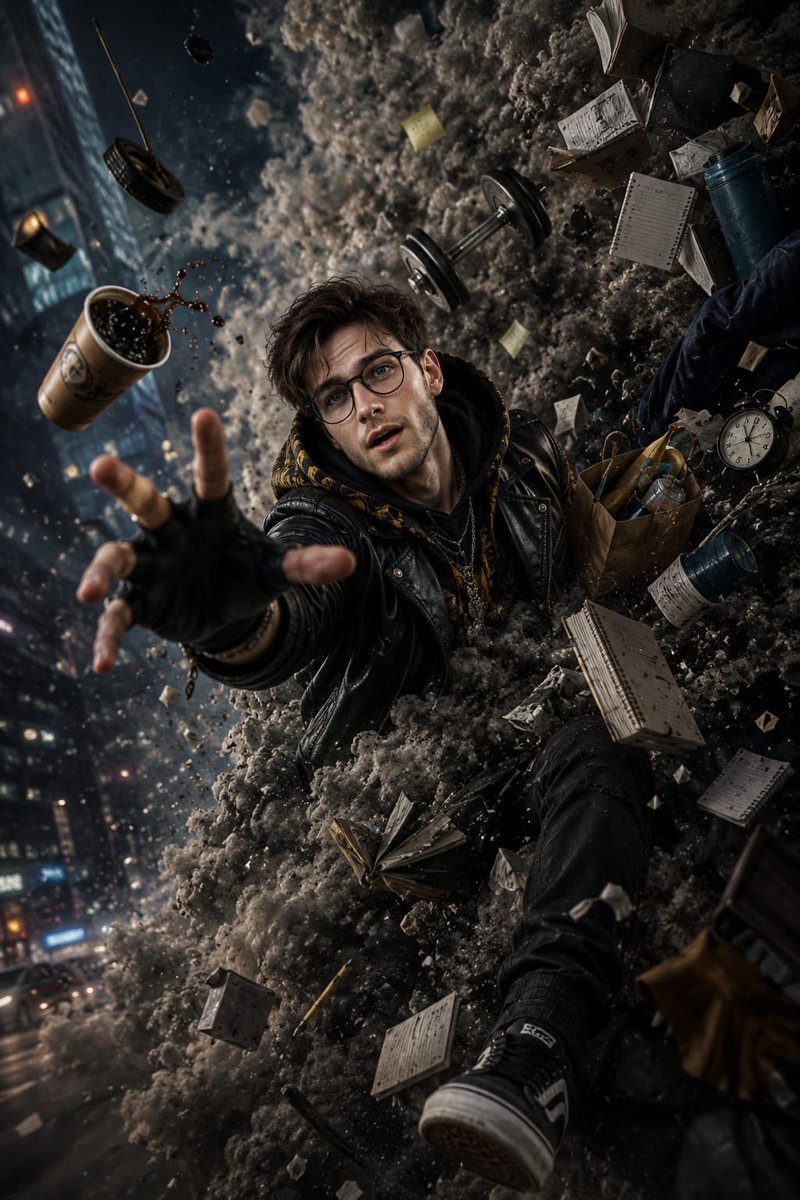
Cinematic Action Portrait
Gpt image 2.0 on chatgpt Prompt: > Ultra-realistic cinematic action portrait of a stylish young man being violently pulled into a massive
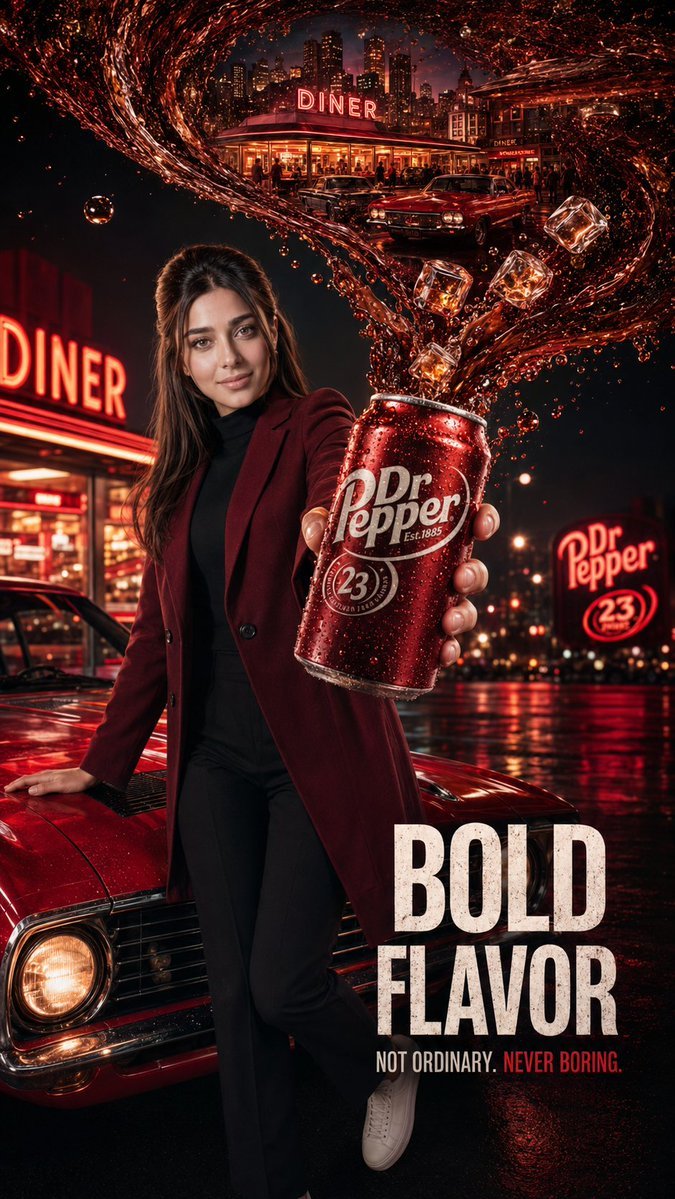
Cinematic Soda Ad
GPT IMAGE 2 on CHAT GPT: Prompt: Create a premium cinematic beverage advertisement inspired by luxury commercial photography.
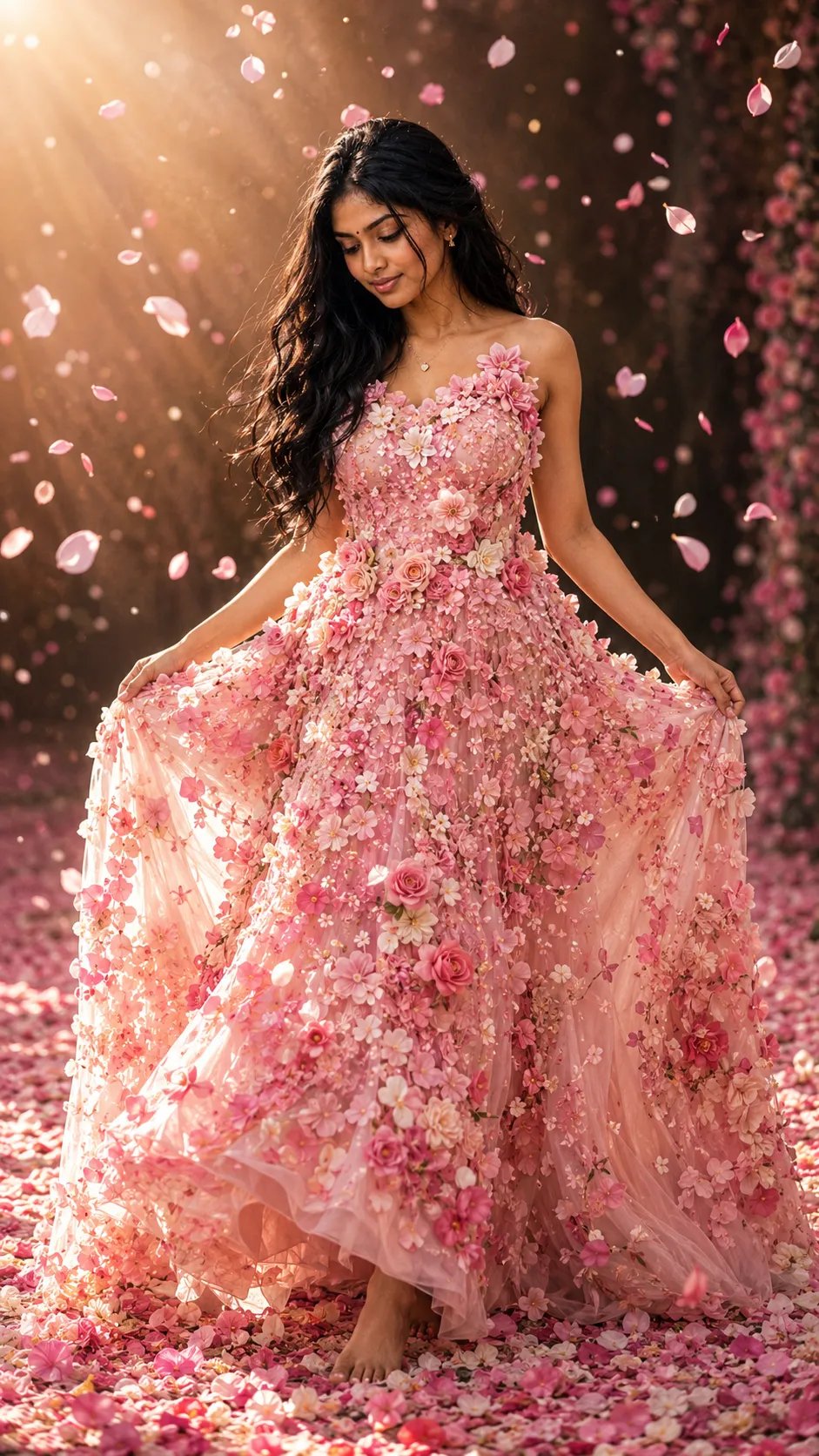
Floral Gown Portrait
✨ Cinderella 🌷🌷🌷 Real Floral gown Prompt: A dreamy cinematic portrait of a graceful young woman wearing an elegant floor-length gown
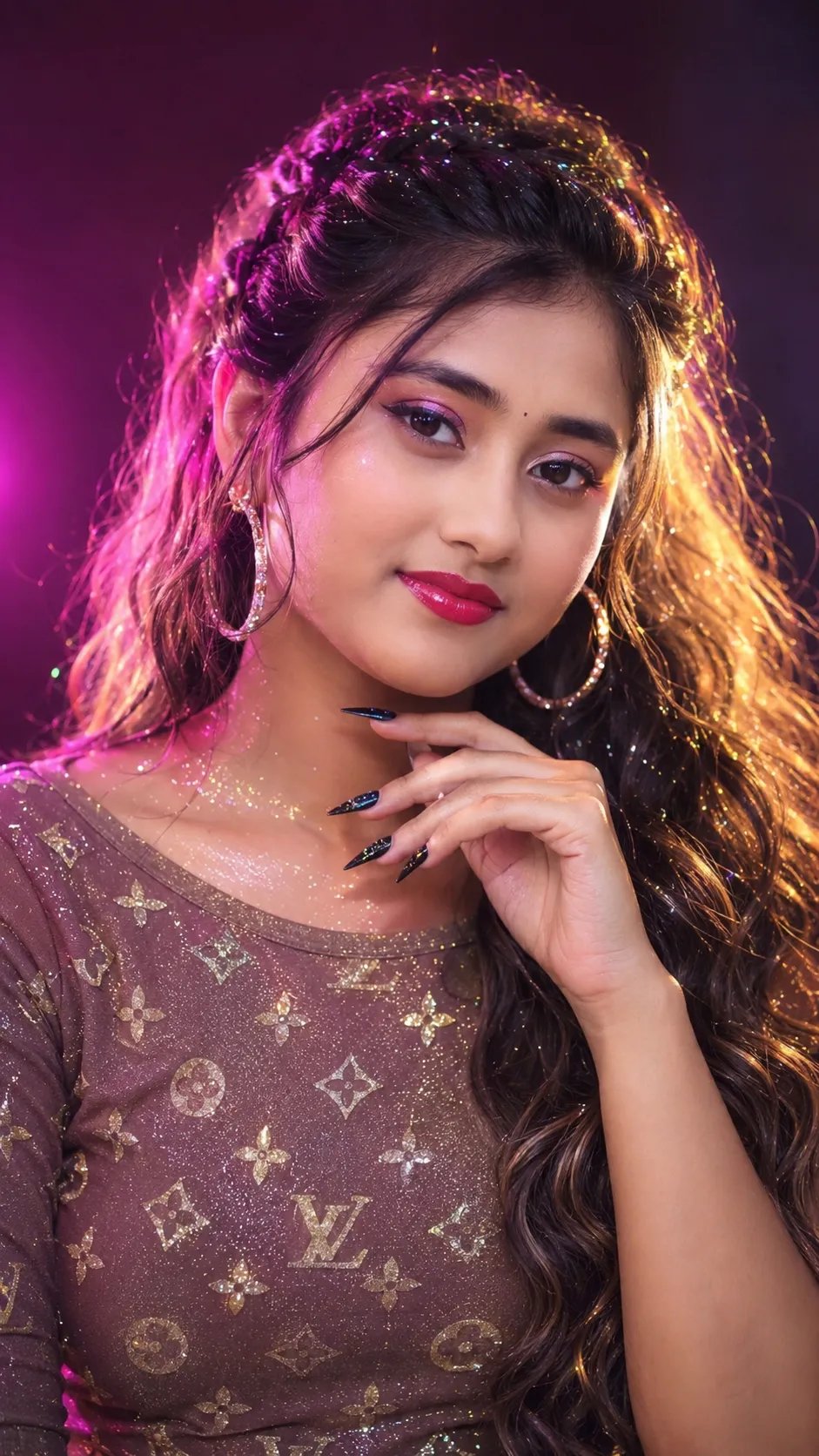
Ultra-Realistic Woman Portrait
"A STUNNING, HIGH-END, ULTRA-REALISTIC PORTRAIT THAT CAPTURES THE ESSENCE OF THE SUBJECT'S FEATURES AND DETAILS, WITHOUT ALTERING SKIN TONE
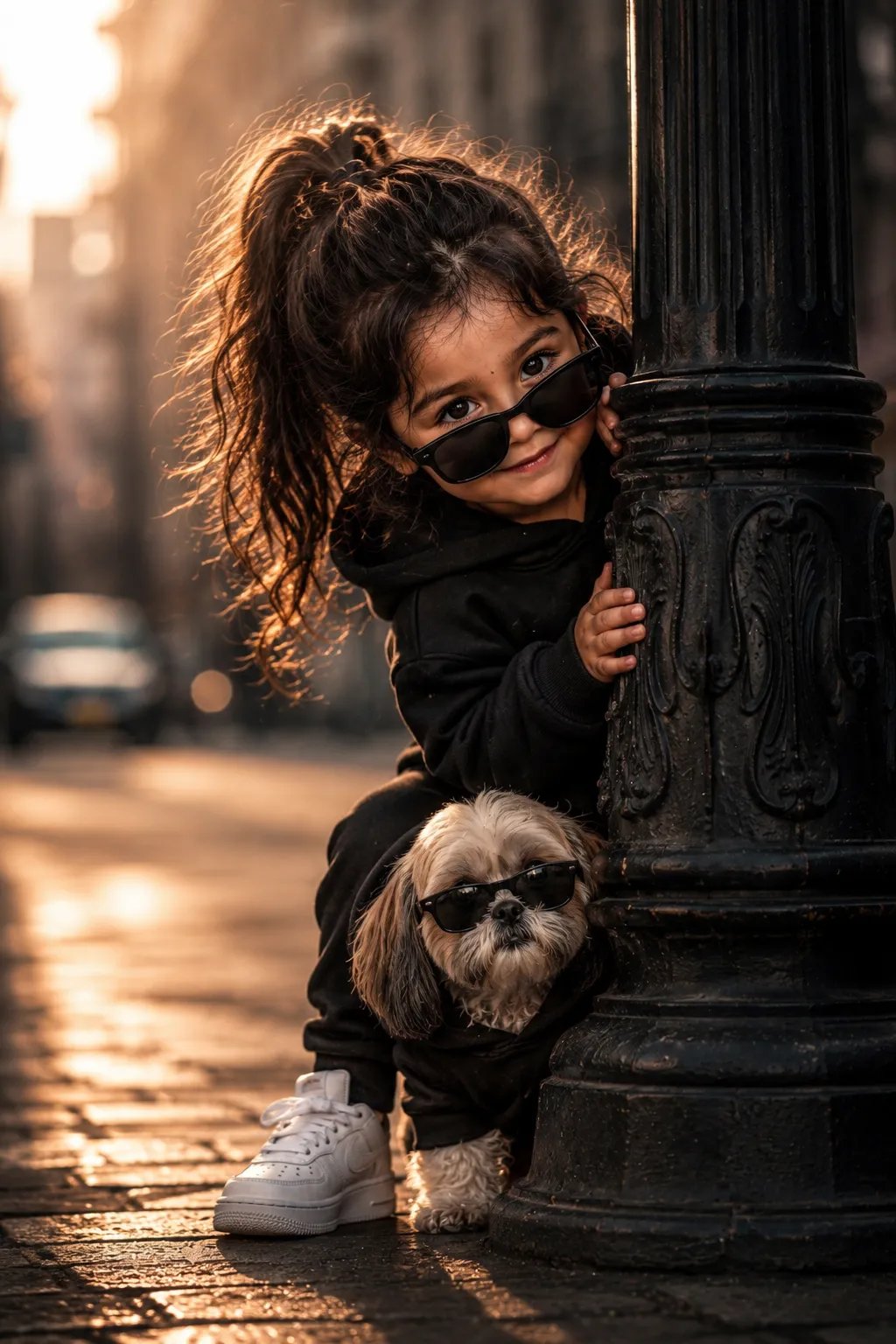
Pixar girl and puppy
MR. RAVI PRONT ⤵️ Pixar-style 3D render of a curious little girl peeking behind a vintage lamppost, wearing black @uk_ravi_hr sunglasses,
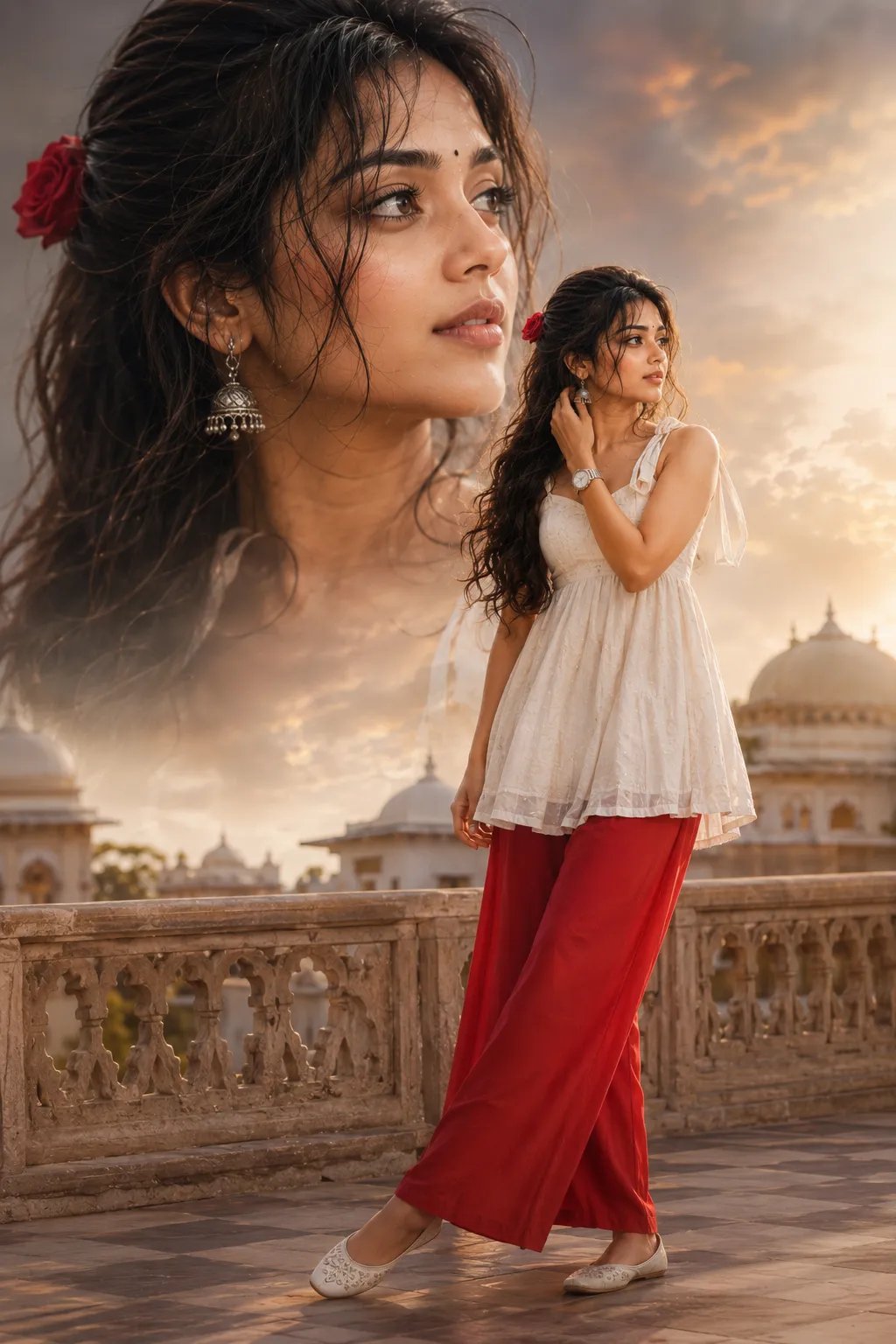
Bollywood Girl Cinematic Portrait
Aipromptsgenz Cinematic Bollywood photo (2:3), full body girl in red palazzo and white sleeveless kurti tied at shoulder, hair open with
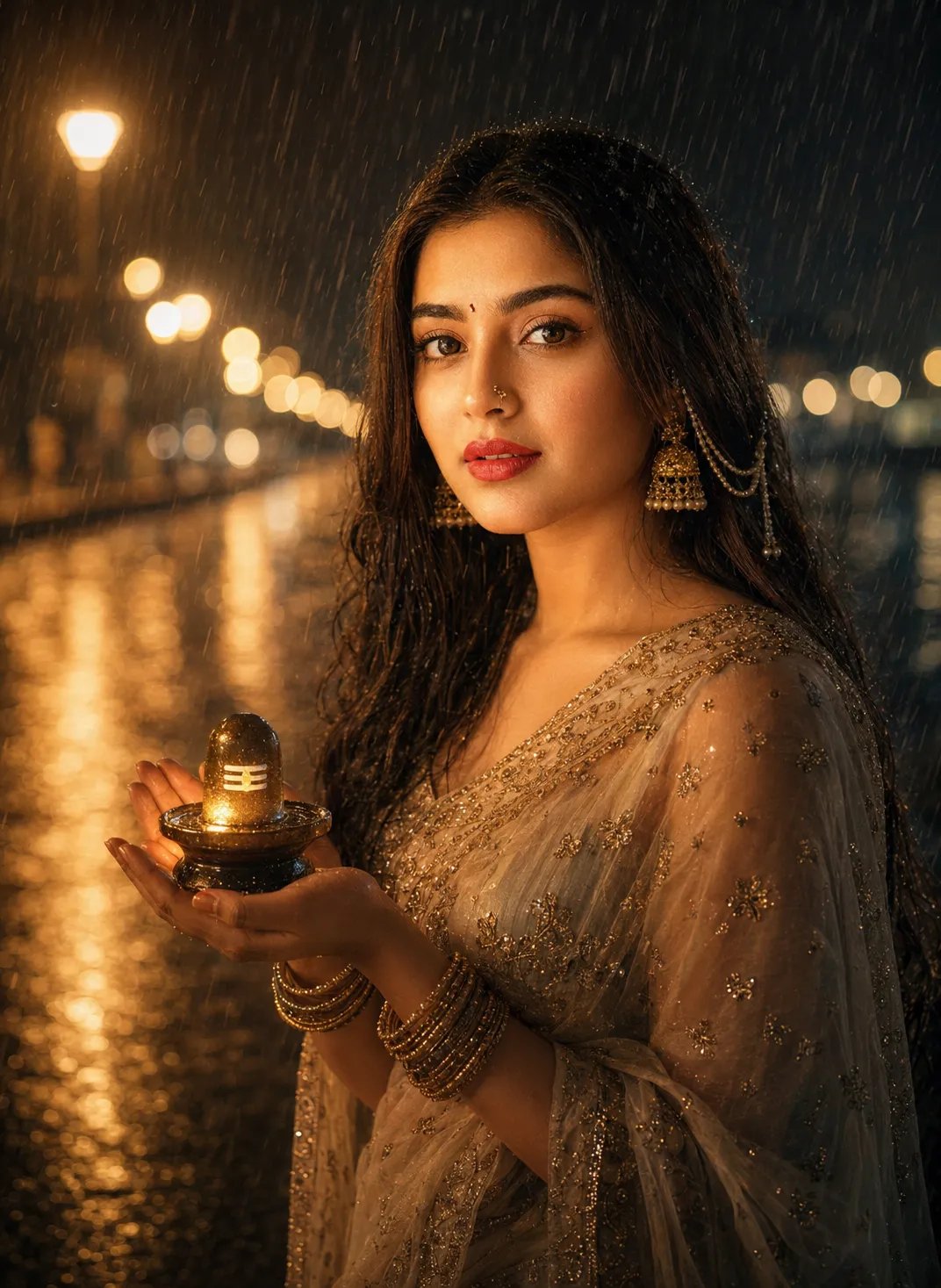
Woman in Rain with Shiva Lingam
A cinematic portrait of a young Indian woman standing in the heavy rain at night, gently smiling while holding a small, warmly glowing